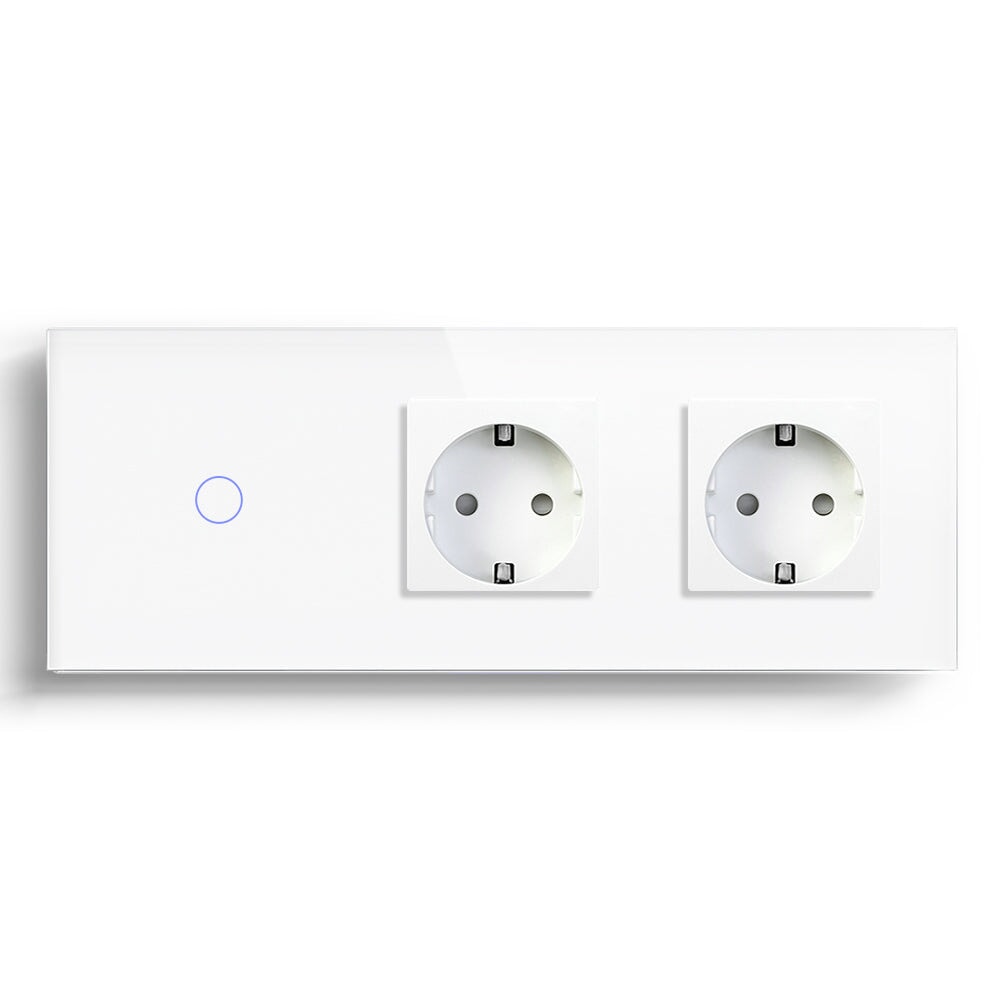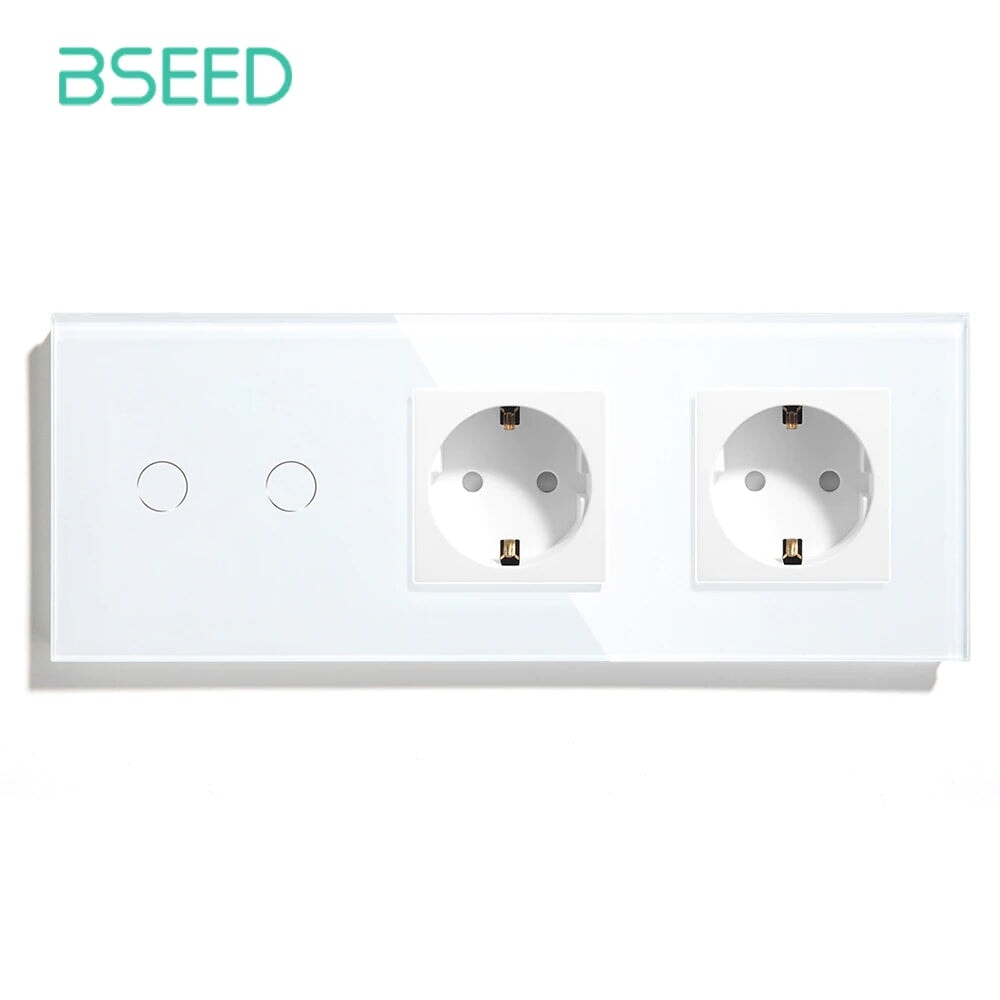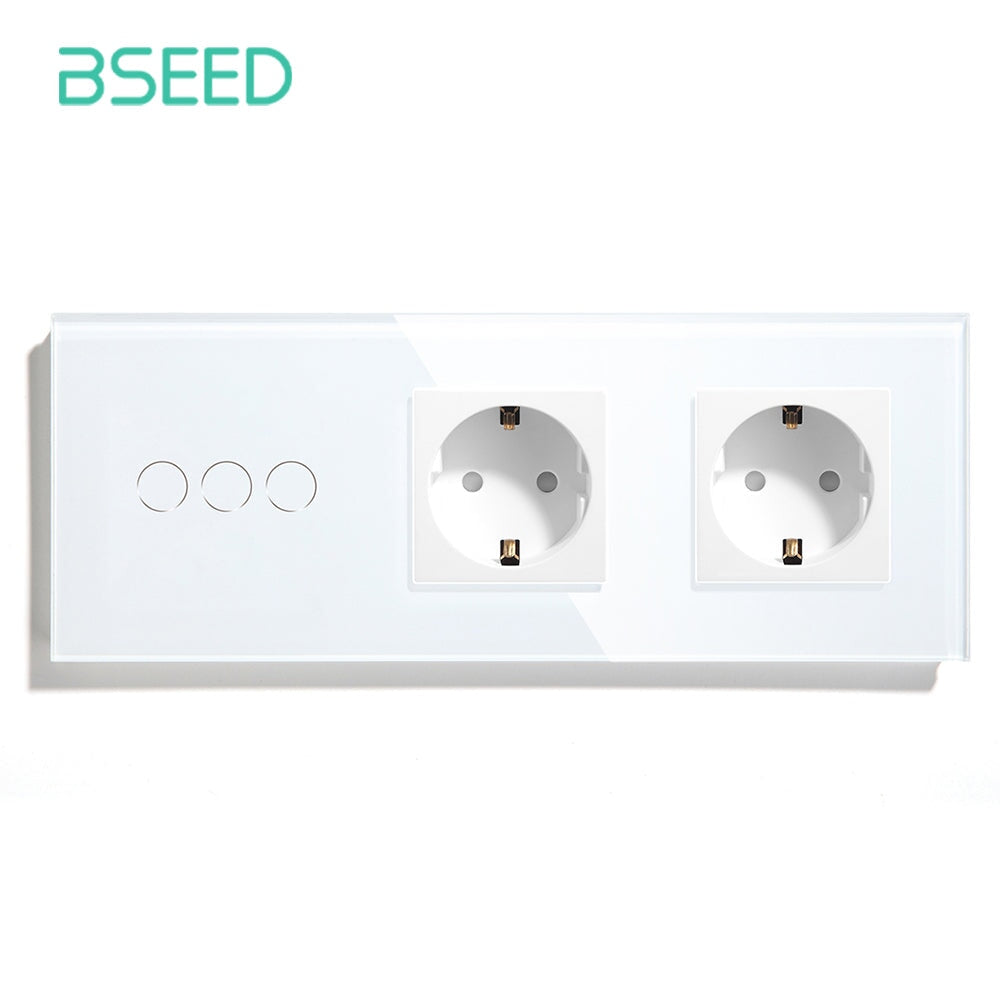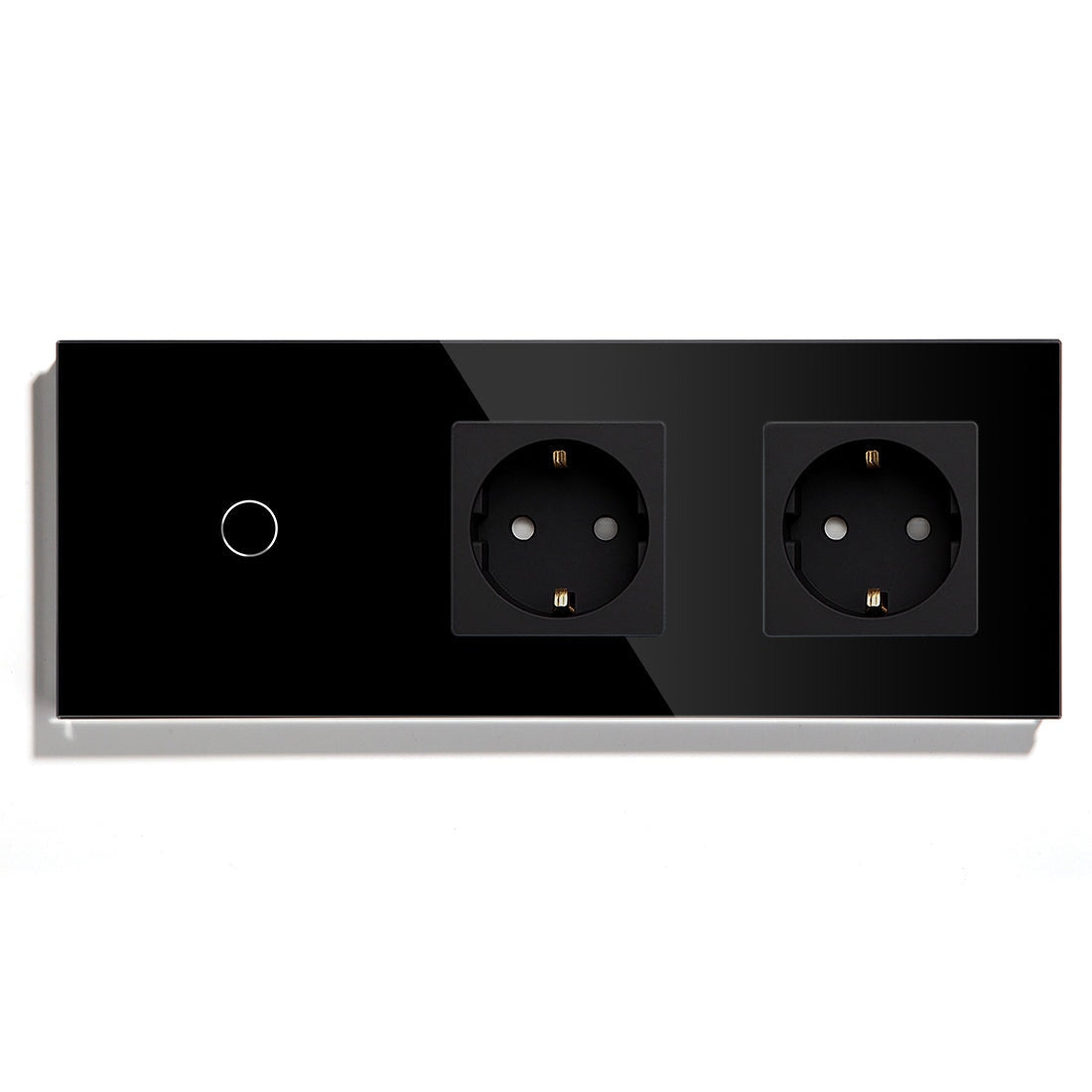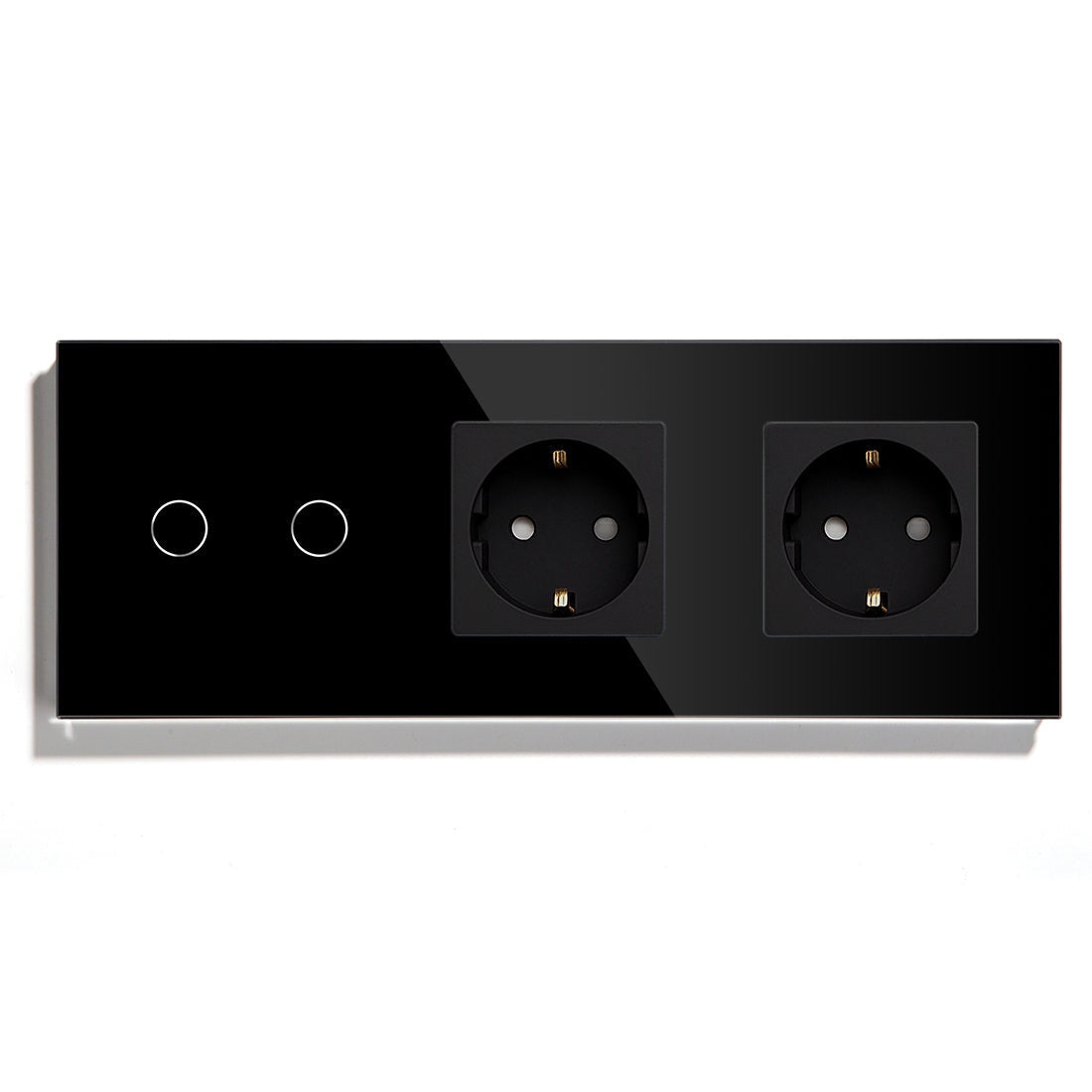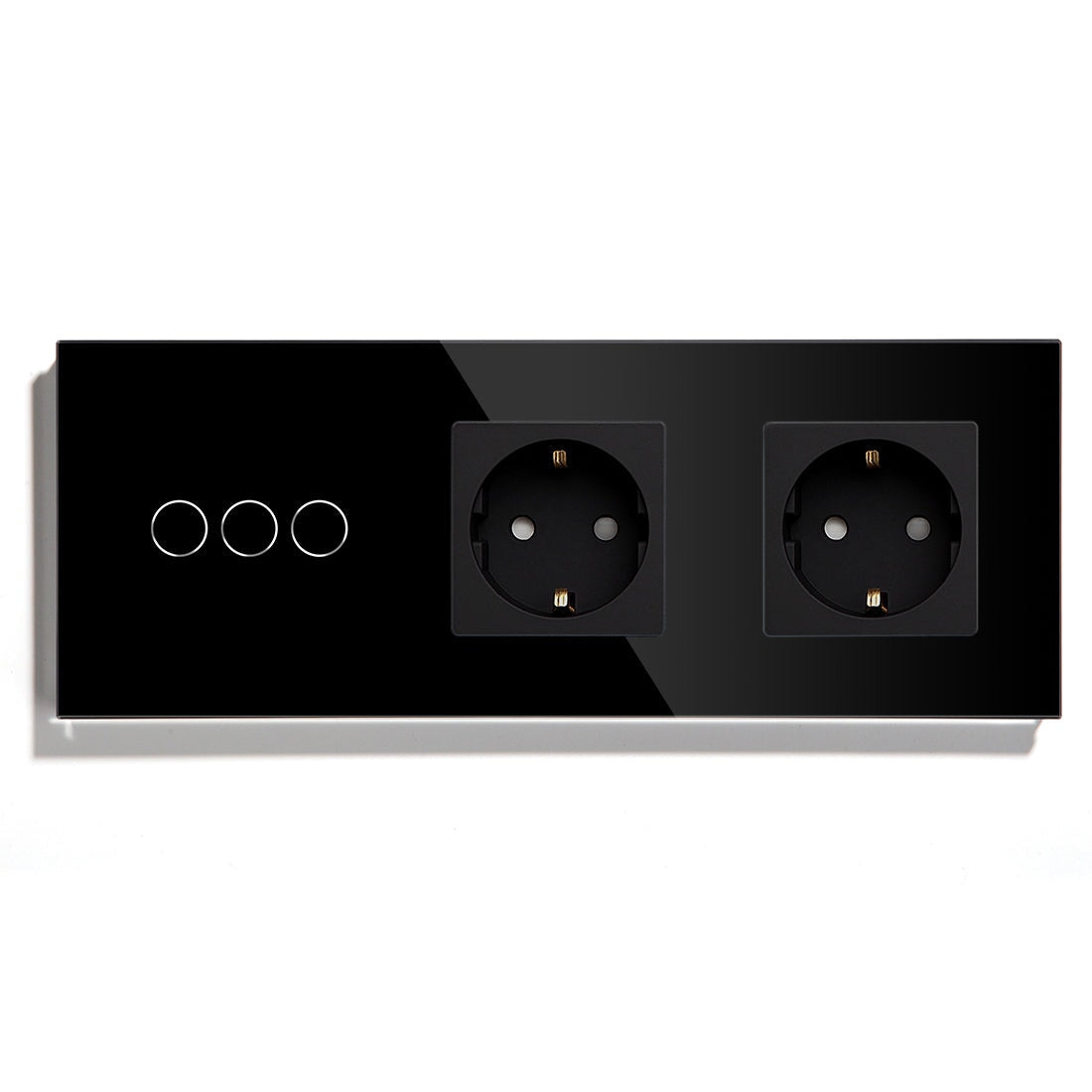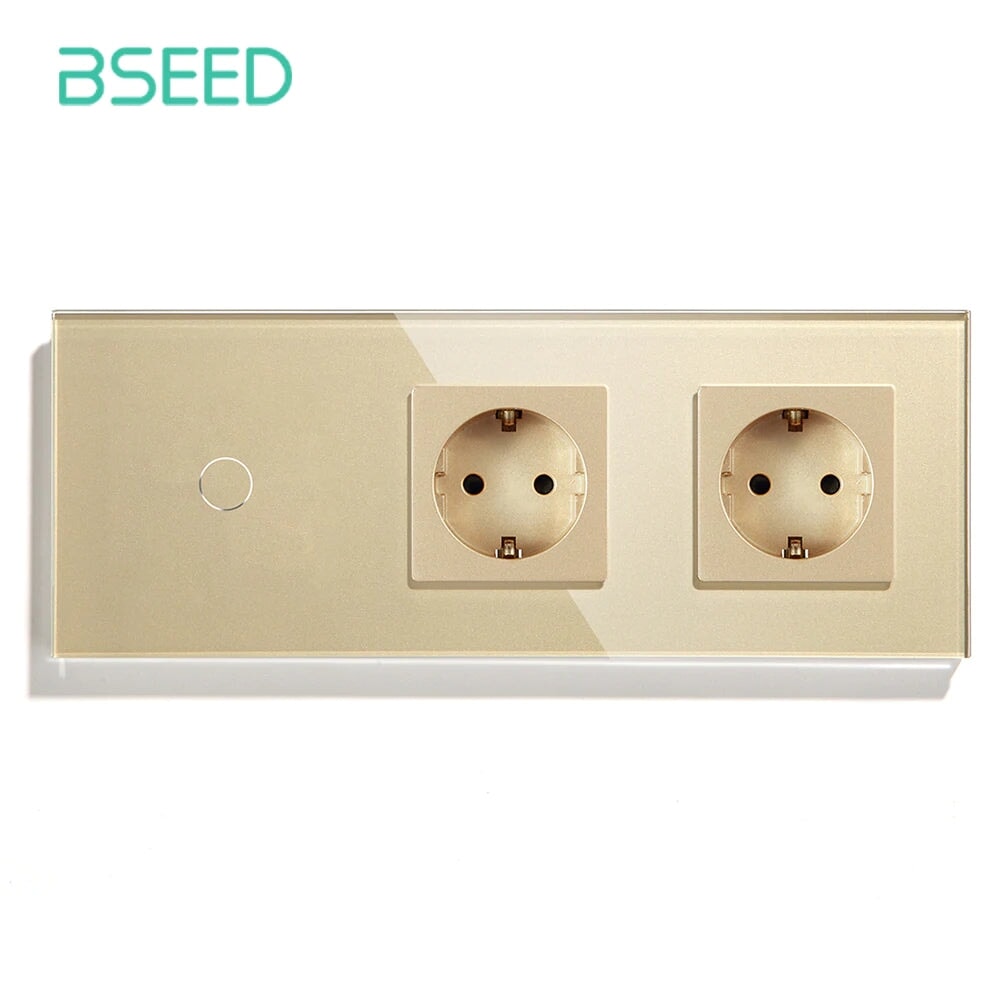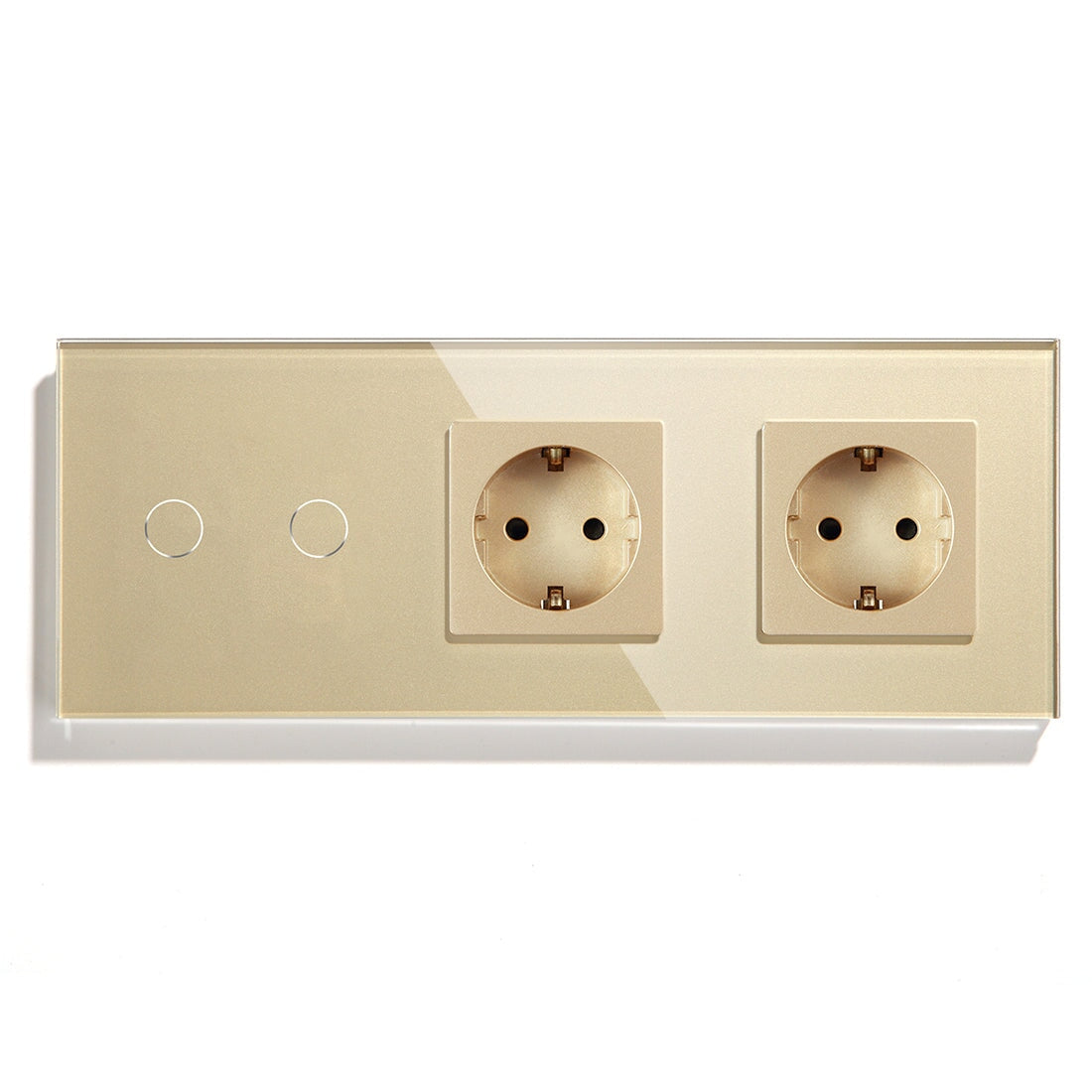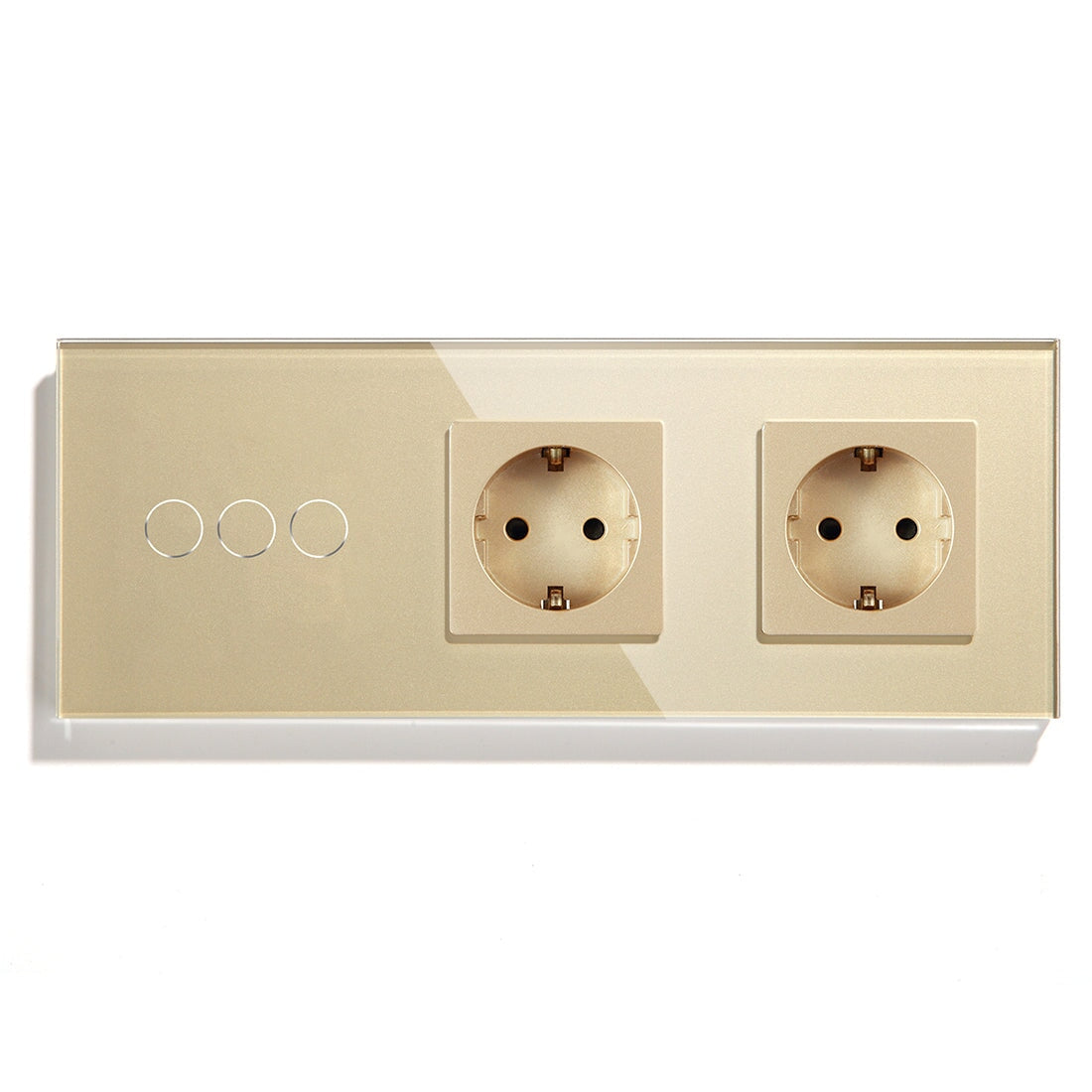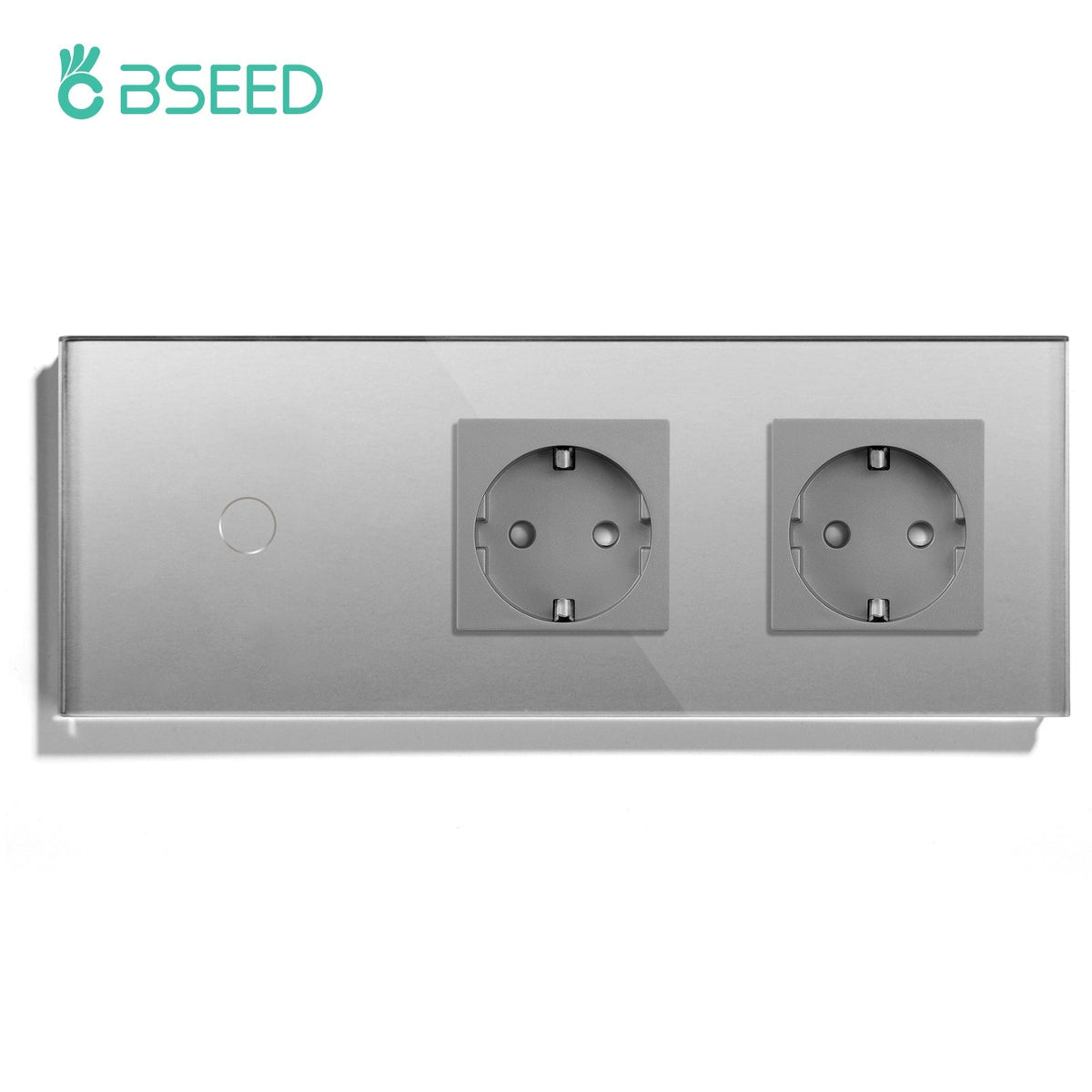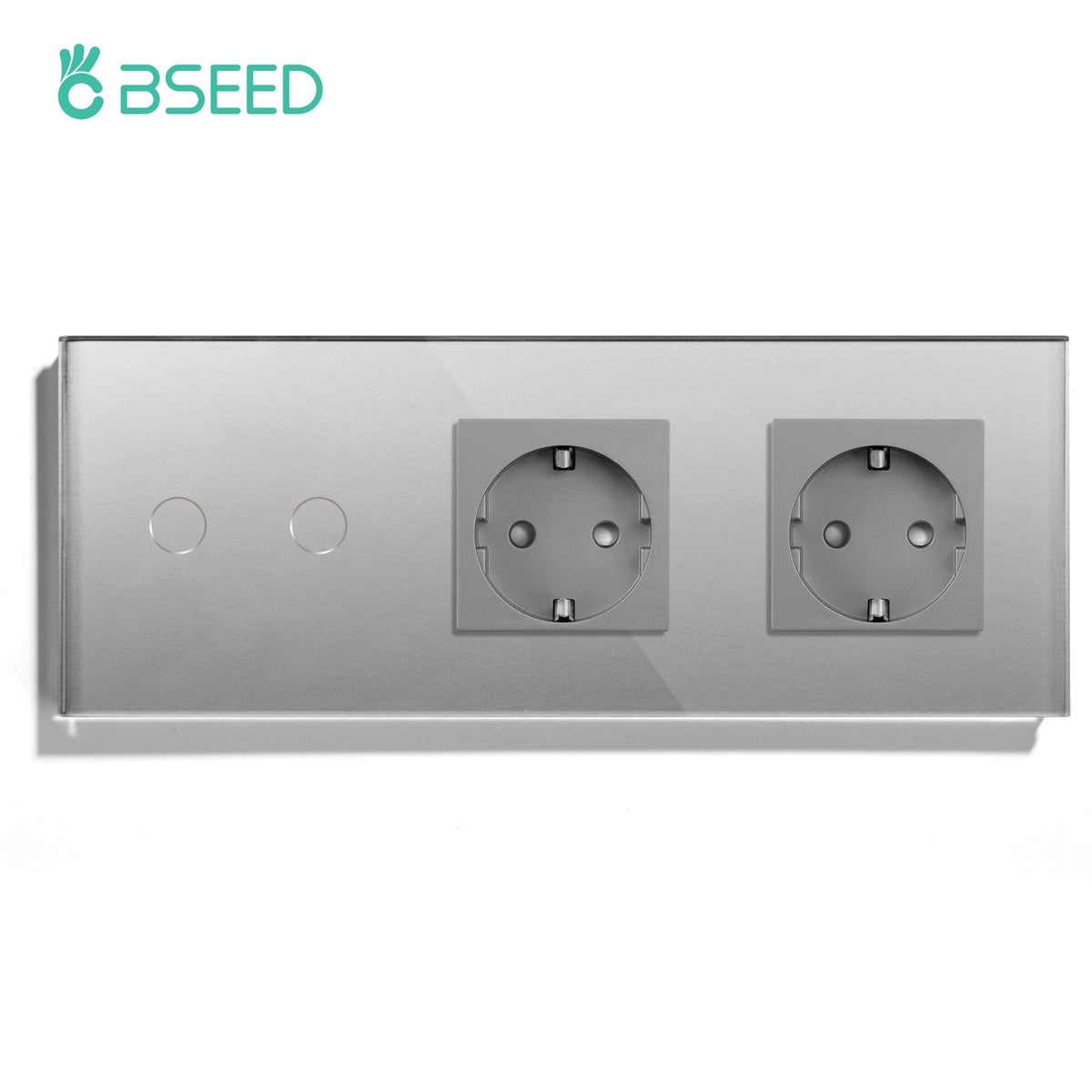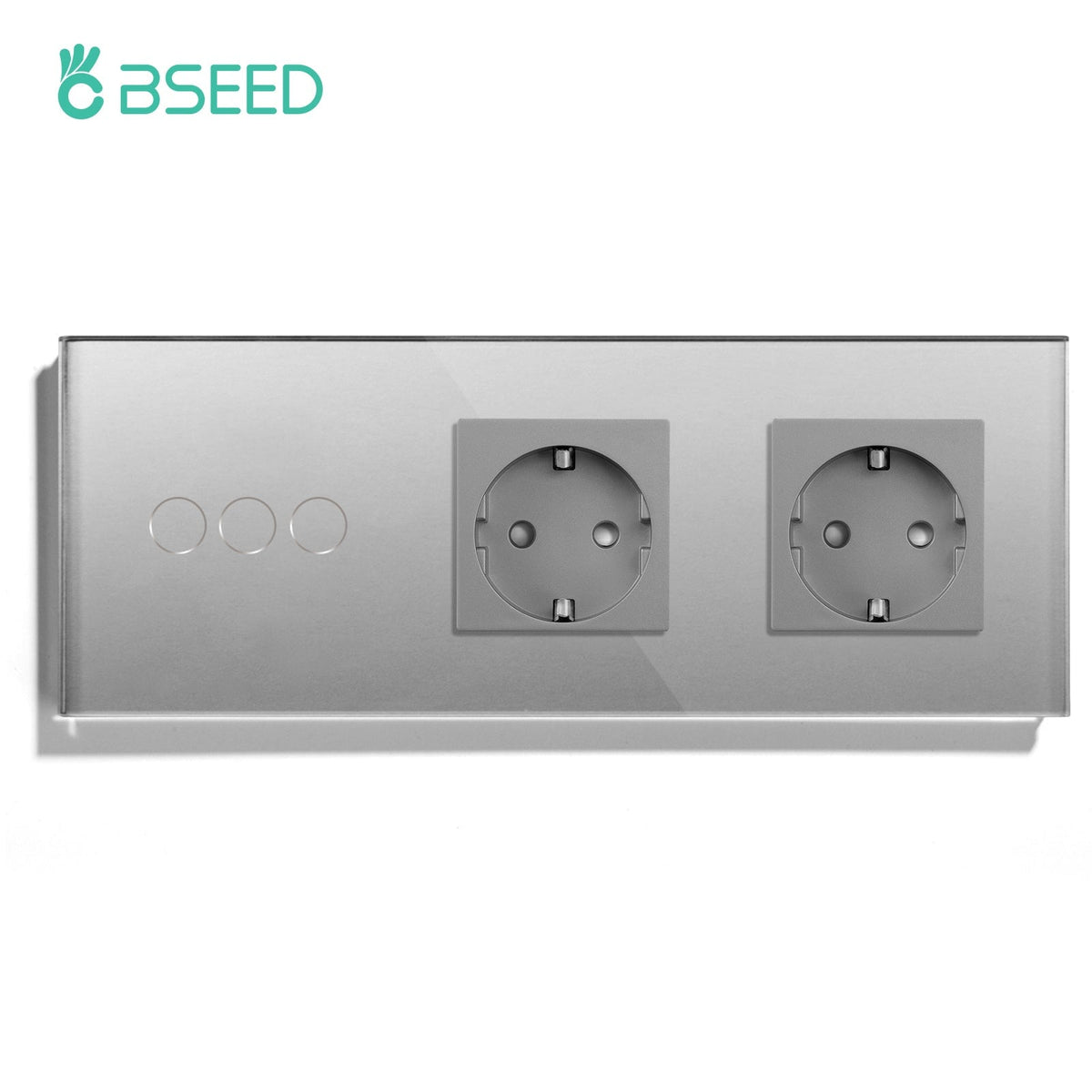
BSEED Zigbee Smart Switch for Home Assistant Integration
By 2026 smart lighting control has faded from the “which device?” problem and become a first-order system design choice; the true difference between a workable smart home and a nightmarishly flaky one is not brand or cost — it’s whether the switch layer, wireless mesh, and automation engine stay coherent under interference, load changes, and mixed protocols. In actual deployments, Zigbee is the most consistent choice for wall switch control in Home Assistant ecosystems, particularly when combined with correctly designed neutral/non-neutral circuits and stable routing behavior.

Why Zigbee dominates Home Assistant switch deployments in 2026
Any deployment in Home Assistant will expose the simple fact of WiFi switches: that they can scale quickly, and then unhelpfully fall down under increasing congestion. Zigbee networks stabilize as number of devices increase. Zigbee works on a mesh relay model; every powered switch is also a routing node. In a wall switch deployment this becomes a much more profound architecture. The bigger your mesh the better:
· Latency stabilizes (local control takes 30-80 ms typical in mature meshes)
· Failure does not result in collapsing the whole attempt
· Interference by WiFi (2.4 GHz overlap) is dealt with by channel planning
Manufacturers like Bseed are aggressively targeting their switch hardware on specific problems of the European flush-boxes, where wiring constraints (no neutral, especially) are more of an issue than firmware.
The hidden limitation that most installers don’t factor in: neutral wire reality
In Europe, when retrofitting, the real clincher is not protocol, but circuit layout.
Smart switch without neutral wire vs with neutral
The “smart” part of a smart switch that not needing a neutral is a bit of a messy one. When under load results in it:
· Powering itself with current lost through the load
· LED bulbs that aren’t brighter than 3-7W often make the motherboard start to flicker, or ghost
· Needs to have bypass capacitors (sometimes)
A smart switch with neutral:
· Takes away “less off-load” current to remain powered
· Is actually built upon driving low-load LED drivers
· Can do more frequent Zigbee reporting as it won’t brown out.
A “field” observation of some deployments I’ve participate on (2025-26, EU refurbishment projects, multi-unit apartments):
Installations where no-neutral Zigbee switches are used tend to report about 18-25% more “intermittent disconnect” reports, but 70% of these are not actually RF related; it stems from the power harvesting circuitry of the switches not being stable enough at low load.
This one of those times where protocol debugging beguiled us; the radio isn’t always the source of the issues.
Zigbee 3.0 and the twist in the stability of switch networks
You’ll often hear “Matter is built upon Zigbee 3.0,” an in many cases it is. Zigbee 3.0 is considered to be better “on-prem” (on local networks), but both are okay on the back end.But in wall switch deployments Zigbee 3.0 and Matter diverge:
· Zigbee 3.0 focuses on local mesh continuity
· Matter focuses on doing its best for interoperability with other ecosystems/apps
In dense deployments of switches (10-50 wall nodes), Zigbee 3.0 is still more likely to have predictable routing behavior.
The typical architecture in 2026(ish):
· Zigbee Coordinator (USB dongle, or PoE Gateway)
· ZHA or Zigbee2MQTT integration layer
· Distributed Routing through smart switches and Smart Sockets.
Matter Smart Switches do a great job in mixed ecosystems (Apple, Google, Alexa), but under dense relaying (multi-gang walls, dimmer clusters, etc) Zigbee still is not losing as many packets.
WiFi vs Zigbee vs Matter in wall switch architecture
|
Dimension |
WiFi Light Switch |
ZigBee Light Switch |
Matter Light Switch |
|
Network load impact |
High |
Low |
Medium |
|
Offline reliability |
Low |
High |
Medium |
|
Mesh capability |
None |
Native |
Limited (depends on transport) |
|
Home Assistant local control |
Medium |
High |
High |
|
Multi-switch clusters stability |
Weak |
Strong |
Moderate |
"For actual deployments we find (a WiFi switch is fine through a room swap, then once a home has more than about 12 switches of connected devices ZigBee is more stable as an architecture…”
Where Zigbee switches fail in real installations (things not many manufacturers wanna talk about)
The marketing deck never brings these things up, but field data tends to show take some common paths:
Over-repeating mesh saturation - too many always powered Zigbee routers in a WAP antenna sorta area then you can create routing loops and generally inefficient hops.It doesn’t “break”, it just gets weirdly slower.
LED driver incompatibility - some smart dimmer switch for LED lights scenarios are not failing in the dimming logic but because the smart switch needed a trailing edge phaser dimmer and the led driver has cheap phase control.
The wrong coordinator placement - Zigbee coordinator behind metal enclosures makes gives you far worse 90th percentile network goodness than if you’d just added 5-6 high QoS nodes.This is also the reason why good installers typically place a coordinator close to the centre of the home, higher-up overlooking the racks, but not a bus drop outside of the rack.
Device category mapping for Home Assistant integration
In 2026 of deployments the product segmentation becomes a little bit narrower:
· Zigbee smart switch for Home Assistant: best whole-home mesh stability
· WiFi light switch without neutral wire: fast retrofit, limited scalability
· Matter smart switch for smart home: ecosystem interoperability priority
· Home Assistant compatible switch: integration-priority devices (ZHA/Z2M certified behaviour)
· Smart dimmer switch for LED lights: requires load matching validation
· Smart curtain switch with WiFi / Zigbee roller shutter switch: motor load sensible use
· Smart socket with energy monitoring: good fit at times as mesh anchors in large homes
· Wall socket with USB C: starting to be normal to pair with Zigbee router module
· Smart thermostat for floor heating / touch screen smart thermostat: usually benefits from a stable WiFi rather than being mesh heavy since there are fewer active ‘moving parts’ in the node deployment of such thermostats.
Manufacturer level design choices that matter in 2026
Bseed for instance are particularly focused on:
· Fine tuned relay lifespan to be 100,000 to 200,000 cycle lifespan
· Capacitive touch glass panel tuning for humid environments
· Intentional direct built in surge suppression for unstable residential grid
· Optional neutral-bypass modules (great for retrofit).
Non obvious design decision: Firmware reporting interval.
Aggressive reporting (sub-second updates) of state increases mesh traffic between devices
Conservative reporting stabilizes but loses some the immediacy of being real-time.
Experienced deployments usually tune this based on if more lighting control focus, or monitoring/energy usage focus and the nuances vary.
Decision framework - used in real Home Assistant projects
Instead of being labelled by protocol, system integrators in 2026 actually evaluate four layers:
Electrical condition: Neutral available → Zigbee full relay recommended No neutral → Zigbee no-neutral or hybrid WiFi acceptable
2: Network density:
<8 switches → WiFi still viable
8–30 switches → Zigbee preferred
30 switches → Zigbee required mandated architecture
3: Control expectation:
Basic ON/OFF scenes → any protocol
automation heavy scenes → Zigbee or Matter
latency sensitive lighting scenes → Zigbee preferred
4: Ecosystem dependency:
Home Assistant only → Zigbee strongest
Apple/Google/Alexa multi ecosystem → Matter becomes relevant
mixed legacy devices → Zigbee gateway is still required.
One failed pattern that experienced contractors avoid
A recurring trend from large-scale residential retrofits - All too often integrators start mixing WiFi and Zigbee switches in the same circuit group when latency turns out to matter. If WLAN in circuit group, touchy.
Avoid ultra-cheap no-neutral switches with unknown leakage threshold.
Avoid placing Zigbee routers behind metal backboxes or in chipboard dense panels.
Avoid over-dimming LED loads below minimum manufacturer wattage.
One nugget practical insight that tends to surprise a lot of engineers new to field deployments:
More smart switches does not improve a Zigbee network linearly. At some threshold, care and quality of topology matters more than node count.
This is why so much overlapping design phase work often outweighs in final deployment, the actual hardware.
Closing technical perspective
Zigbee switches in Home Assistant environment become less about “smart features” and more about disciplining how you treat the network as a topology. The most stable systems are rarely the newest protocol, but the ones where the electrical constraints, and mesh topology and load characteristics became a single design problem from the start.