Google Home Compatible Smart Home Devices: Smart Switches, Sockets & Thermostats
Smart home devices compatible with Google Home should be chosen around the way people speak, not only around the logo on the box. A homeowner may say, "Turn off the living room," but the system only behaves well if the devices are named clearly, installed correctly, and grouped in a way that matches the home.
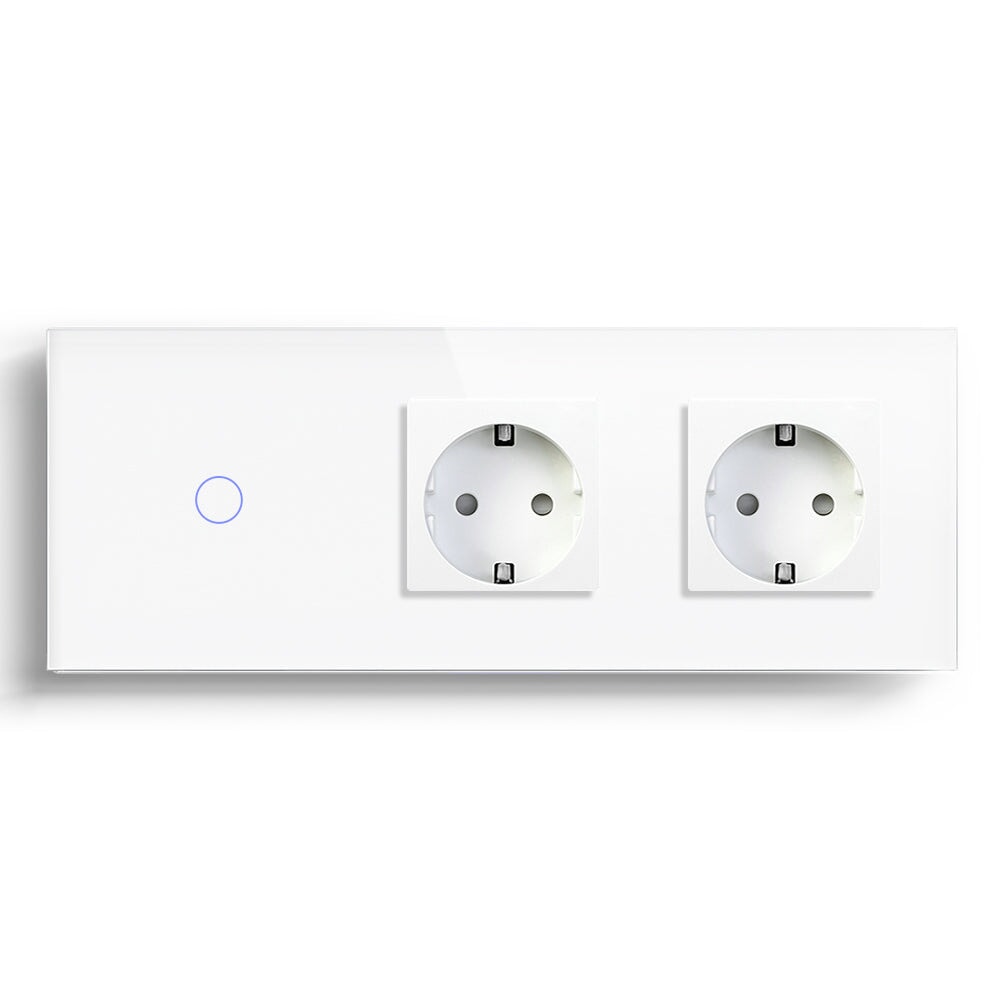
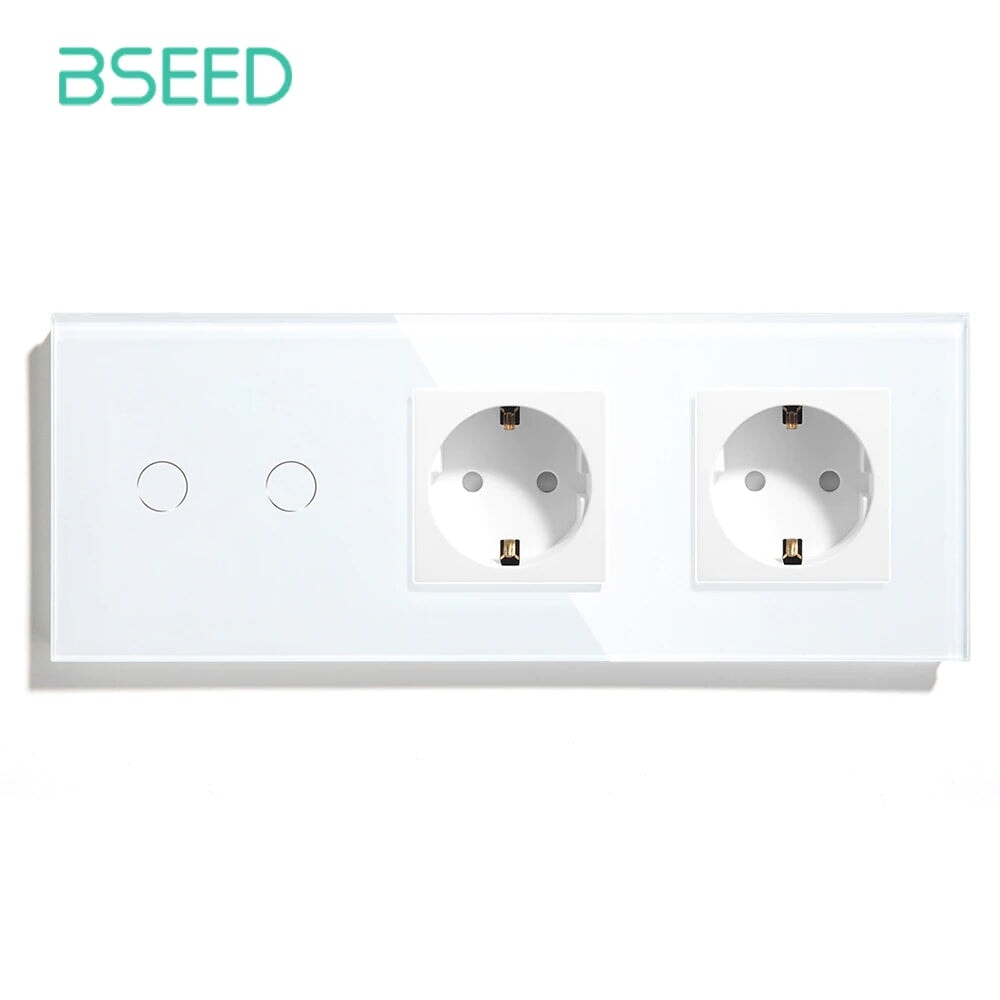
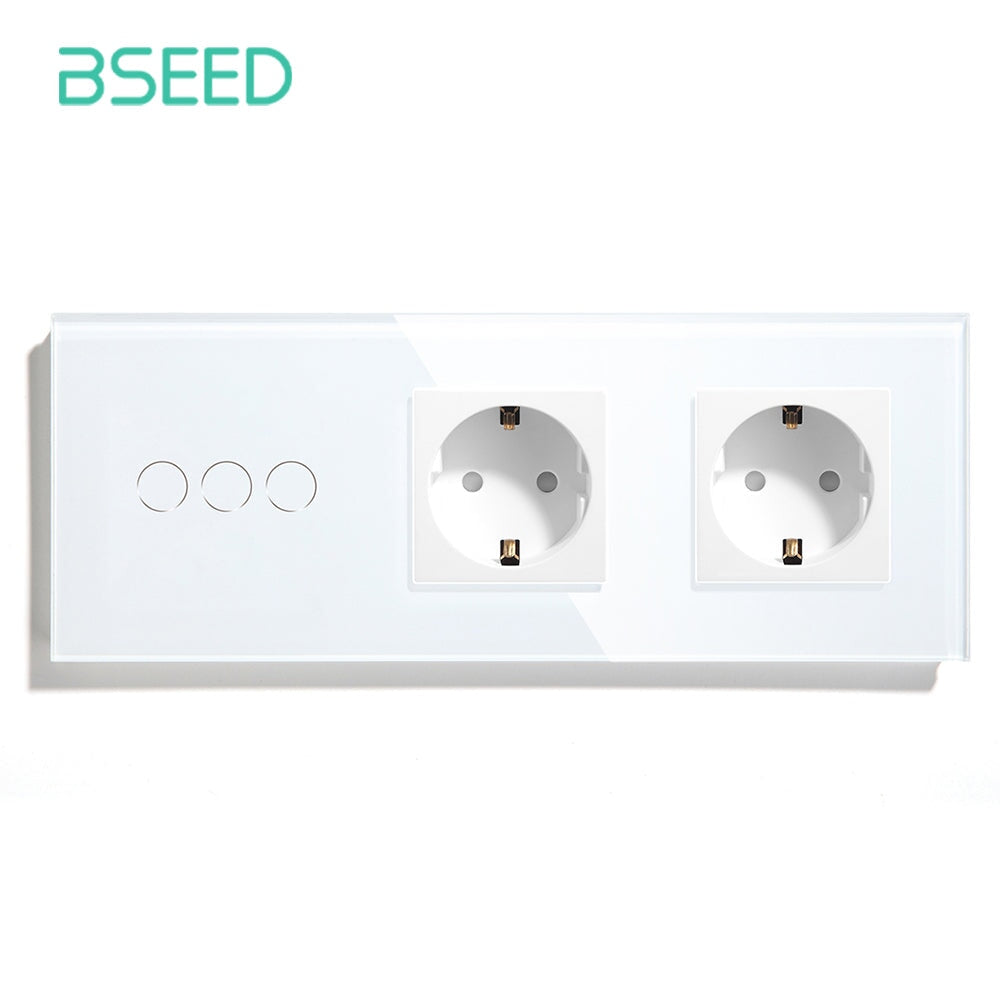
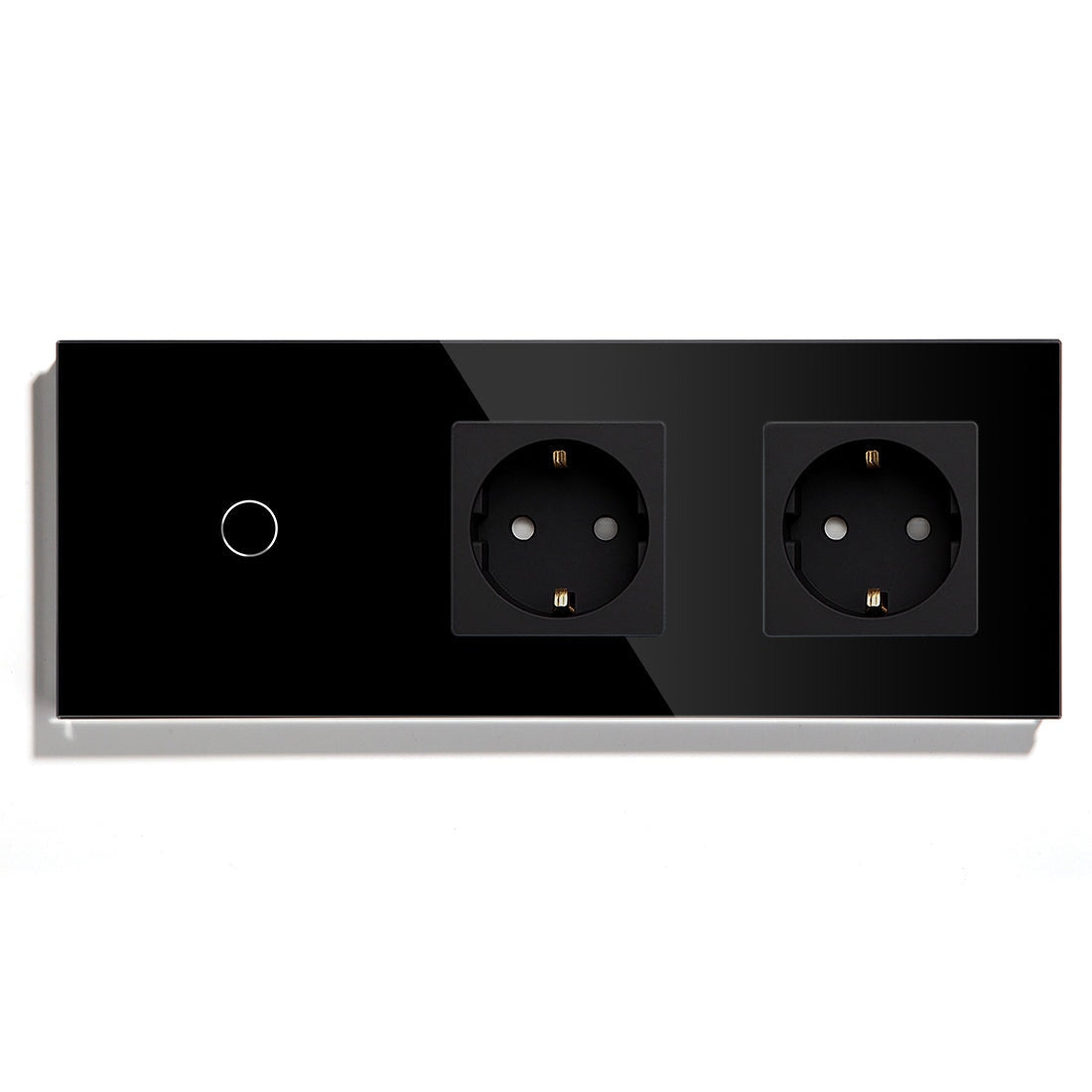
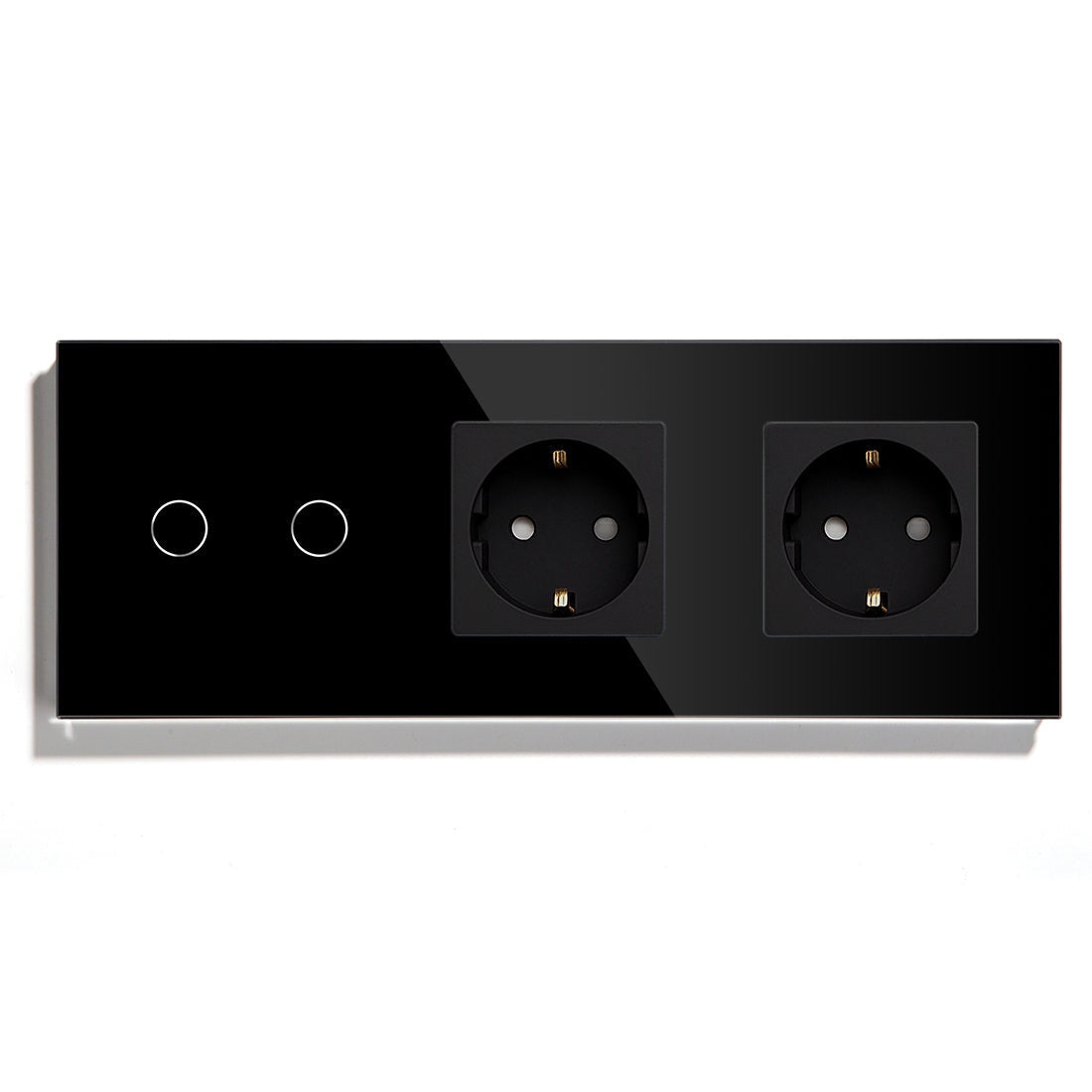
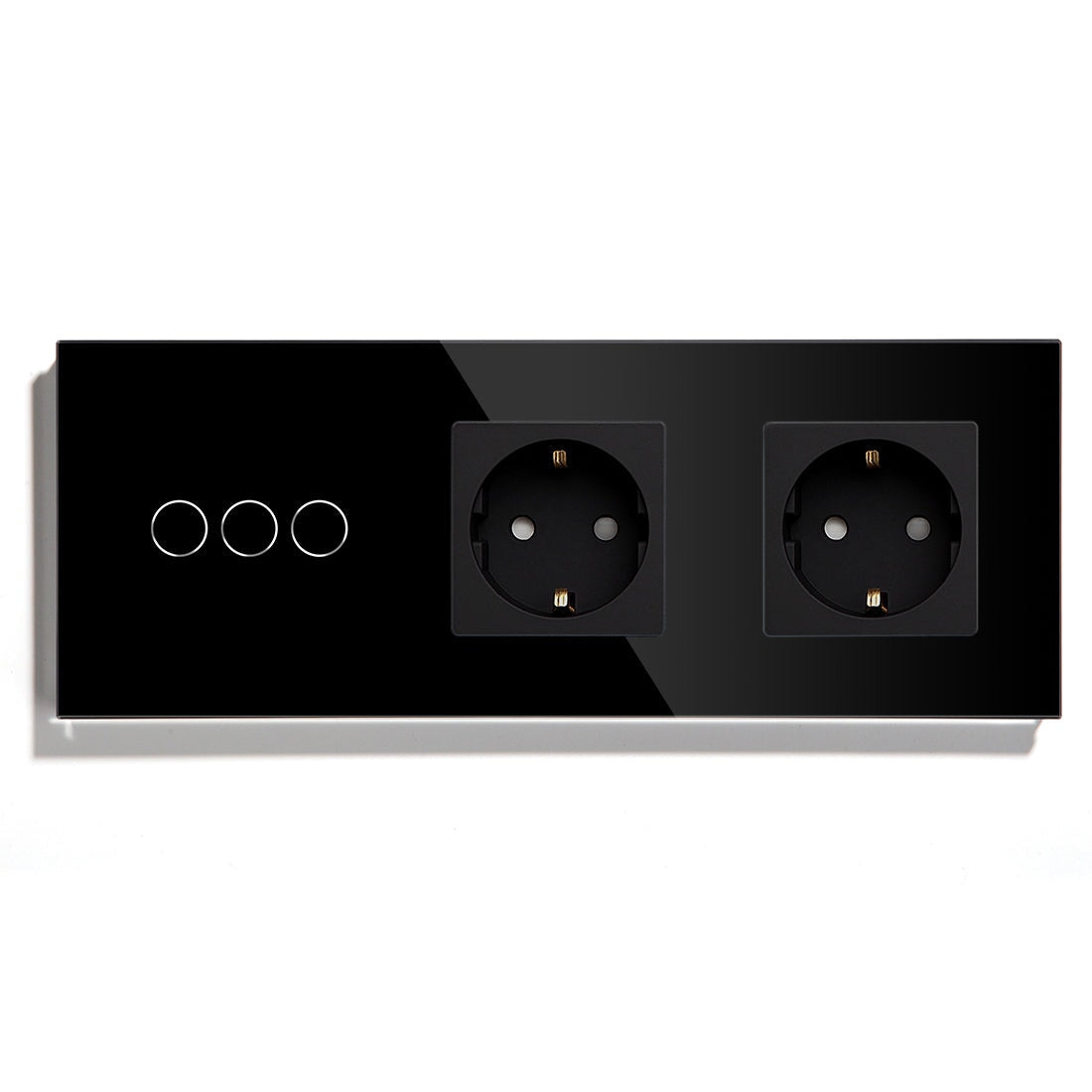
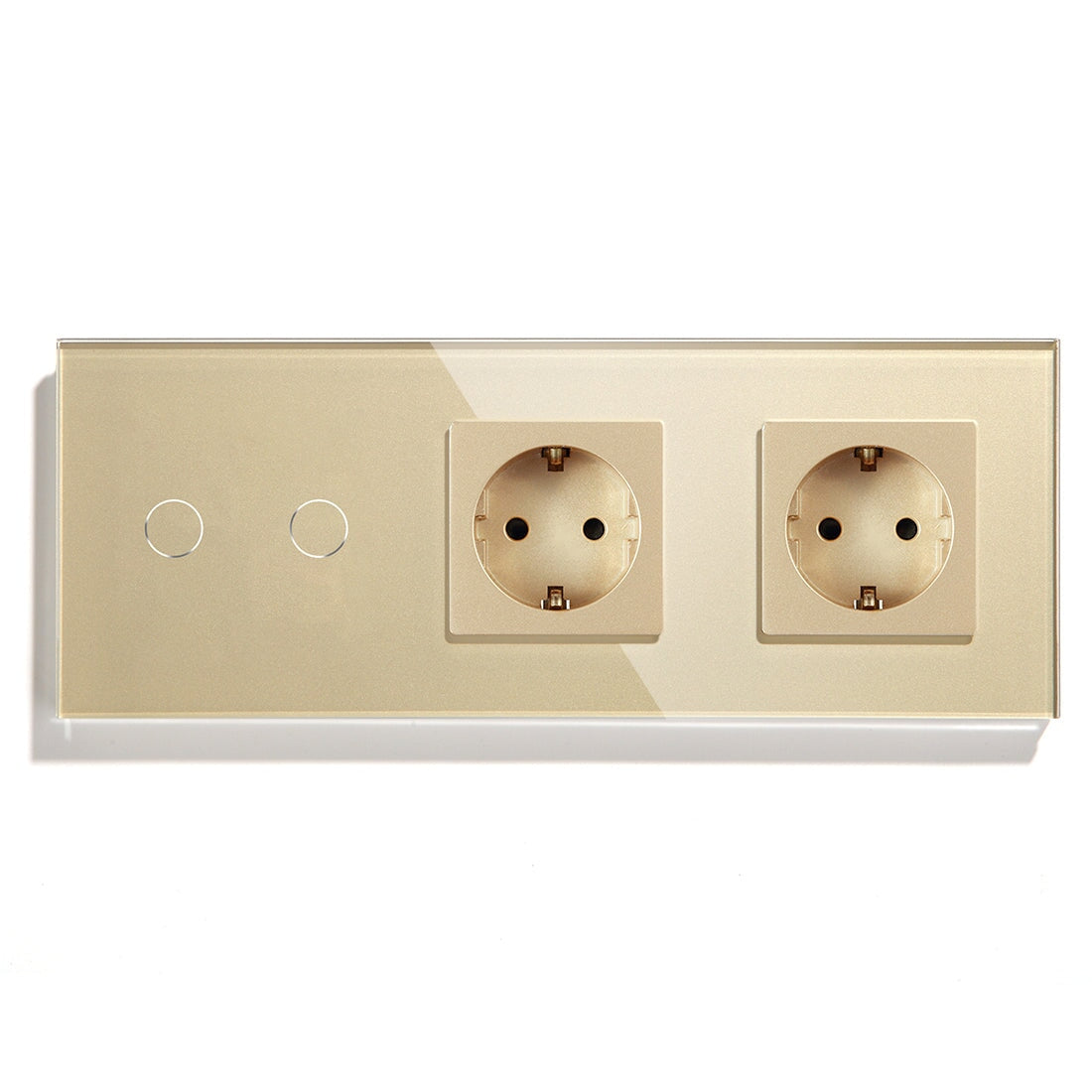
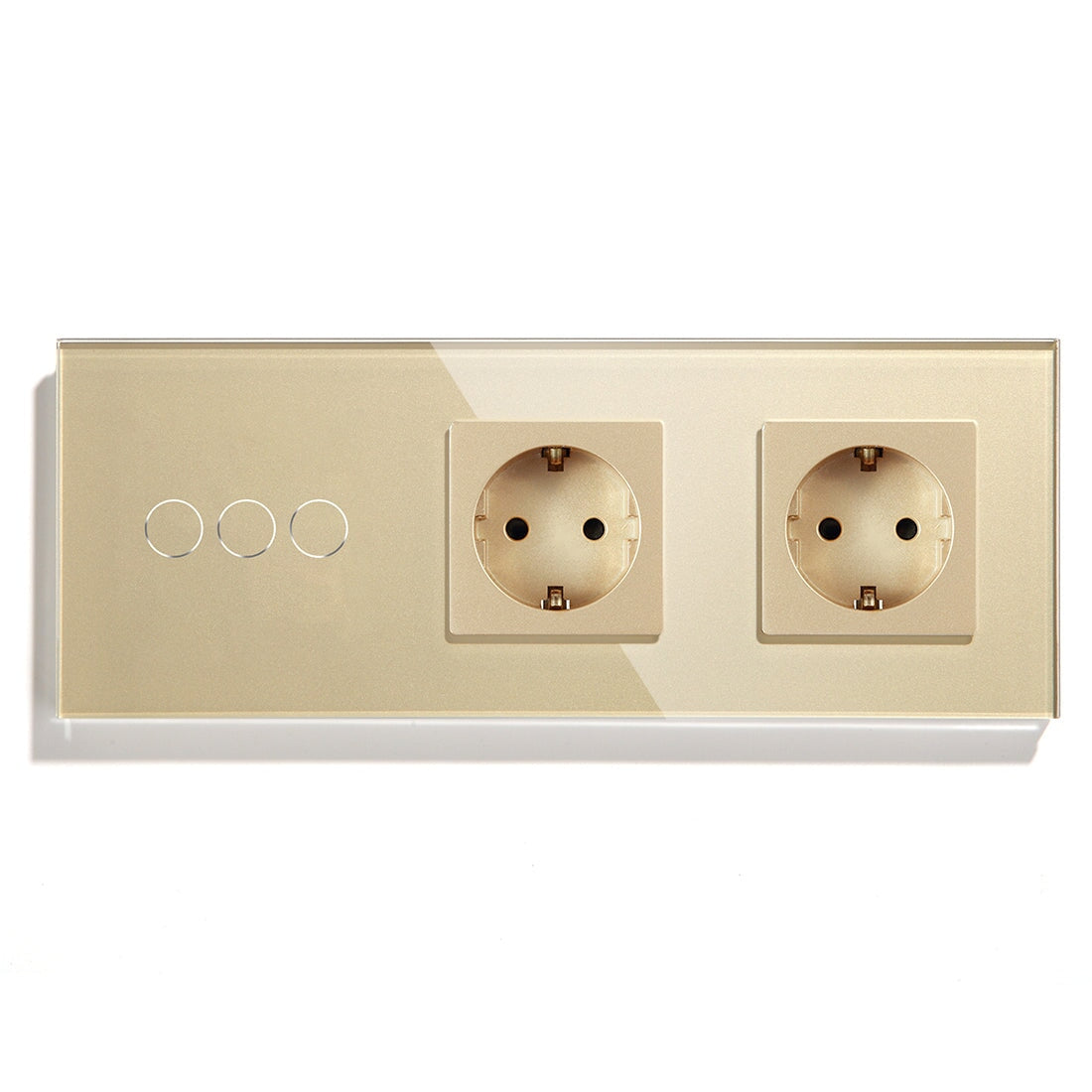
BSEED smart switches, WiFi light switches, Matter switches, smart sockets, dimmer switches, smart thermostats, and curtain or roller shutter controls can all play roles in a Google Home setup when the chosen device and platform path support it. The important word is "setup." Compatibility is not the same as a finished smart home.
Start With Voice Names
Google Home is often used through voice commands. That makes naming more important than many buyers expect. "Light one" and "switch two" may work during installation, but they sound awkward in a real room. The better names are boring and human:
Living Room Ceiling
Bedroom Main Light
Hallway Light
Desk Socket
Bedroom Curtain
Names should match how the household speaks. If two rooms have similar names, voice control can become unreliable in daily use. A small naming mistake can make a good device feel worse than it is.
The Best First Devices For Google Home
For most homeowners, lighting is the easiest place to begin. A BSEED smart light switch keeps wall control while adding app and voice options. This is better than forcing every family member to use a phone.
The second useful category is the smart socket. A BSEED smart socket can control selected plug-in lamps or devices, as long as the load is suitable. The third category is curtains or roller shutters, especially in living rooms and bedrooms where privacy and sunlight change through the day.
Thermostats should be handled with more care. Heating affects comfort and energy use, and floor heating reacts slowly. A BSEED smart thermostat can be useful, but the heating type, wiring, load, and sensor requirements must be confirmed first.
Google Home Works Best With Simple Room Logic
A Google Home setup should match the floor plan. Group devices by actual rooms, not by product category. A homeowner does not think, "I want to control all switches." They think, "I want the bedroom off" or "I want the living room ready."

That means a living room group may include a BSEED smart wall switch, a smart socket for a lamp, and a curtain switch. A bedroom may include a touch glass smart switch, a bedside socket with USB C nearby, and a thermostat if heating is controlled there.
This room logic makes scenes easier. It also makes troubleshooting easier because every device has a clear place.
WiFi, Zigbee, And Matter Choices
A BSEED WiFi switch can be a friendly start for Google Home users in apartments. It is familiar, and the router is already part of the home. For one or two rooms, WiFi may be enough.
Zigbee makes more sense when the home has many devices, several rooms, or Home Assistant in the background. A BSEED Zigbee switch can support a mesh when the system is planned correctly.
Matter is useful when the homeowner wants platform flexibility. A BSEED Matter switch may fit homes where Google Home is used today, but another ecosystem may be added later. Matter should not be treated as a cure for poor wiring or weak networking. It is mainly a compatibility layer.
A Google Home Planning Table
|
User Goal |
Device Direction |
Practical Check |
|
Control ceiling lights by voice |
Smart light switch |
Neutral wiring, load, gang count |
|
Control bedside lamp |
Smart socket |
Load rating and whether power can be cut |
|
Close curtains by command |
Curtain or roller shutter switch |
Motor wiring and travel limits |
|
Manage heating schedule |
Smart thermostat |
Heating type, load, sensor |
|
Keep platform options open |
Matter smart switch |
Platform and controller support |
This table should be used before buying a full set. It keeps the project from becoming a pile of compatible devices with no clear plan.
Do Not Forget The Wall
Voice control is convenient, but it should not replace the wall switch. Guests will press the wall. Children may press the wall. Some family members simply prefer it. A smart home that only works nicely through voice commands is not friendly enough.

BSEED touch glass smart switches can help here because they keep the room visually clean while preserving manual control. The same idea applies to thermostats and curtain controls. The app is a layer. The wall is still the home.
Common Problems To Avoid
Do not create similar device names. Do not put devices in the wrong room. Do not buy a dimmer before checking the LED driver. Do not promise voice control for a device until the app, hub, and platform path are confirmed. Do not use a smart socket for loads outside its rating.
These are not exciting warnings, but they are the difference between a smooth setup and a week of support messages.
Google Home Questions
Is Google Home enough for a small apartment?
Often, yes. A few BSEED WiFi switches or smart sockets can work well if the router is stable and device names are clear.
Should I choose Matter for Google Home?
Matter is worth considering if the homeowner wants more platform flexibility. For a very small setup, it may be a nice extra rather than the main reason to buy.
Can Google Home control heating?
It can be part of the control path when the thermostat and platform support it, but heating setup must begin with the system type and wiring.
The best Google Home setup sounds natural. The homeowner says the room name, the right device responds, and nobody has to remember what the installer called "switch three."