BSEED Zigbee Smart Home Devices for Stable Automation Systems
Stable automation is not built by pairing devices randomly and hoping the app sorts it out. For dealers and installers, BSEED Zigbee smart home devices should be planned as a system: gateway, powered nodes, room names, scenes, and handover support.
This is a TO B article because the main reader is not just the homeowner. It is the person who has to make the system work after the devices are mounted.
Stability Begins With Layout
Before selecting devices, look at the floor plan. Mark living areas, bedrooms, hallways, kitchens, outdoor zones, and any rooms with thick walls. Then mark where powered Zigbee devices will sit.
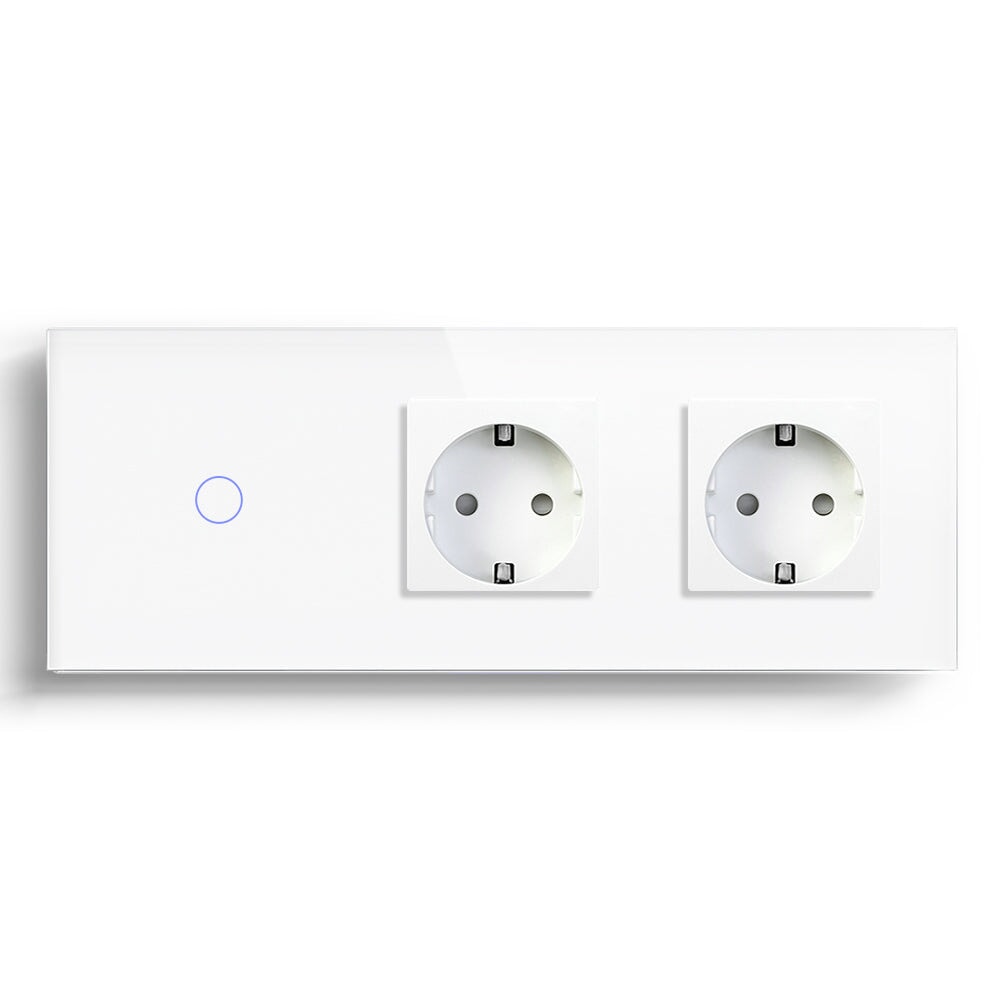
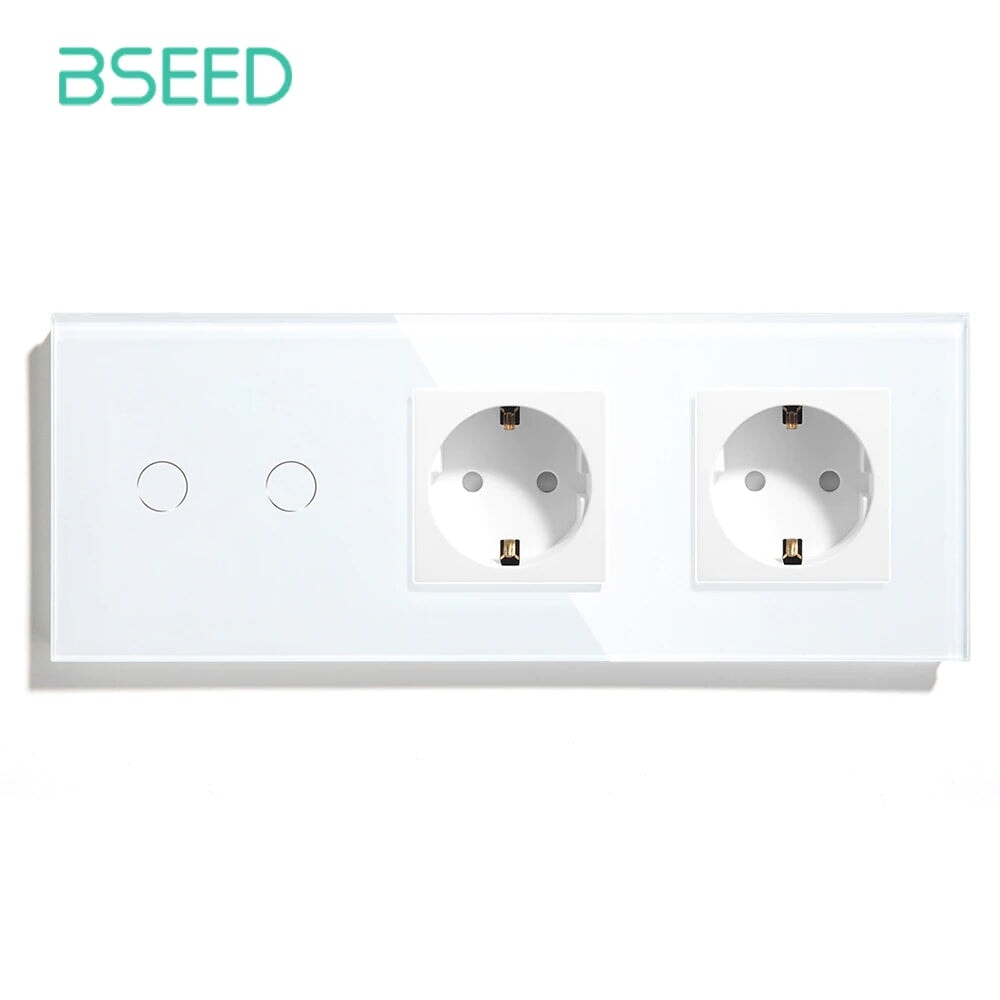
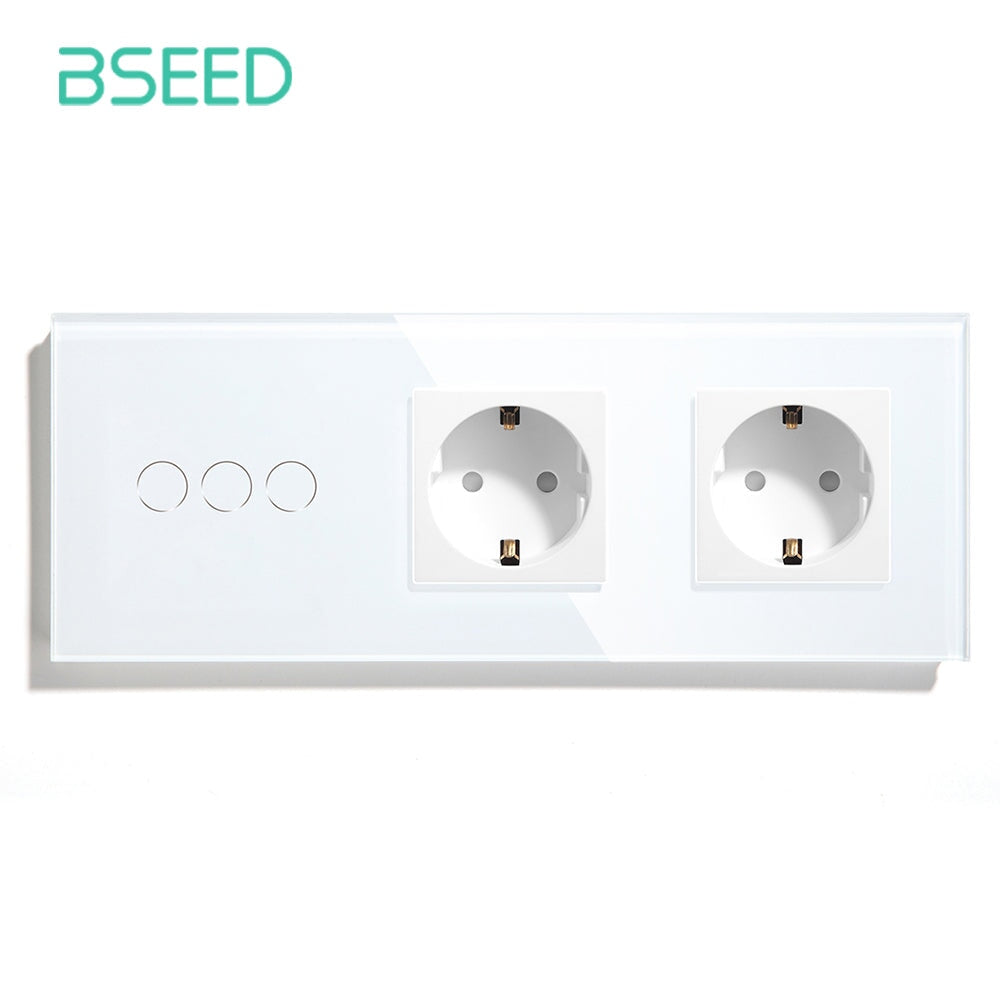
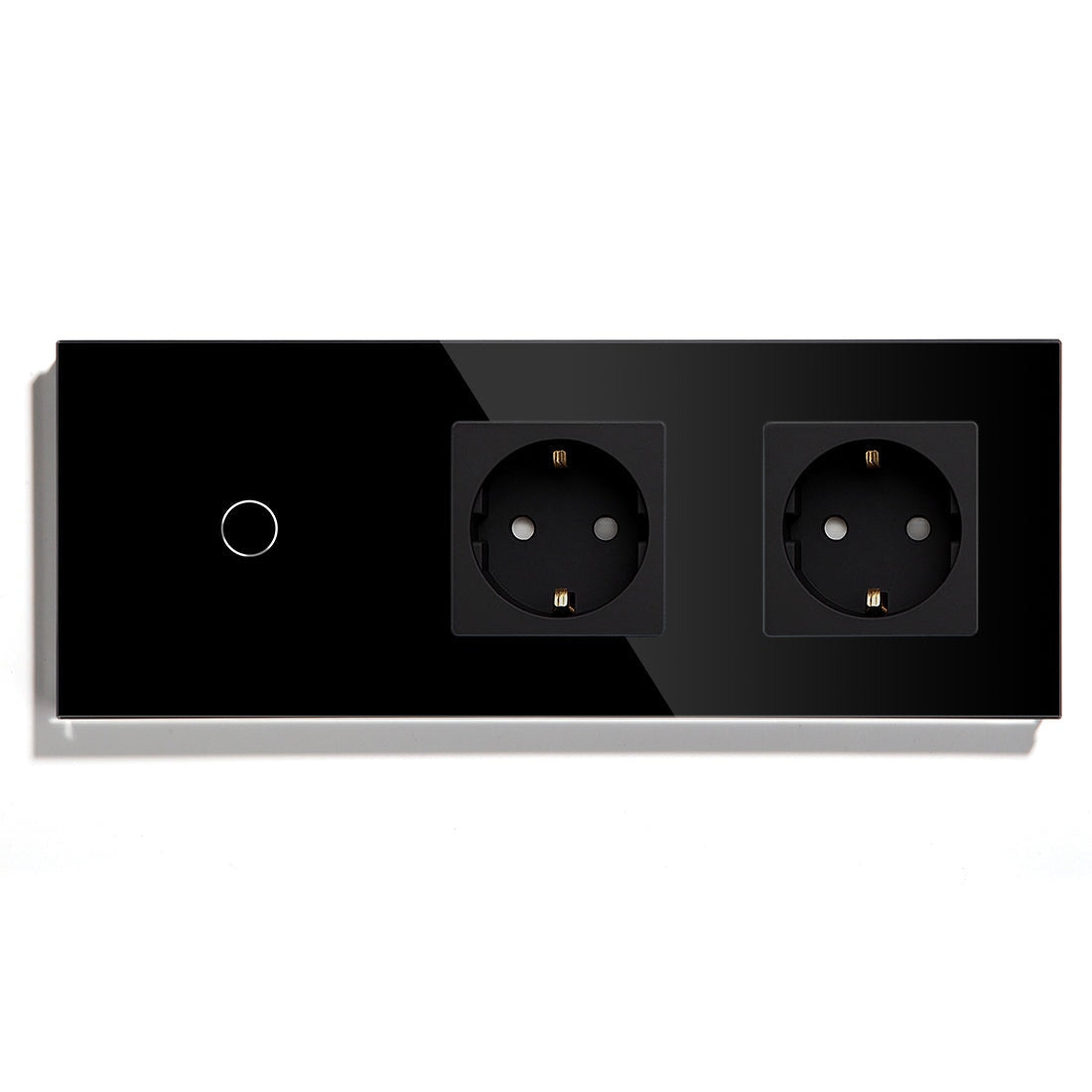
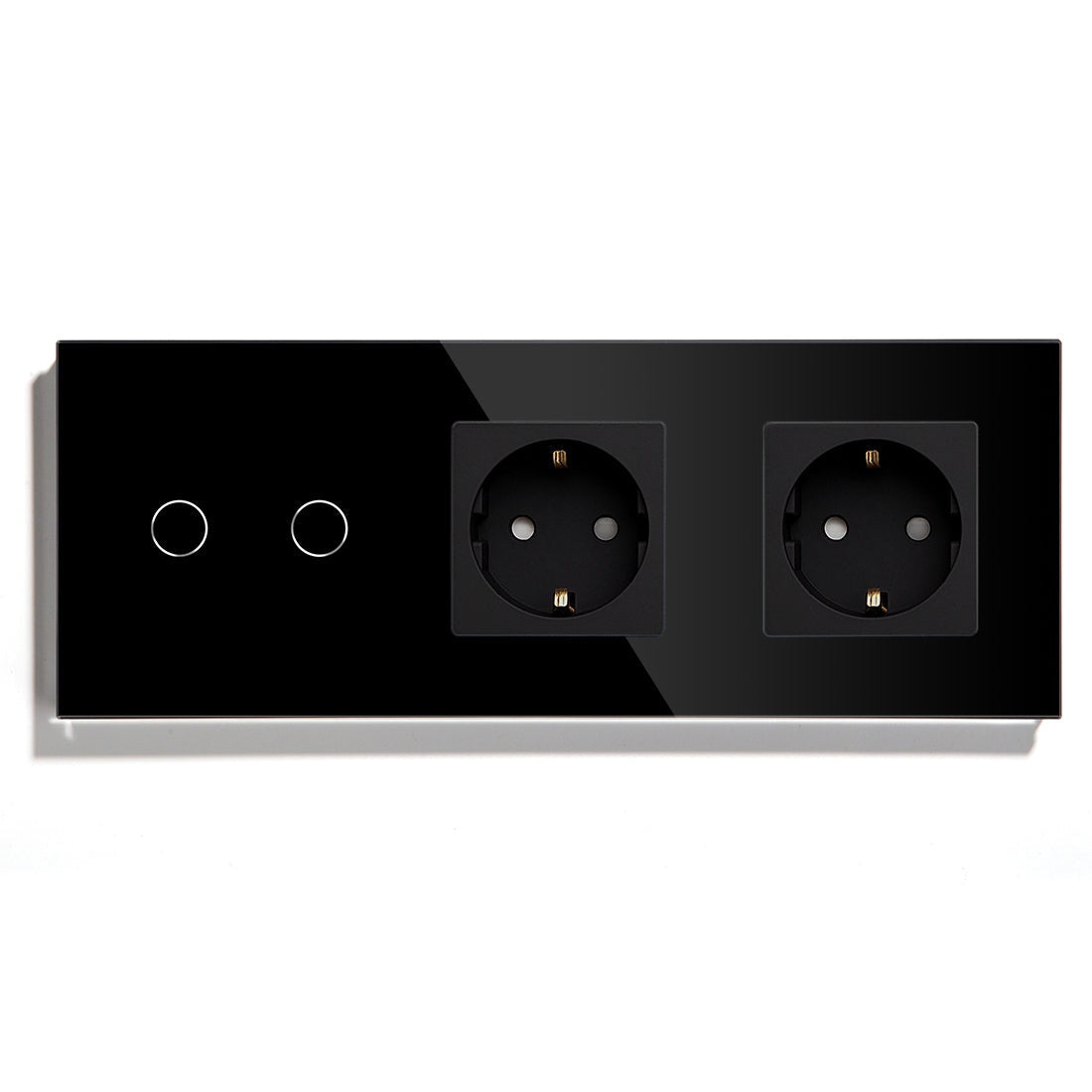
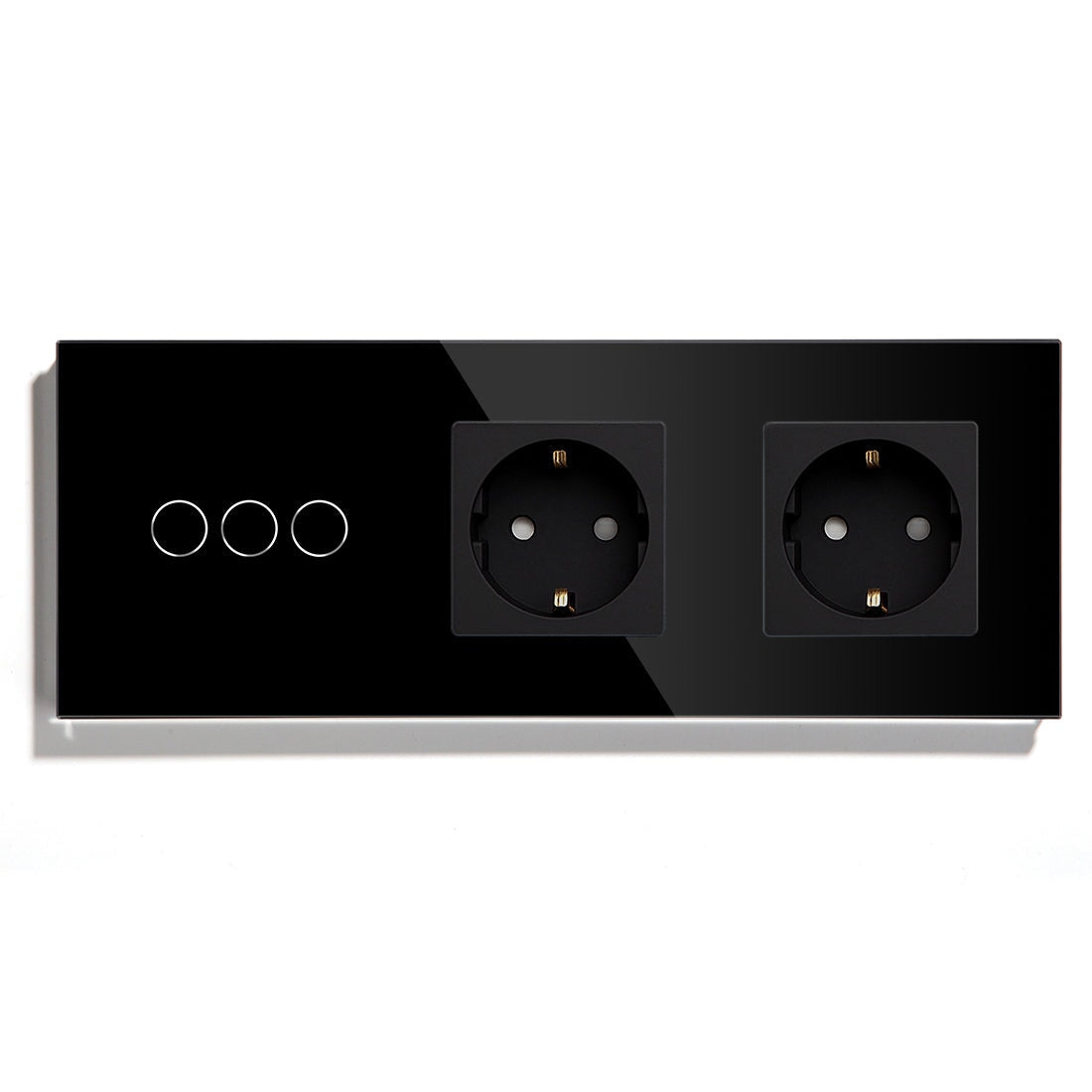
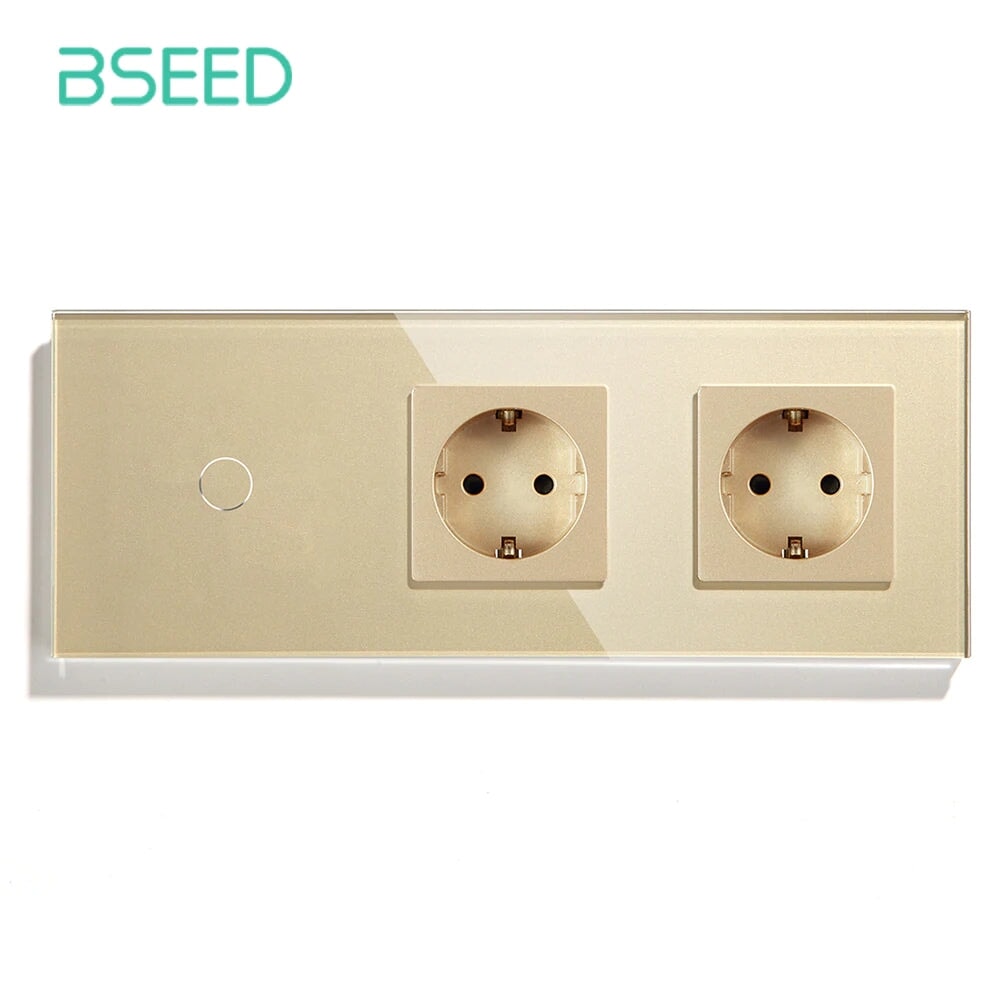
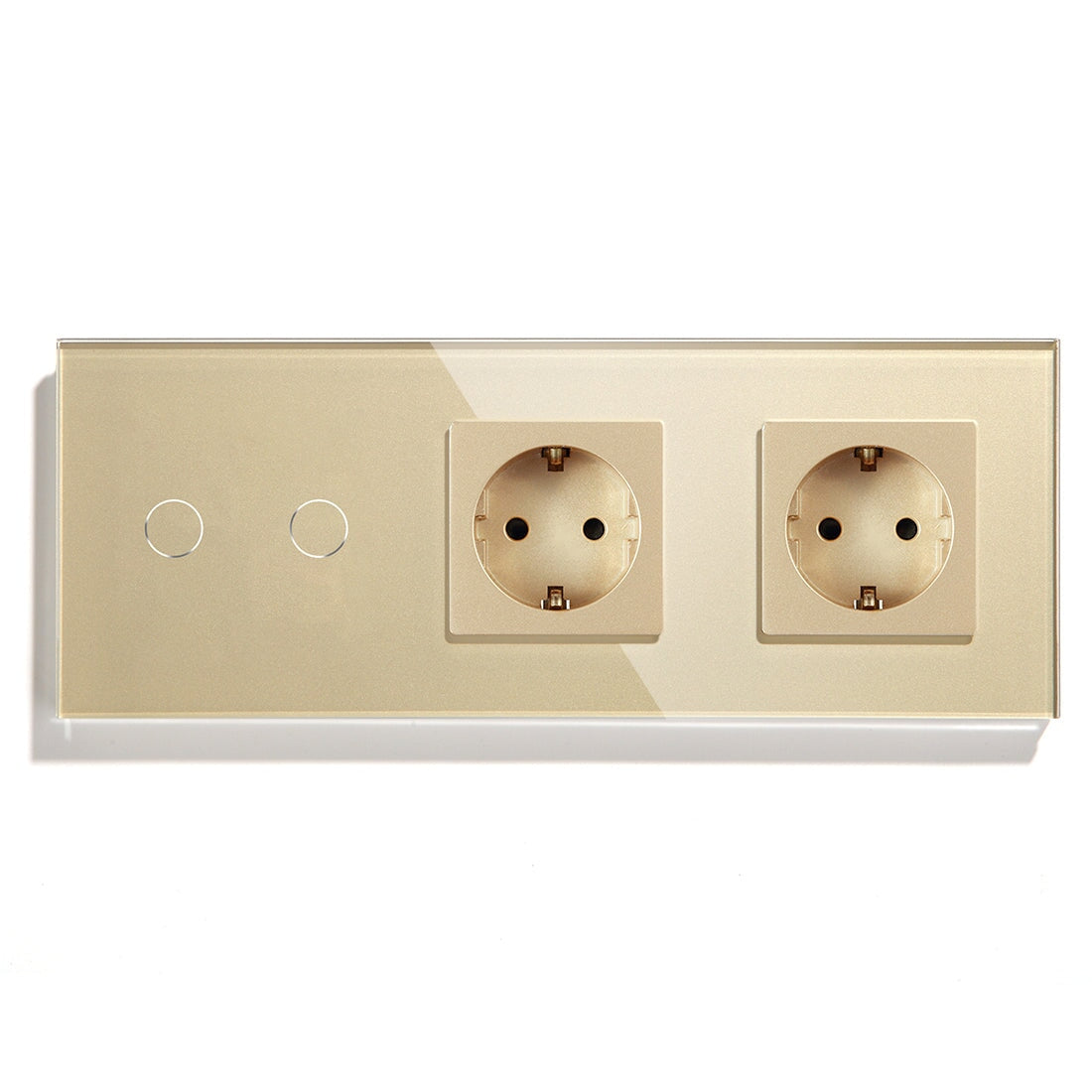
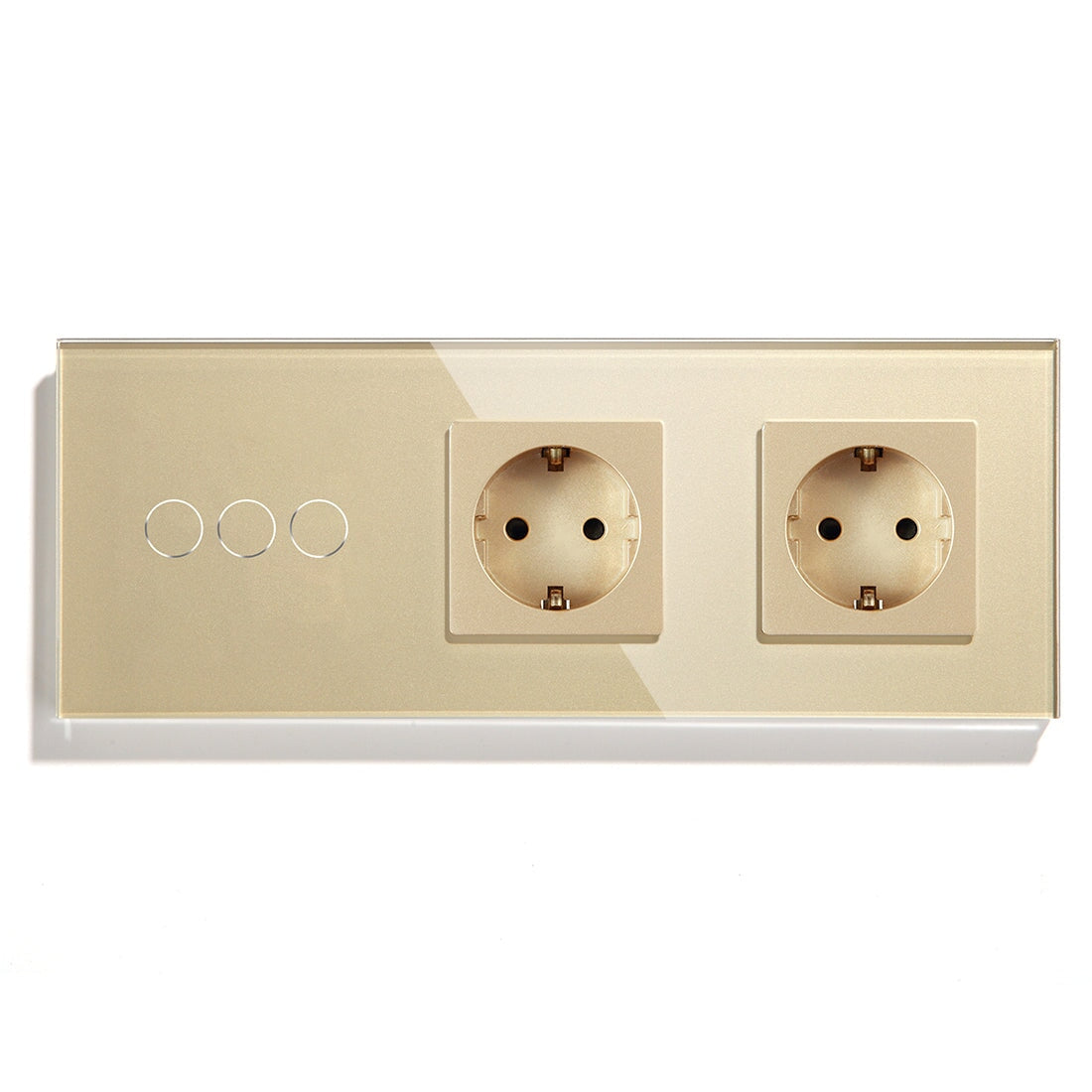
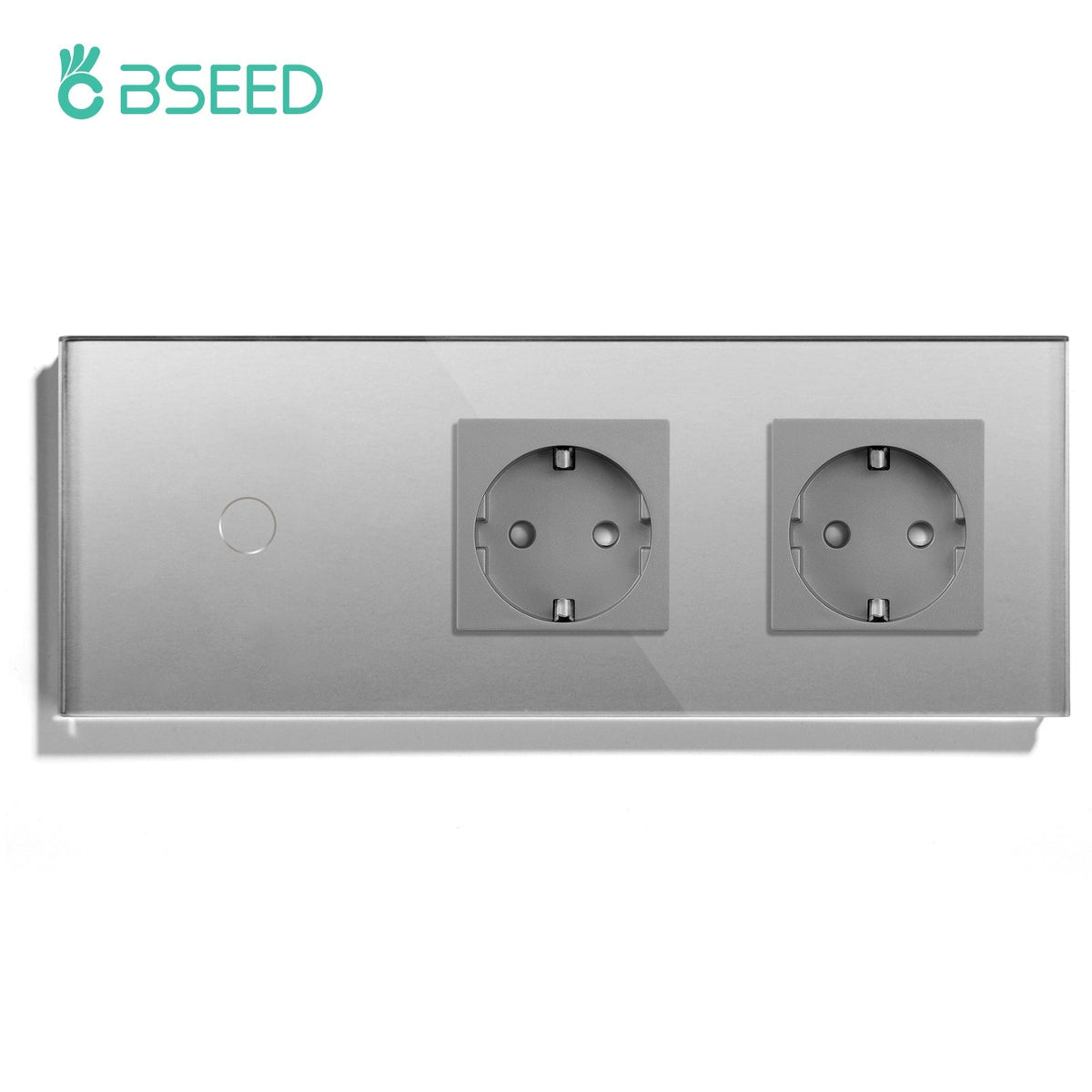
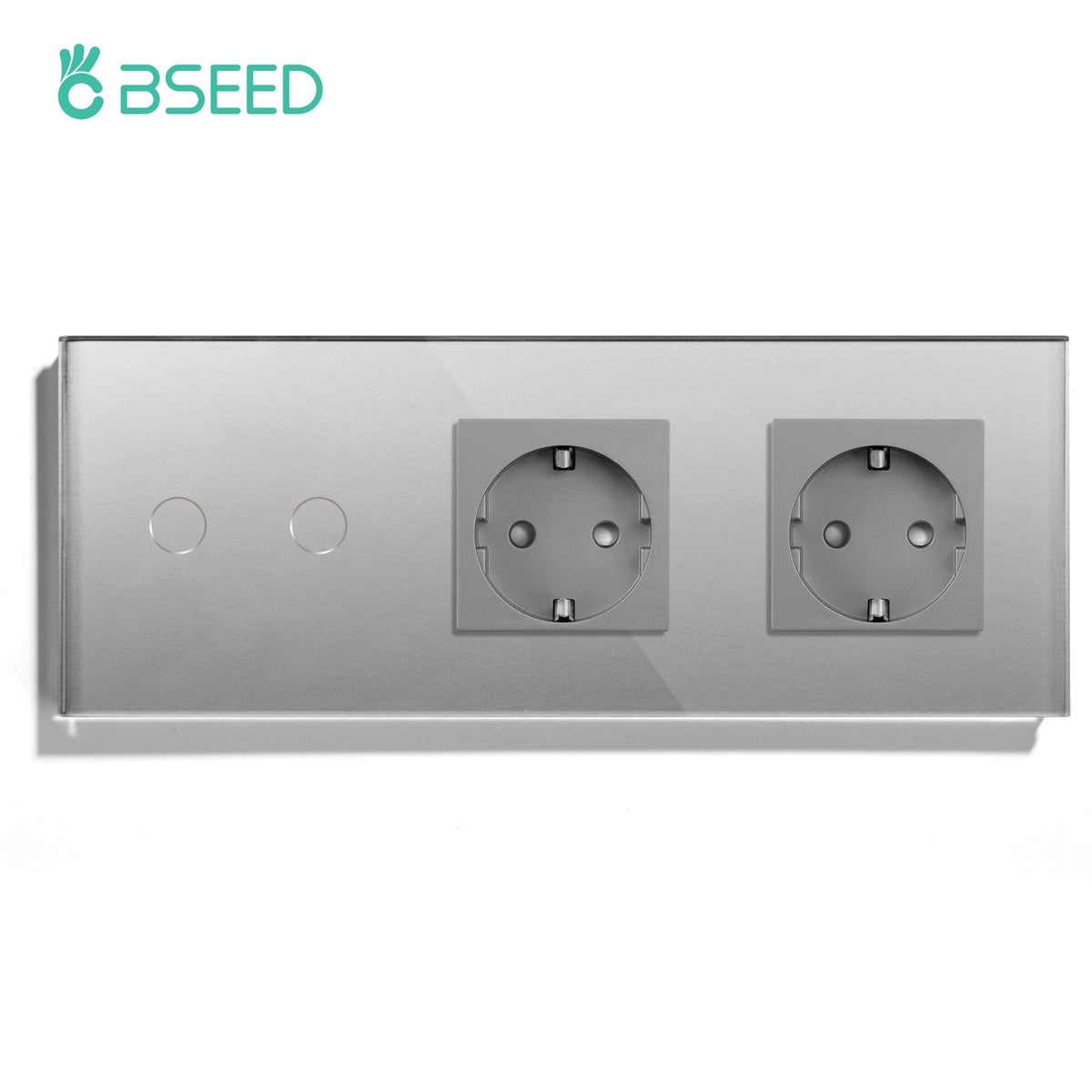
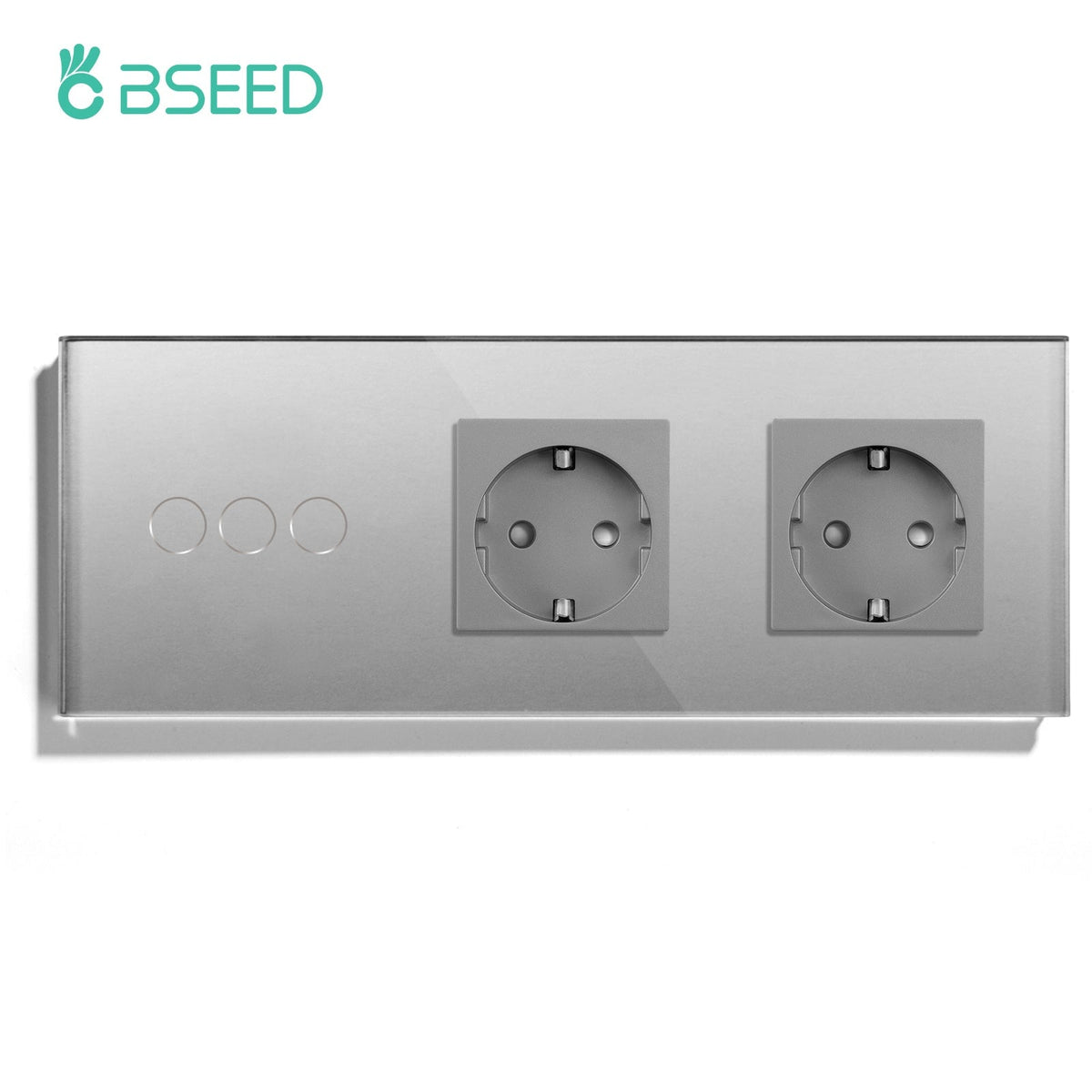
BSEED Zigbee light switches, smart sockets, curtain switches, roller shutter switches, and control panels can help create a stronger smart home structure when placed with some thought. Battery sensors are useful, but powered devices usually do more for network stability.
The gateway should not be hidden wherever the cable is convenient. A poor hub position can create delays, weak response, and customer complaints that look like device issues.
Device Planning Matrix
|
Device Type |
Project Role |
Installer Reminder |
|
Zigbee light switch |
Daily wall control and scene trigger |
Confirm wiring, neutral, and gang layout |
|
Zigbee smart socket |
Plug-in control and possible network support |
Check load rating and placement |
|
Curtain switch |
Shading and privacy scenes |
Confirm motor wiring and limits |
|
Roller shutter switch |
Window control and security routines |
Check open/close/stop logic |
|
Smart thermostat |
Heating schedule and comfort control |
Confirm heating type and sensor |
|
Control panel |
User-facing scene control |
Place where the customer actually uses it |
This kind of matrix should be used before quotation, not after installation.
Build The Network In Zones
A villa, duplex apartment, or large European home should be divided into zones. Entrance and hallway. Living area. Bedroom area. Utility area. Outdoor or balcony area.
Commission one zone at a time. Pair the devices, name them clearly, test the wall switch, test the app, then test scenes. Move to the next zone only after the first one behaves well.
This method feels slower during installation. It is faster when something goes wrong.
What Usually Breaks Stability
In real projects, instability often comes from ordinary planning mistakes. The gateway is placed poorly. Device names are unclear. Too many battery devices are expected to carry the network. The installer pairs everything at once and does not test the farthest room. The customer later changes the router and nobody knows what was connected where.
None of these problems sound dramatic. They are exactly the kind that create after-sales work.
For B2B buyers, this is why a stable automation package should include planning time as a real cost item, not just device cost. A lower quotation that skips network planning may become more expensive after handover.
Scene Control Should Be Edited
Many B2B projects create too many scenes. The customer gets a beautiful handover and forgets half the names within a week.
Start with Home, Away, Night, Movie, Morning, and Cleaning. Add custom scenes only when the customer has a real routine. A scene should have a job. It should not exist because the system can create one.
Home Assistant And Local Expectations
Some buyers ask for Home Assistant compatibility because they want more control or local-style automation. That conversation needs technical clarity. Confirm device path, gateway compatibility, and which features the customer expects before promising the system.
Home Assistant users often care about stability, naming, and future expansion. They will notice if the system was planned casually.
Recommended First Project Package
For a dealer building a repeatable package, start with a manageable set: core lighting switches, a few smart sockets, one curtain or shutter zone, and a control panel only where the home has enough rooms to justify it. Thermostats should be added after heating type and sensor requirements are confirmed.
This keeps the first project easier to sell, install, and support. Once the customer trusts the system, expansion becomes much easier.
Support Should Be Designed Too
Stable automation also depends on support design. Dealers should keep records of gateway location, device names, room assignments, and scene logic. If a customer later adds a BSEED smart thermostat, smart curtain switch, or waterproof outdoor socket, the dealer should not have to rebuild the project memory from scratch.
For larger jobs, a 7-14 day post-installation check is useful. By then, the homeowner has used the scenes in normal life and can identify small irritations before they become complaints.
B2B Handover Notes
Leave a handover sheet with gateway location, device names, scene names, app account ownership, and recovery steps after router or power changes. This small document can reduce support calls.
BSEED Zigbee smart home devices fit stable automation systems when the project is sold and installed as a planned network. The value is more than the switch or socket on the wall. It is the structure behind the customer's daily experience.