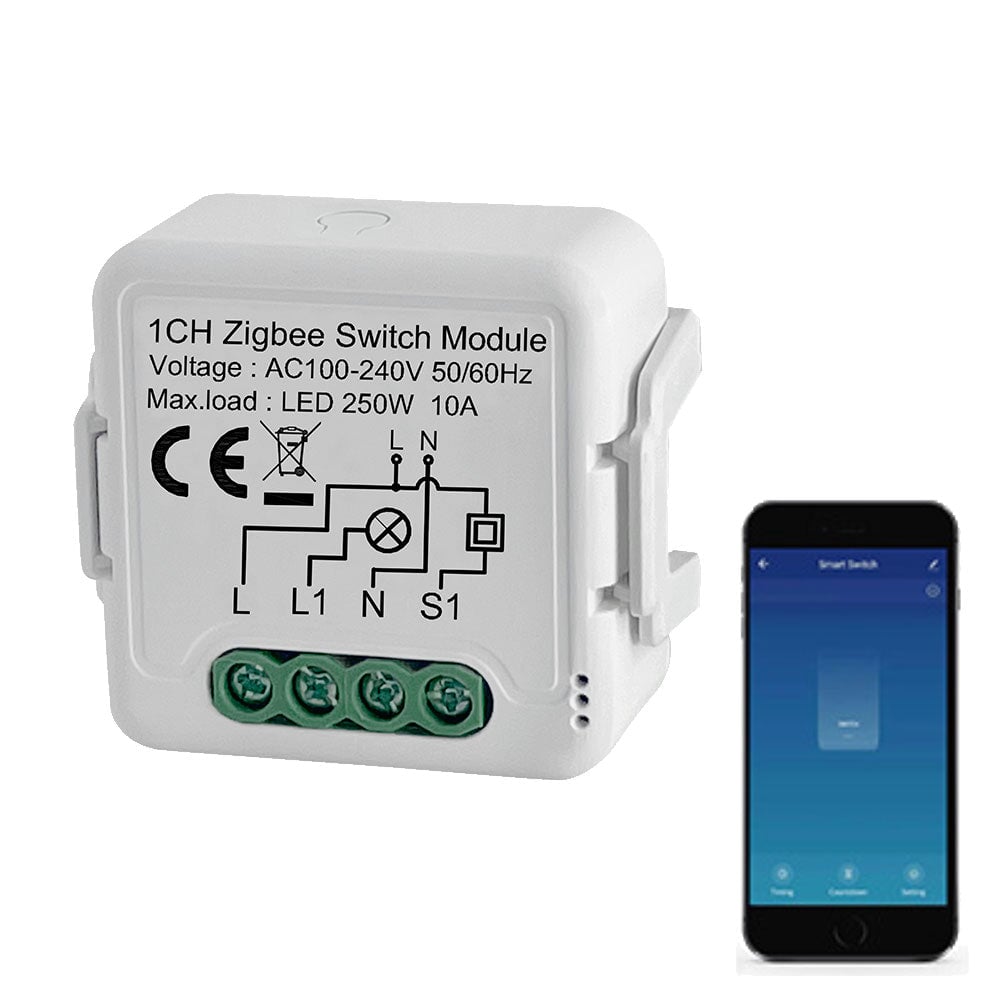
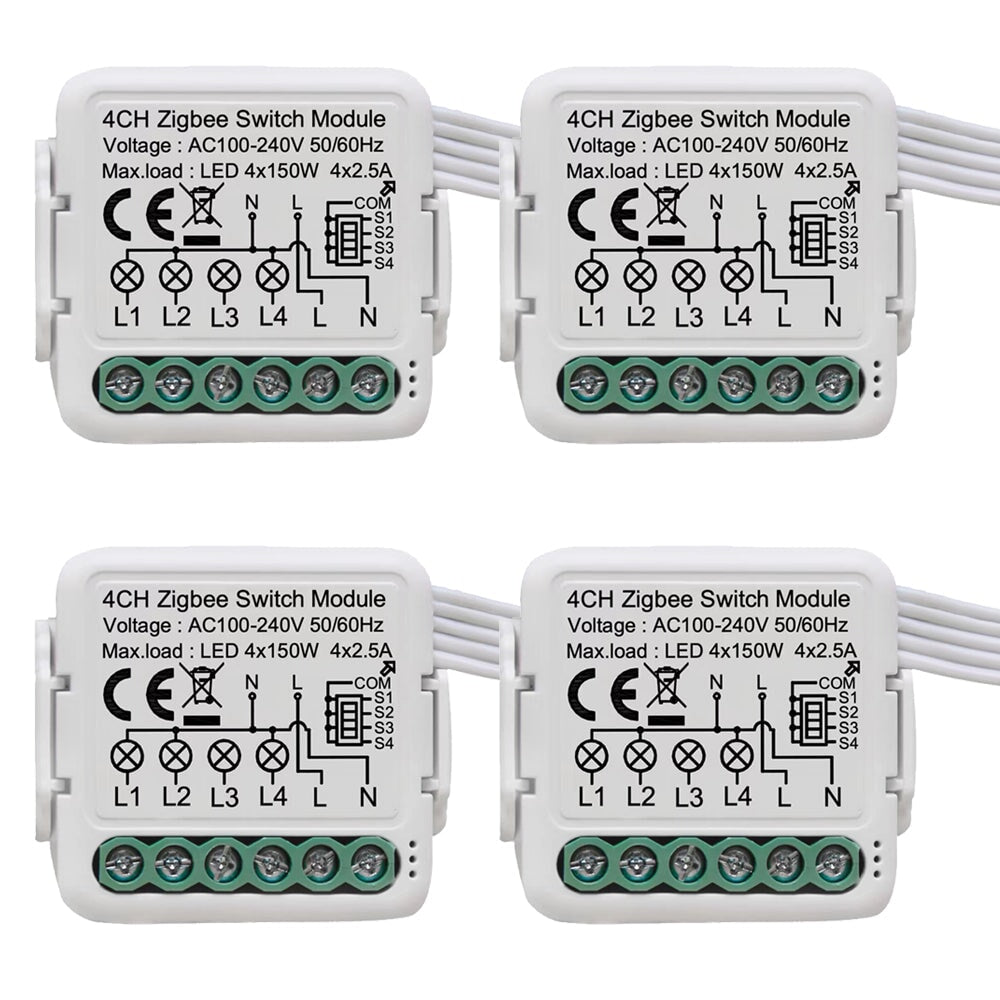
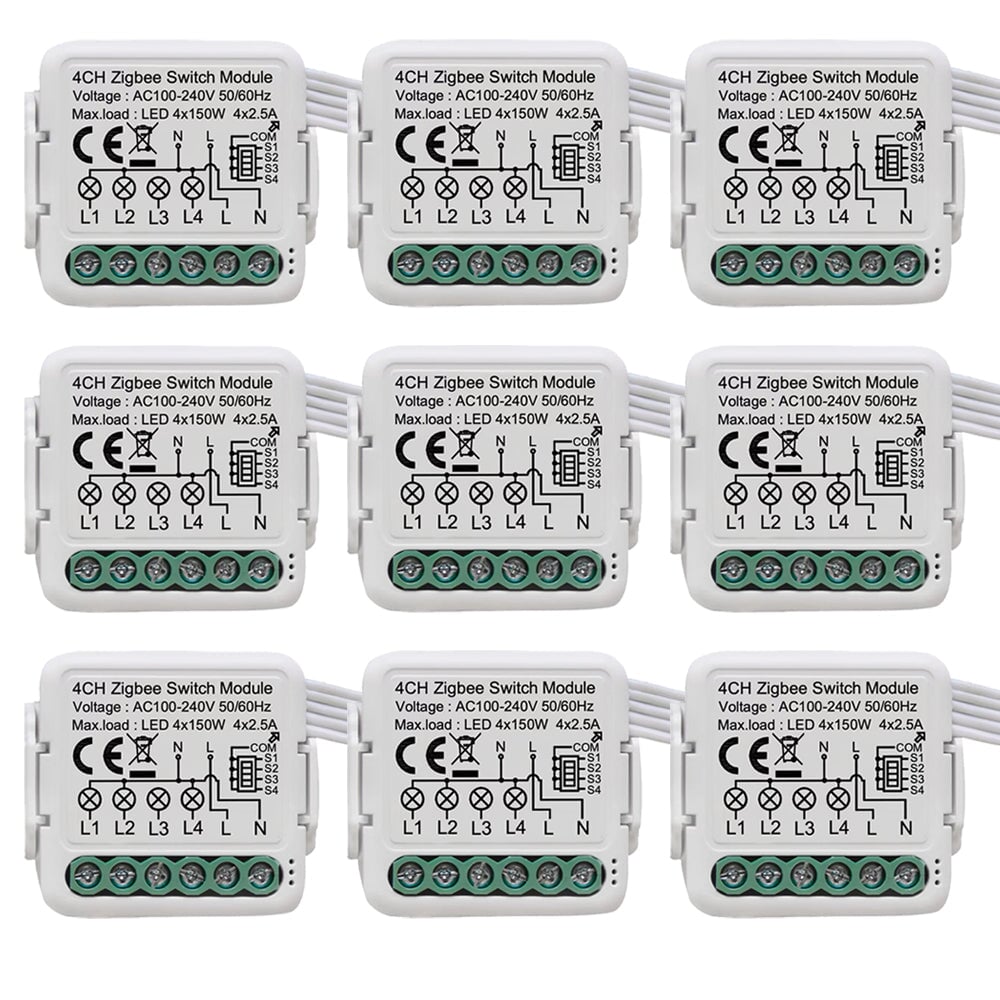
BSEED Smart Zigbee switch module wall Zigbee light switch module Work with Mechanical Switch Light Switches Bseedswitch
BSEED Smart Zigbee switch module wall Zigbee light switch module Work with Mechanical Switch Light Switches Bseedswitch 1 Gang 1 PCS/Pack
BSEED Smart Zigbee switch module wall Zigbee light switch module Work with Mechanical Switch Light Switches Bseedswitch 2 Gang 1 PCS/Pack
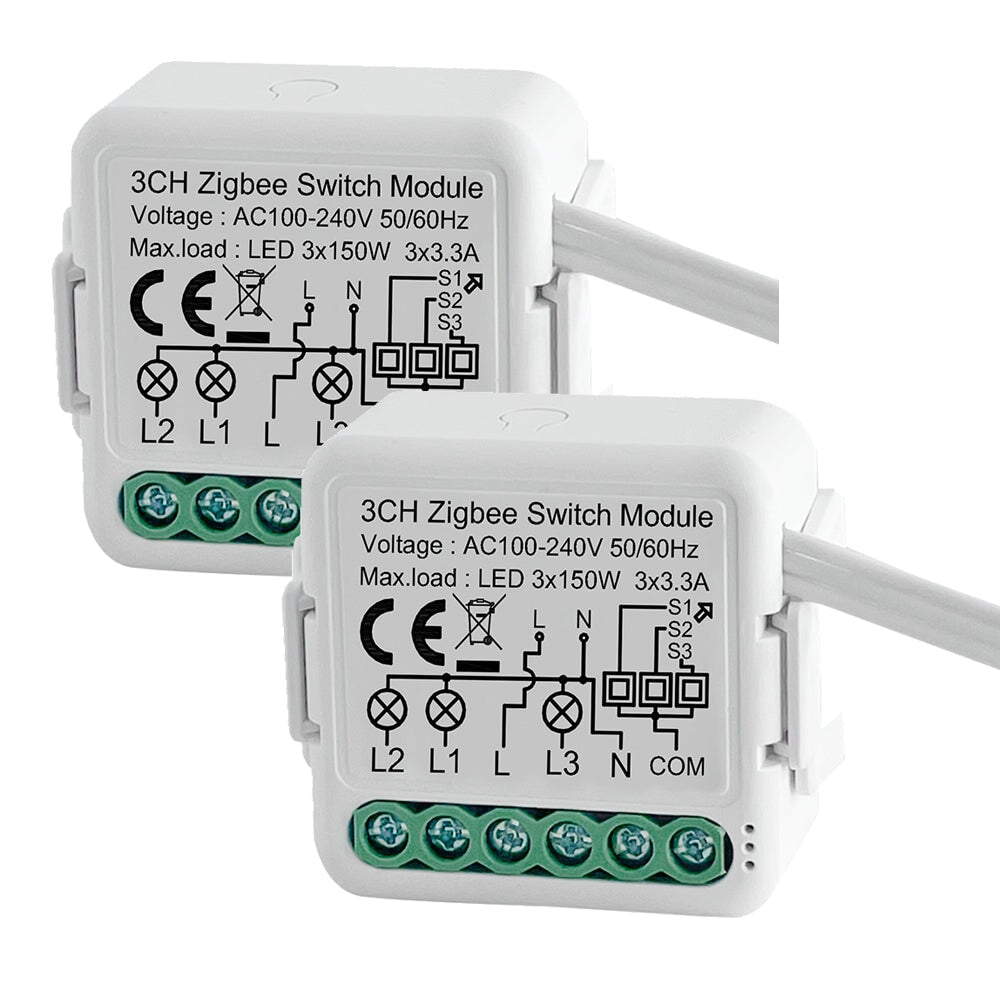
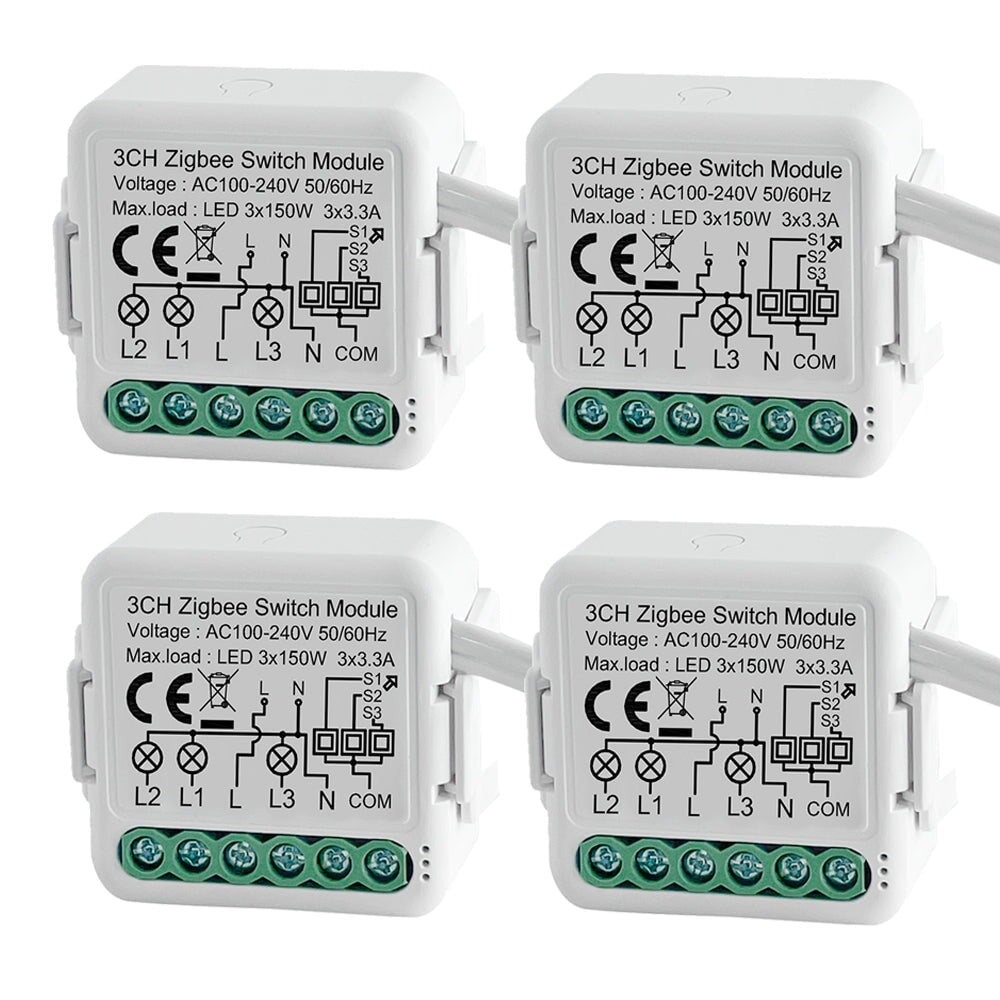
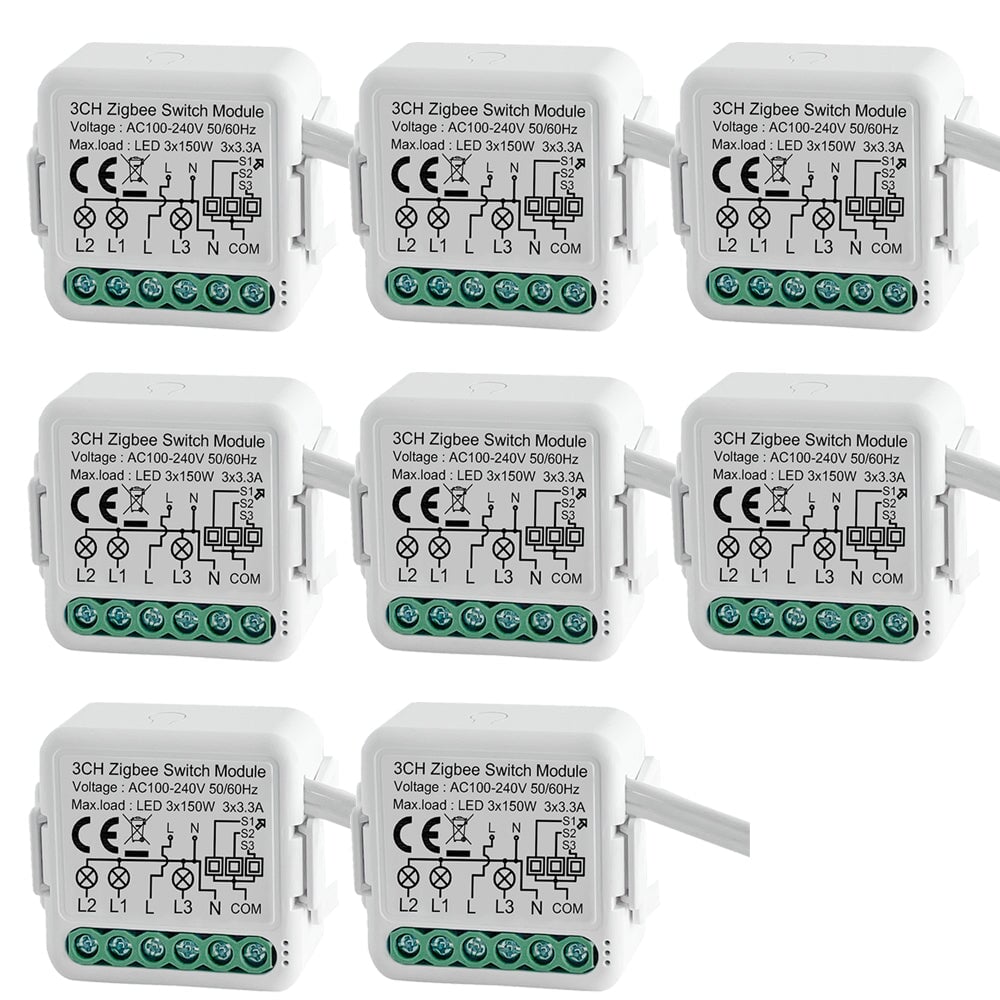
BSEED Smart Zigbee switch module wall Zigbee light switch module Work with Mechanical Switch Light Switches Bseedswitch 3 Gang 1 PCS/Pack
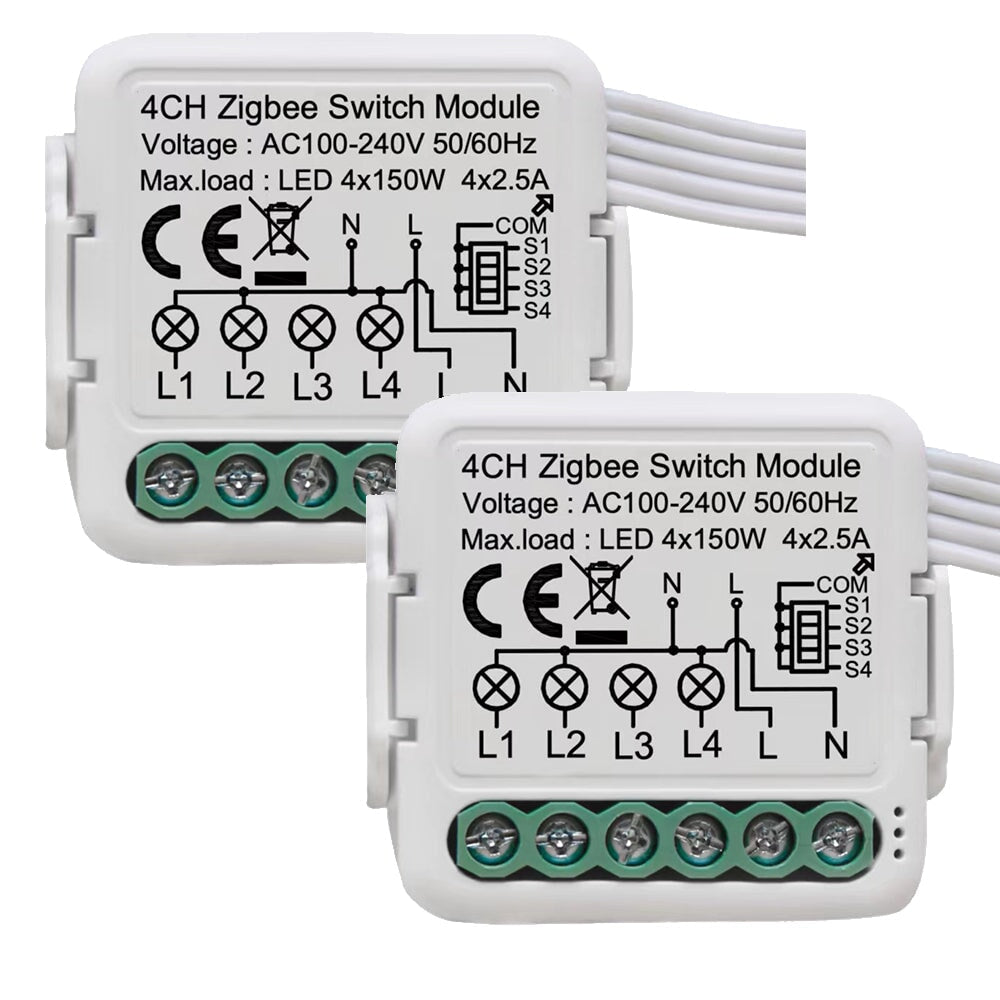
BSEED Smart Zigbee switch module wall Zigbee light switch module Work with Mechanical Switch Light Switches Bseedswitch 4 Gang 1 PCS/Pack
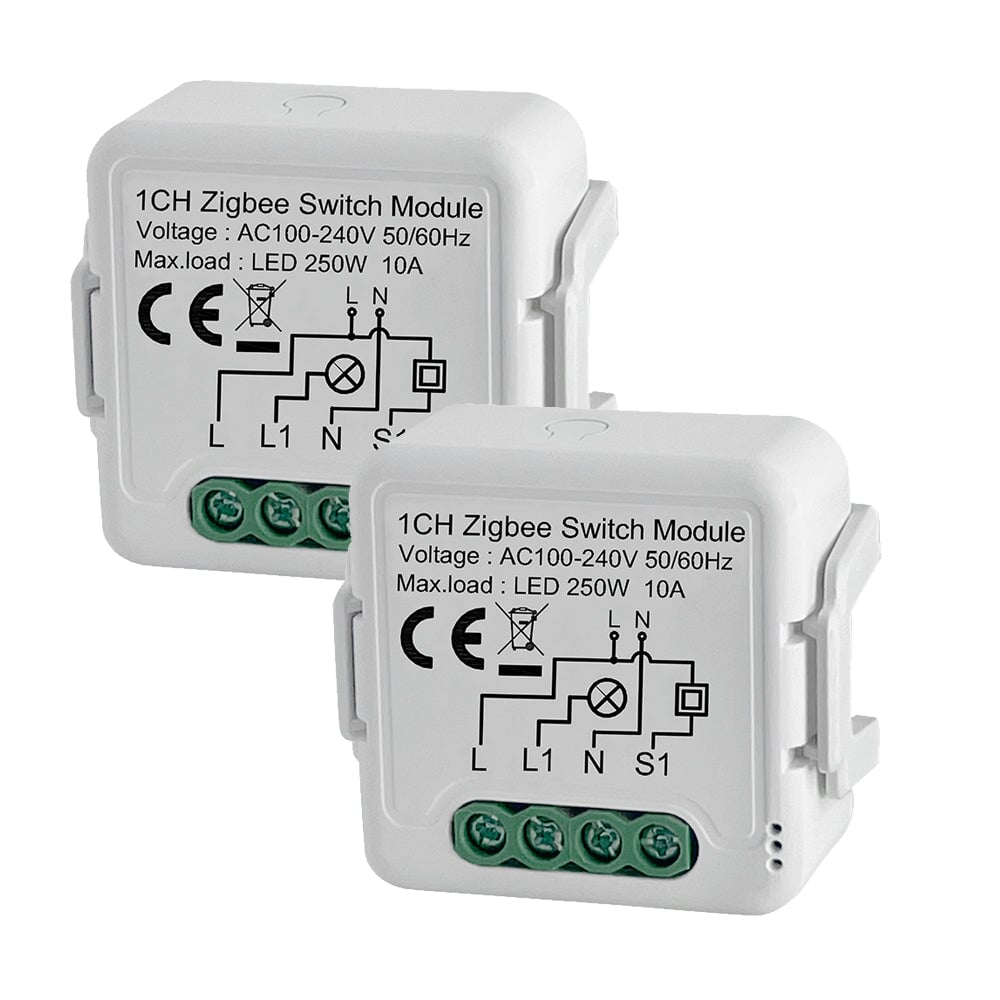
BSEED Smart Zigbee switch module wall Zigbee light switch module Work with Mechanical Switch Light Switches Bseedswitch 1 Gang 2 PCS/Pack
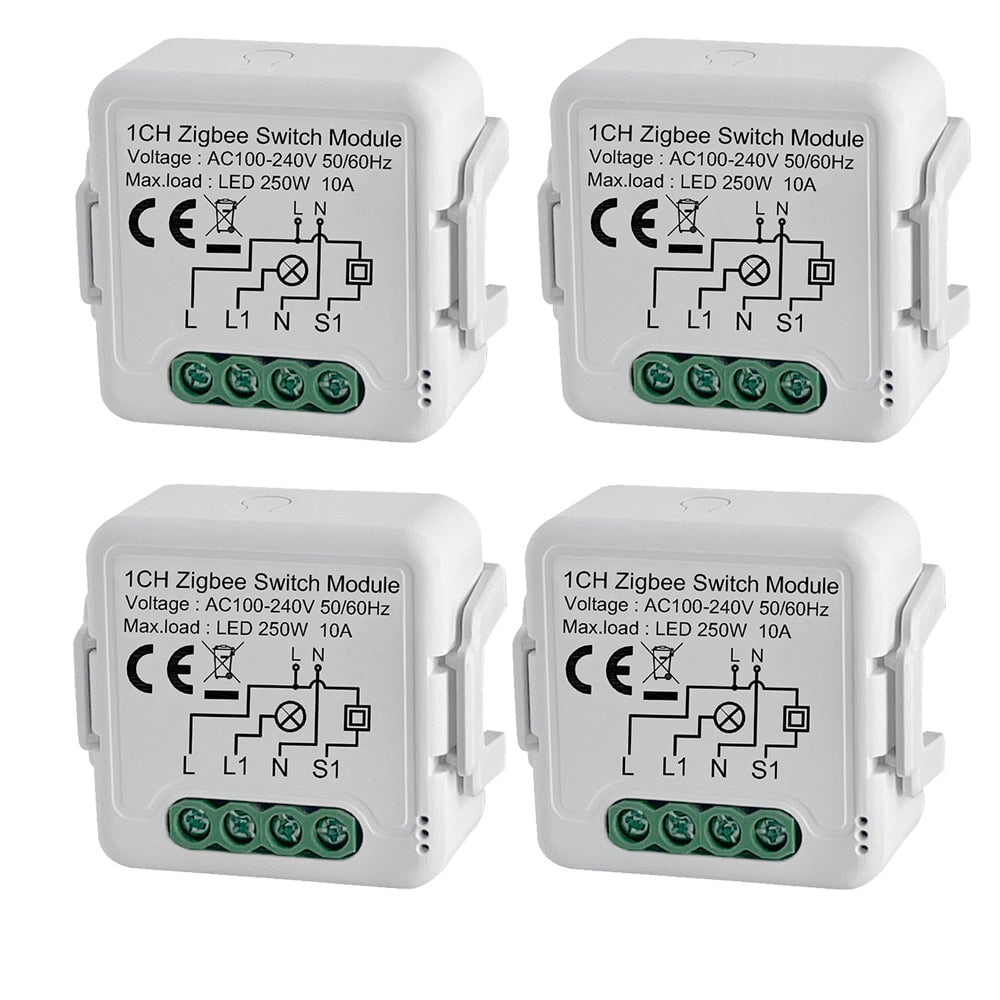
BSEED Smart Zigbee switch module wall Zigbee light switch module Work with Mechanical Switch Light Switches Bseedswitch 1 Gang 4 PCS/Pack
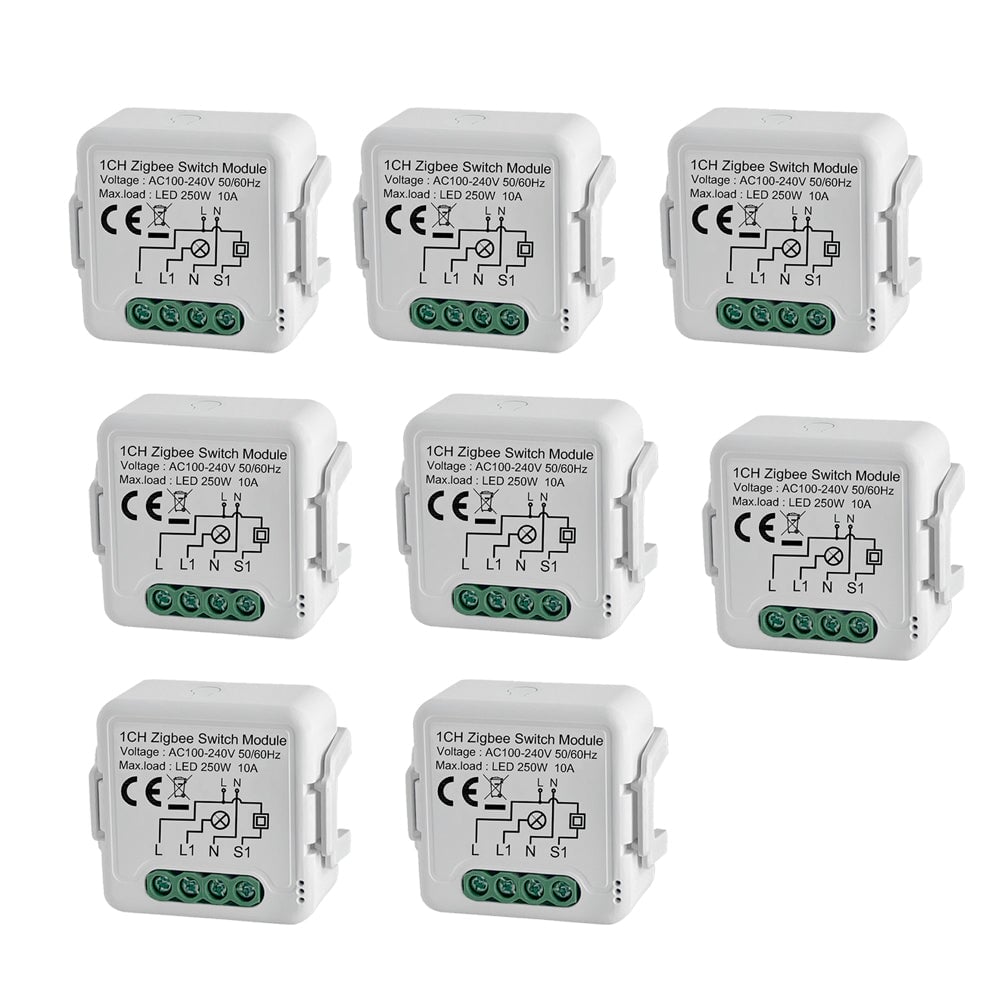
BSEED Smart Zigbee switch module wall Zigbee light switch module Work with Mechanical Switch Light Switches Bseedswitch 1 Gang 8 PCS/Pack
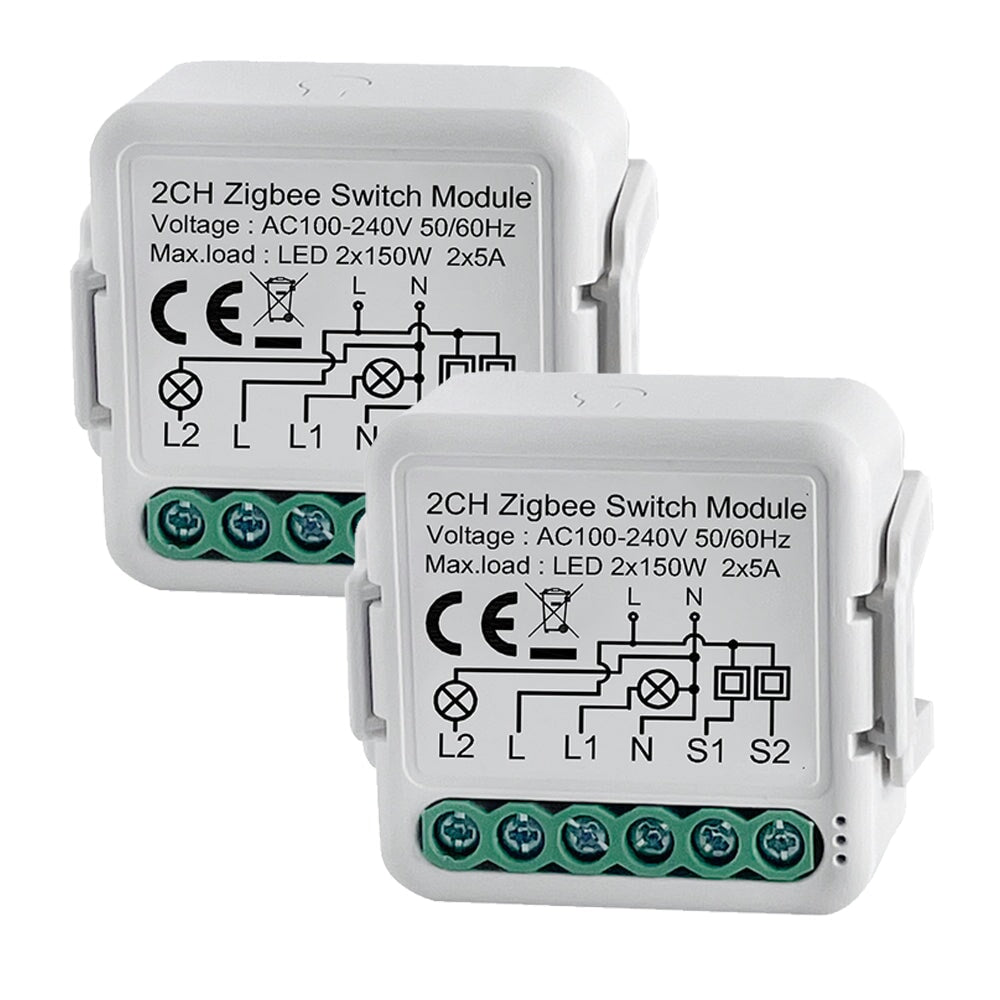
BSEED Smart Zigbee switch module wall Zigbee light switch module Work with Mechanical Switch Light Switches Bseedswitch 2 Gang 2 PCS/Pack
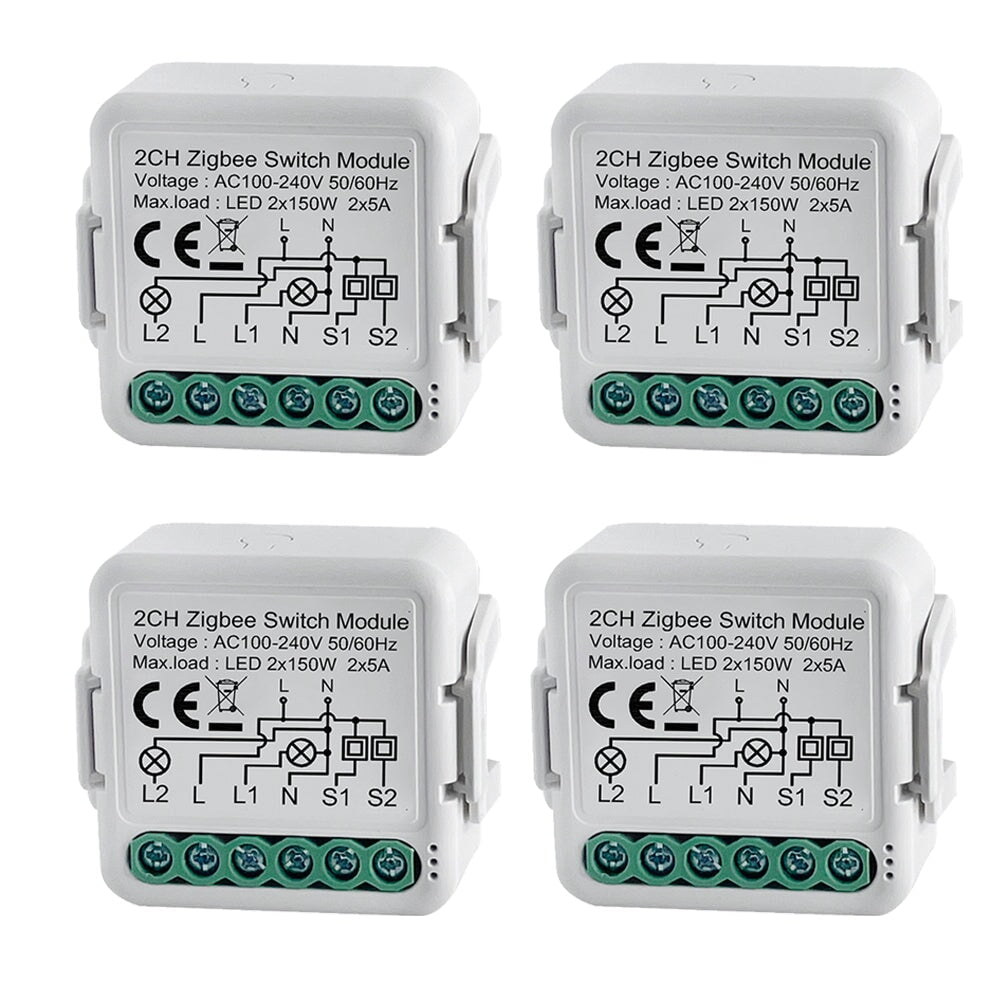
BSEED Smart Zigbee switch module wall Zigbee light switch module Work with Mechanical Switch Light Switches Bseedswitch 2 Gang 4 PCS/Pack
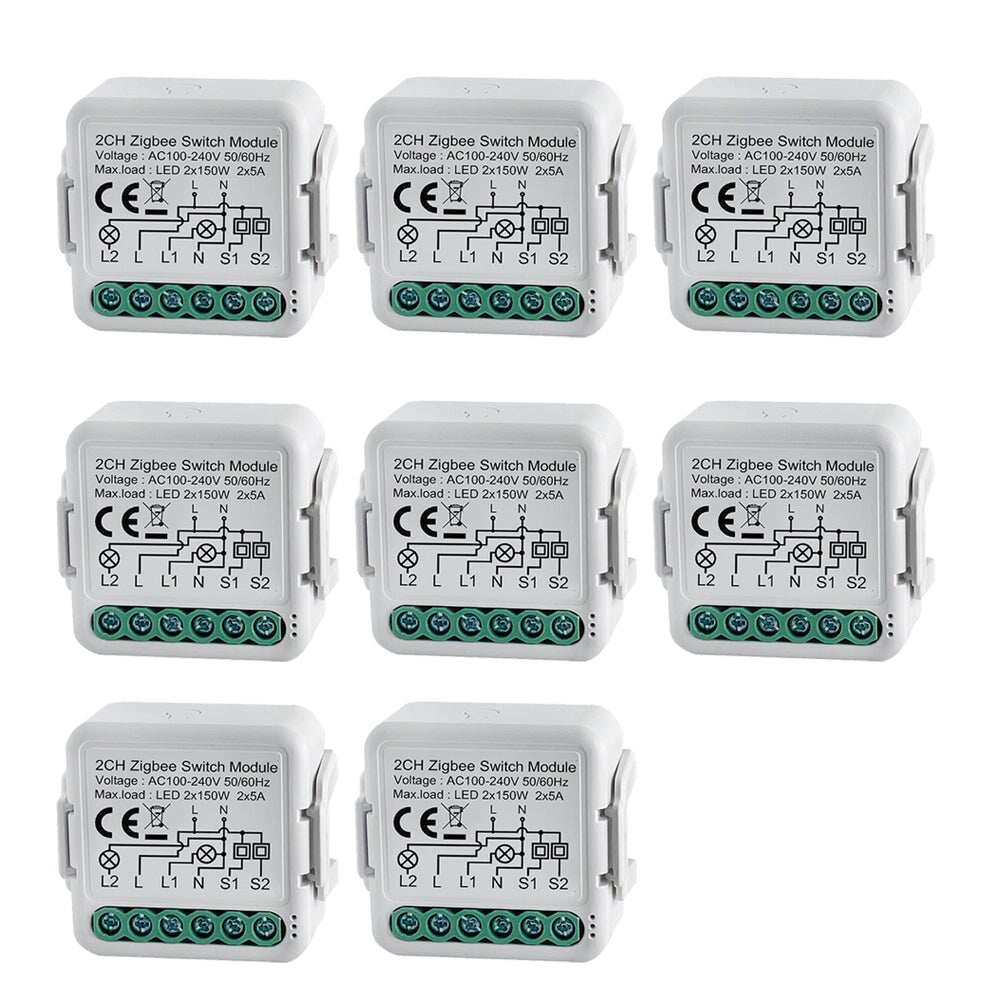
BSEED Smart Zigbee switch module wall Zigbee light switch module Work with Mechanical Switch Light Switches Bseedswitch 2 Gang 8 PCS/Pack
BSEED Smart Zigbee switch module wall Zigbee light switch module Work with Mechanical Switch Light Switches Bseedswitch 3 Gang 2 PCS/Pack
BSEED Smart Zigbee switch module wall Zigbee light switch module Work with Mechanical Switch Light Switches Bseedswitch 3 Gang 4 PCS/Pack
BSEED Smart Zigbee switch module wall Zigbee light switch module Work with Mechanical Switch Light Switches Bseedswitch 3 Gang 8 PCS/Pack
BSEED Smart Zigbee switch module wall Zigbee light switch module Work with Mechanical Switch Light Switches Bseedswitch 4 Gang 2 PCS/Pack
BSEED Smart Zigbee switch module wall Zigbee light switch module Work with Mechanical Switch Light Switches Bseedswitch 4 Gang 4 PCS/Pack
BSEED Smart Zigbee switch module wall Zigbee light switch module Work with Mechanical Switch Light Switches Bseedswitch 4 Gang 8 PCS/Pack

Instant customer service

30-day refund

Free shipping

1-year warranty

W-ZH-1CHZSMW

BSEED Smart Zigbee switch module wall Zigbee light switch module Work with Mechanical Switch

Sale price€13.81 Regular price€16.76 Save:€2.95 (18% OFF)
DISCOUNT CODE
DISCOUNT CODE
12% OFF
For your first order
subs12
COPY
COPIED
10% OFF
Order over €299
ORDIN10
COPY
COPIED
15% OFF
Order over €499
ORDIN15
COPY
COPIED
18% OFF
Order over €999
ORDIN18
COPY
COPIED
Type:1 Gang
Pack:1 PCS/Pack
In stock
Visa Mastercard Maestro American Express Apple Pay Diners Club PayPal JCB Google Pay Klarna

Features

The switch module terminal reserves the access of
manual override function for the end-user to switch on/off.
• Switch on/off for permanent on/off function.

Supports up to 10 A at 240 VAC

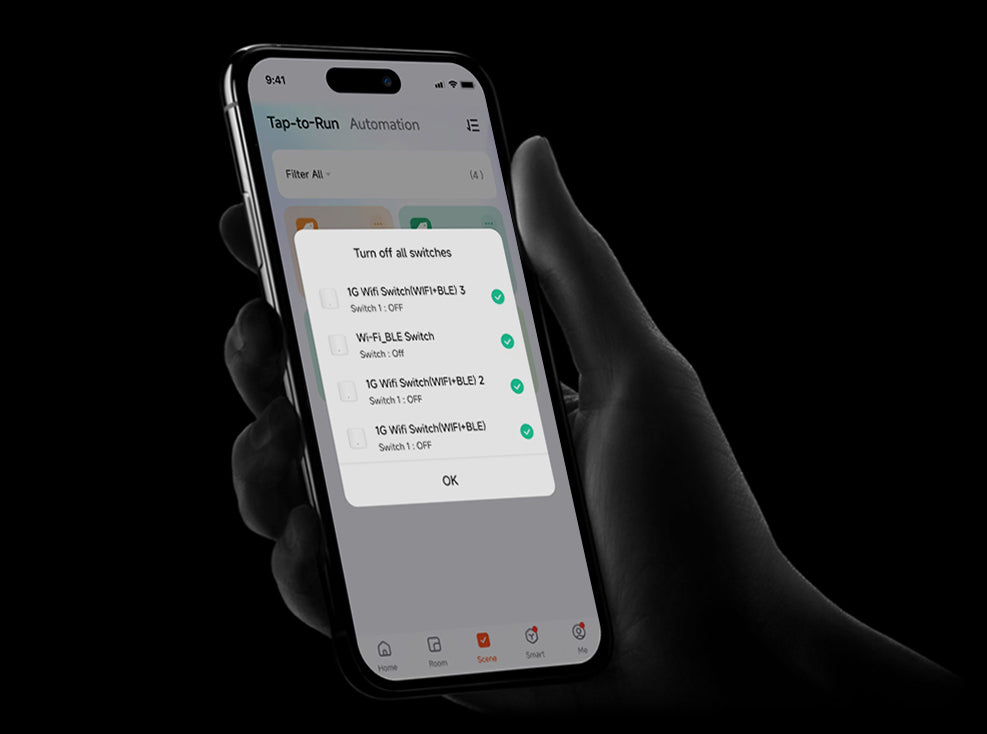
Supports schedules, scenes and local actions

Integration with smart home platforms: You can integrate smart modules with major smart home platforms, including Google and Alexa. This enables voice control and automation features through these platforms.
User-Friendly Interface:The device provides a user-friendly interface with a reset button for manual interactions.
Zigbee Connectivity:Zigbee is available for inclusion purposes, which may be useful during the setup process.
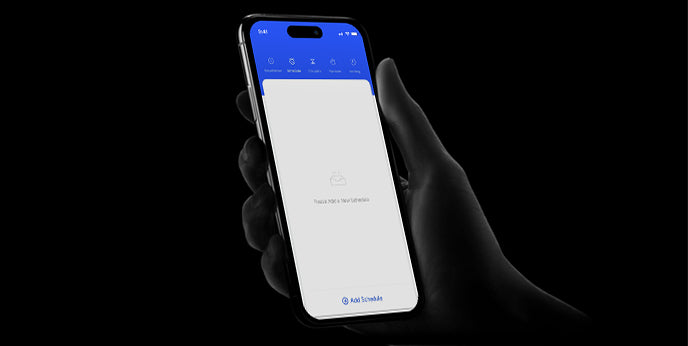
Schedules:Allows scheduling of complex operations to be executed in predefined time window. Users can specify time windows based on date, time of day, weekdays, hours, minutes and seconds.


Spec

Product Specifications
Brand
BSEED
Zigbee protocol:
Zigbee 3.0 protocol
Zigbee gateway:
Zigbee Hub Required
Working Temperature:
-10℃ + 40℃
Size:
39.2x39.2x18 mm
Working Humidity:
10%~85%RH
installation Type:
Wall Embedded
Shape:
square
Size:
43*39.2*22.3mm
Machine process
Clip-on fixing
Operating Voltage:
100-250V AC
Current frequency:
50/60Hz
Working current:
2*5A
Load:
LED 2x150W
Operation frequency:
2.412GHz-2.484GHz
IP rating:
IP20
Application:
Residential / General-Purpose
Type:
DIY Parts
WiFi Frequency:
IEEE802.11 b/g/n
Zigbee Frequency:
IEEE802.15.4
WIFI Standard:
Wifi 2.4G Hzb/g/n
APP:
Tuya / Smart Life
Voice Control:
Google Home, Amazon Alexa
Warranty:
1 year
Function:
Remote control, timer switch, power-on status, smart scene linkage, group control, shared control
Certification:
CE, RoHS

Certificate

Manual & More

Wiring Diagram
Product Installation Video Tutorial
Downloads

Packing List

BSEED Smart Zigbee switch module wall Zigbee light switch module Work with Mechanical Switch Light Switches Bseedswitch
Product * 1
Free
Screw Spike * 2
Free
User Manual * 1
Free
Package * 1
Same series recommendation
€12.01
€16.37
€10.76
€10.28
€10.51
€16.43
€16.80
SHOW MORE
SHOW MORE
Overview
FAQ
Reviews

Smart Light Switch for Seamless Control

Multi-Switch Control For
Ultimate Flexibility

Multi-Switch Control ForUltimate Flexibility

Manual Control
App Control
Voice Control

More to one: Simple to connect a Bseed switch to your light, and you can attach more than one bseed touch switch on any wall surface.
One for more: Touch switch with multiple channelsallows you to control one or more lightswhich each channel can be used to control one light
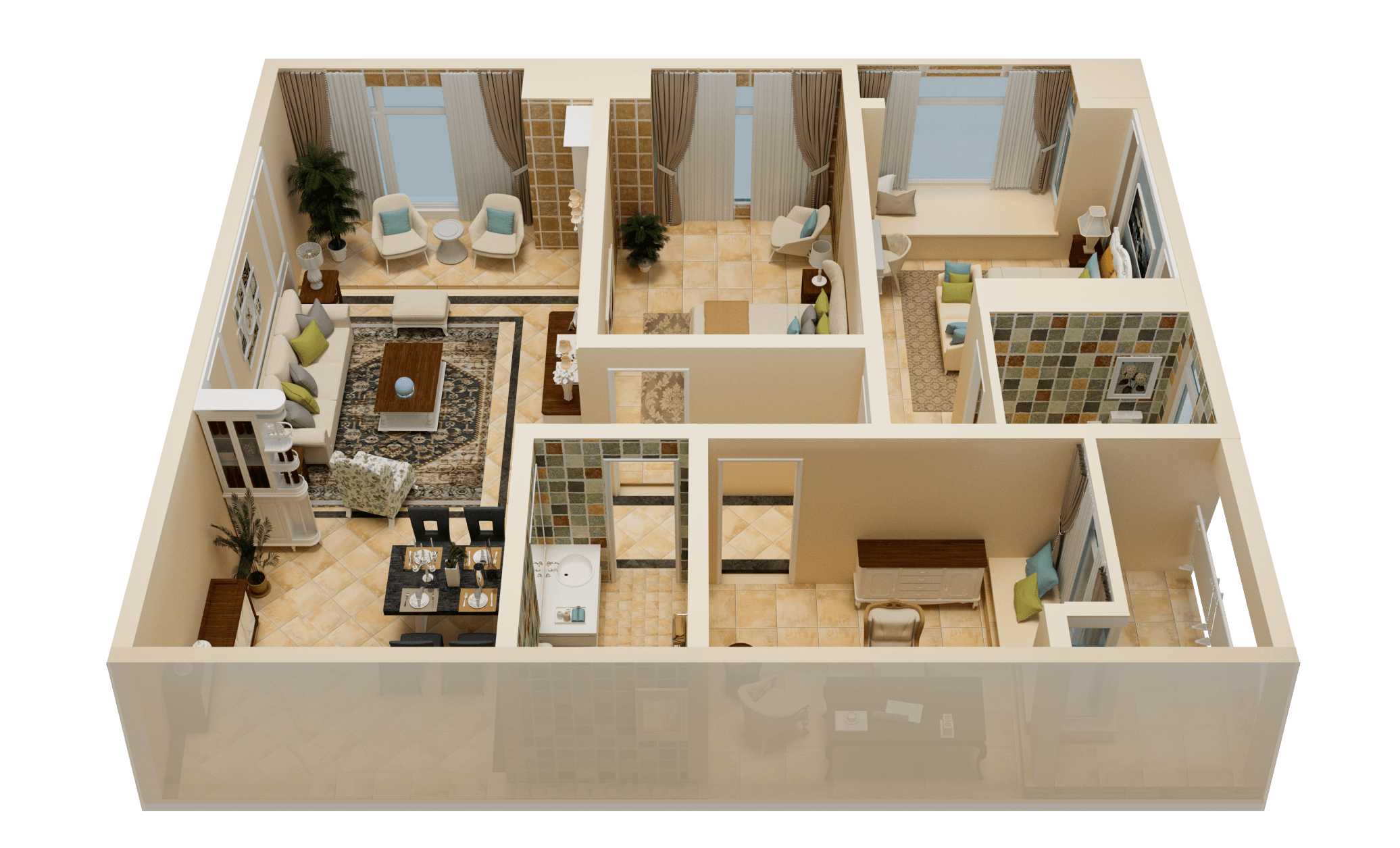

More to one: Simple to connect a Bseed switch to your light, and you can attach more than one bseed touch switch on any wall surface.One for more: Touch switch with multiple channelsallows you to control one or more lightswhich each channel can be used to control one light

Click to turn on the lights

Click to turn off the lights

Whole house light

living room light

living room light

living room light

living room light

Turn on the living room and bedroom lights.

Turn off the lights in the living room and bedroom.

The lights are on, Master.

Turn off the lights, Master.

More to one: Simple to connect a Bseed switch to your light, and you can attach more than one bseed touch switch on any wall surface.
One for more: Touch switch with multiple channelsallows you to control one or more lightswhich each channel can be used to control one light

More to one: Simple to connect a Bseed switch to your light, and you can attach more than one bseed touch switch on any wall surface.One for more: Touch switch with multiple channelsallows you to control one or more lightswhich each channel can be used to control one light
Click to turn on the lights

Click to turn off the lights

Whole house light

living room light

living room light

living room light

living room light

Turn on the living room and bedroom lights.

Turn off the lights in the living room and bedroom.

The lights are on, Master.

Turn off the lights, Master.

More to one: Simple to connect a Bseed switch to your light, and you can attach more than one bseed touch switch on any wall surface.
One for more: Touch switch with multiple channelsallows you to control one or more lightswhich each channel can be used to control one light
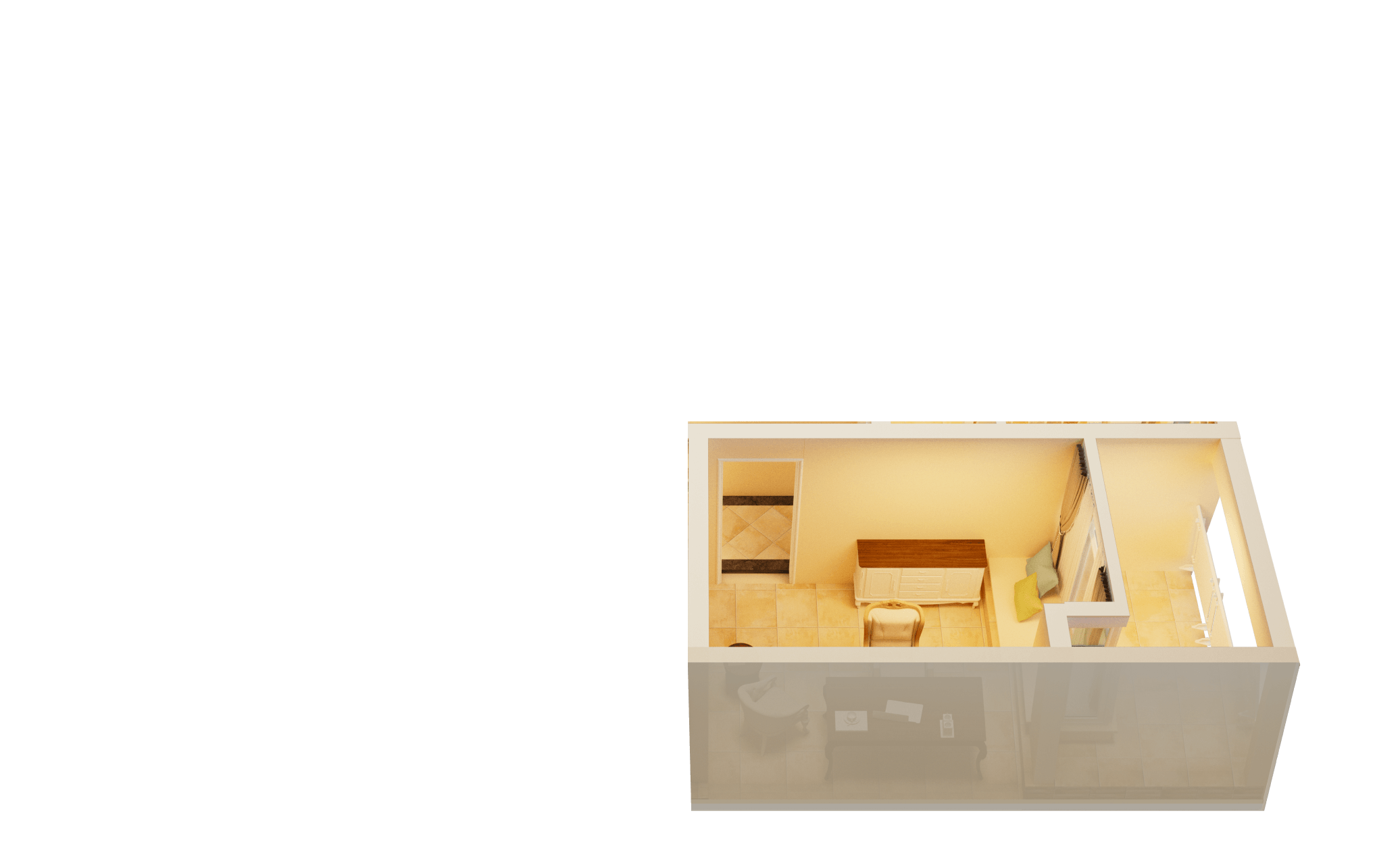
More to one: Simple to connect a Bseed switch to your light, and you can attach more than one bseed touch switch on any wall surface.One for more: Touch switch with multiple channelsallows you to control one or more lightswhich each channel can be used to control one light

Click to turn on the lights

Click to turn off the lights

Whole house light

living room light

living room light

living room light

living room light

Turn on the living room and bedroom lights.

Turn off the lights in the living room and bedroom.

The lights are on, Master.

Turn off the lights, Master.

Our Home,
Smarter and More Connected

Our Home, Smarter and More Connected

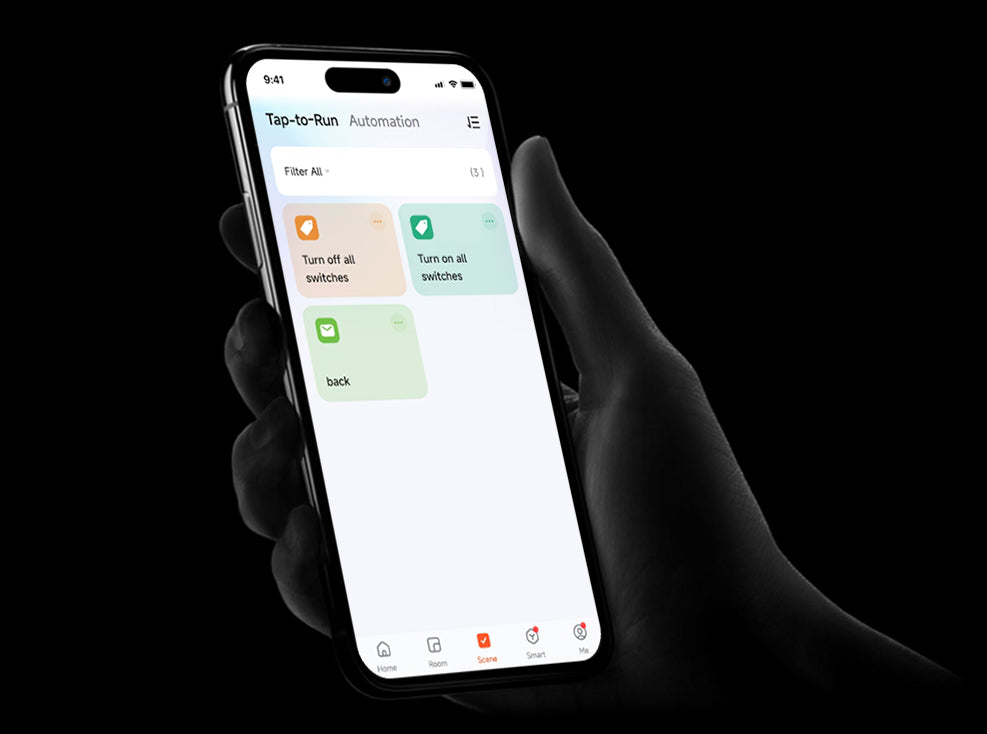
Take control of your home like never before. Download our app to access intelligent, easy-to-use features that make managing your home effortless—from lighting and security to energy savings and more.

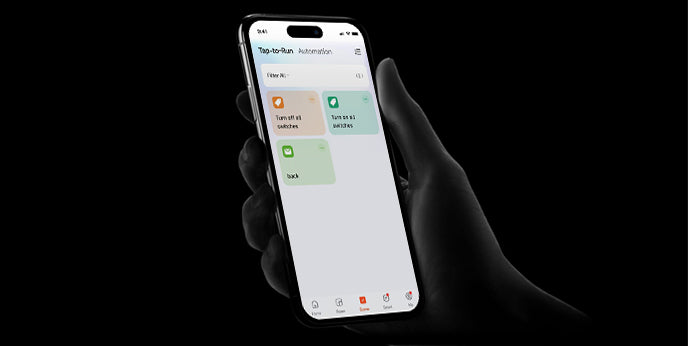
One-Click Control

Effortlessly manage all your devices with a single tap.

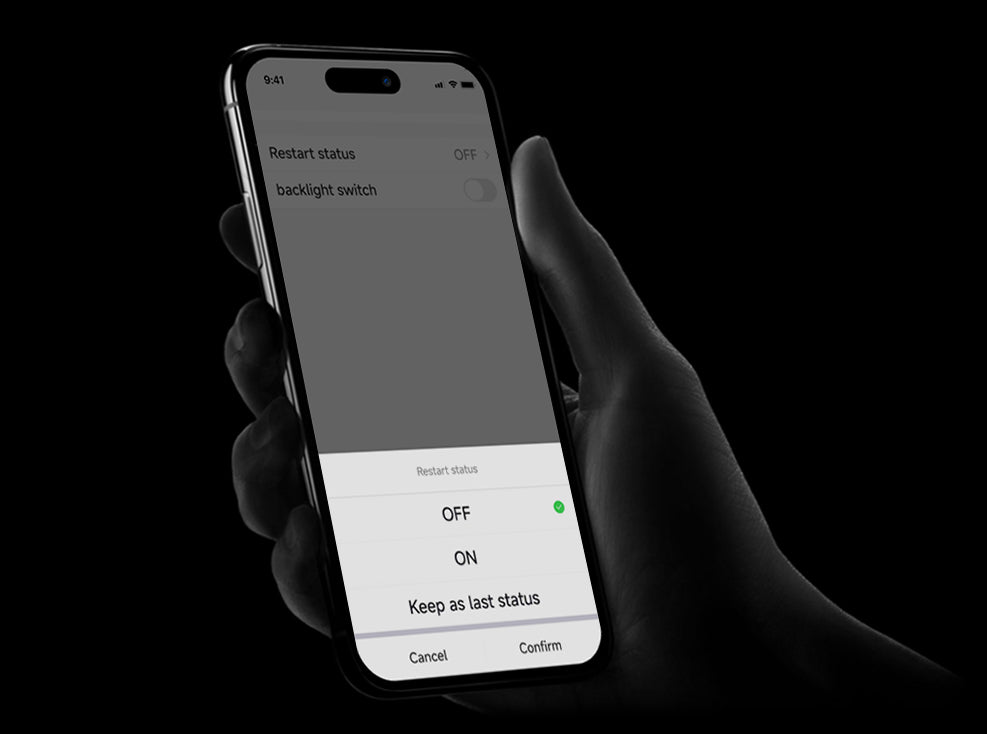
Power-off Memory

Your settings are remembered, even after a power outage.

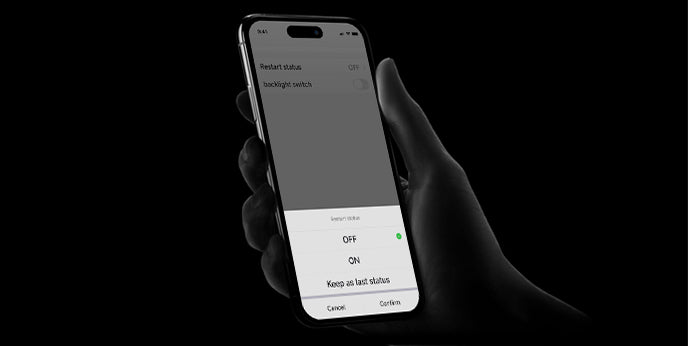
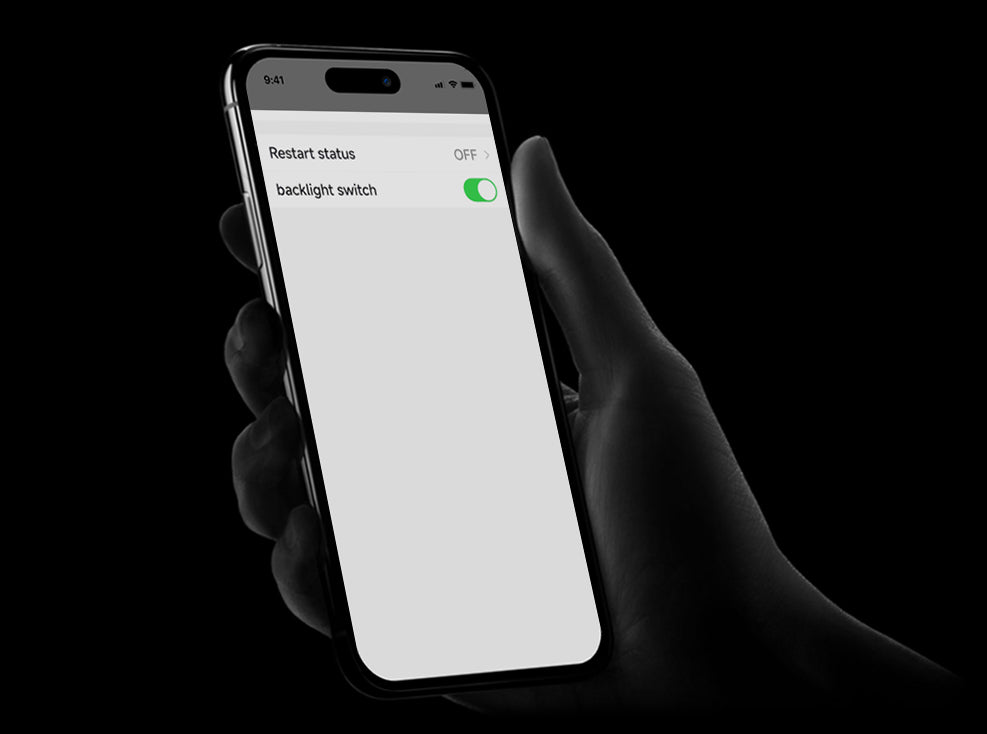
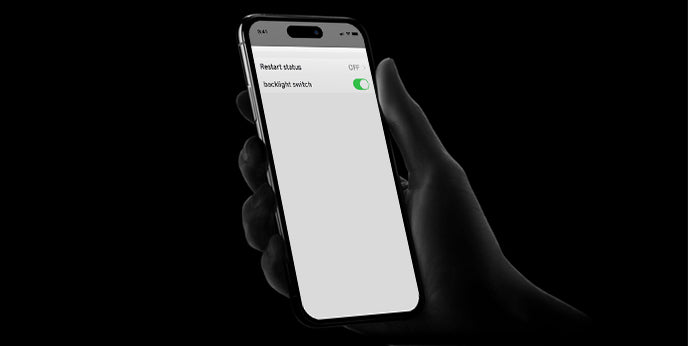
Backlight On/Off

Control the backlight of your switch for a more comfortable experience.

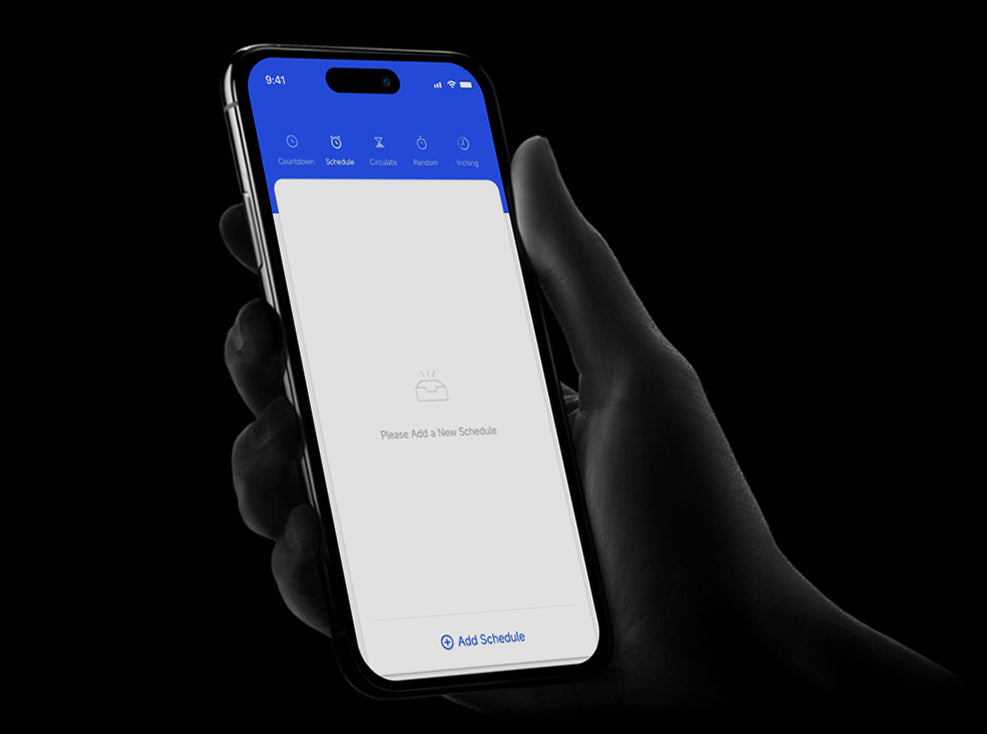
Timer Function

Schedule your devices to turn on or off automatically at your convenience.

One-Touch On/Off

Instantly power your devices on or off with one simple click.

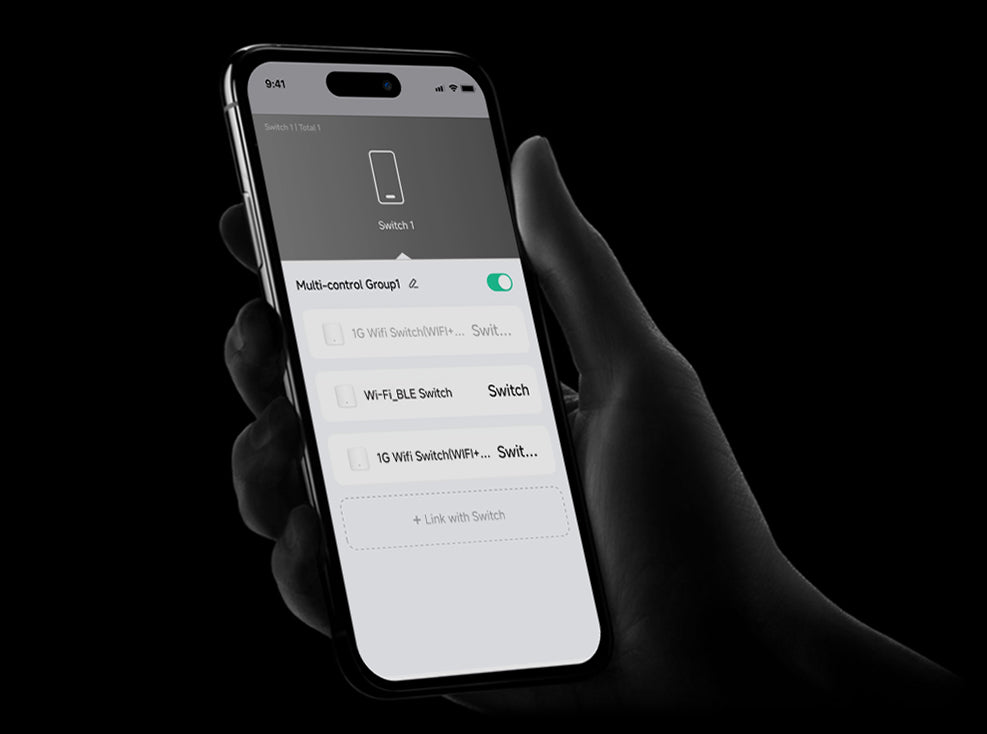
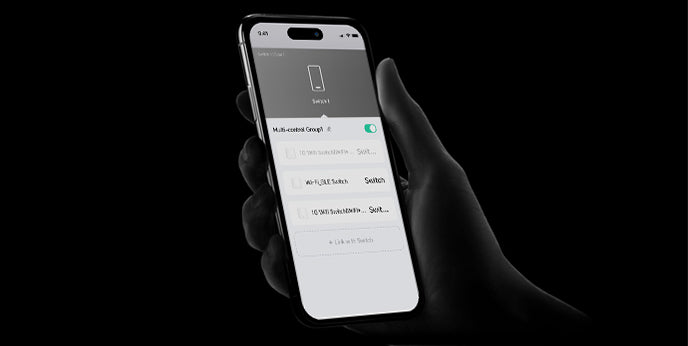
Multi-Control

Manage multiple devices simultaneously from the app.

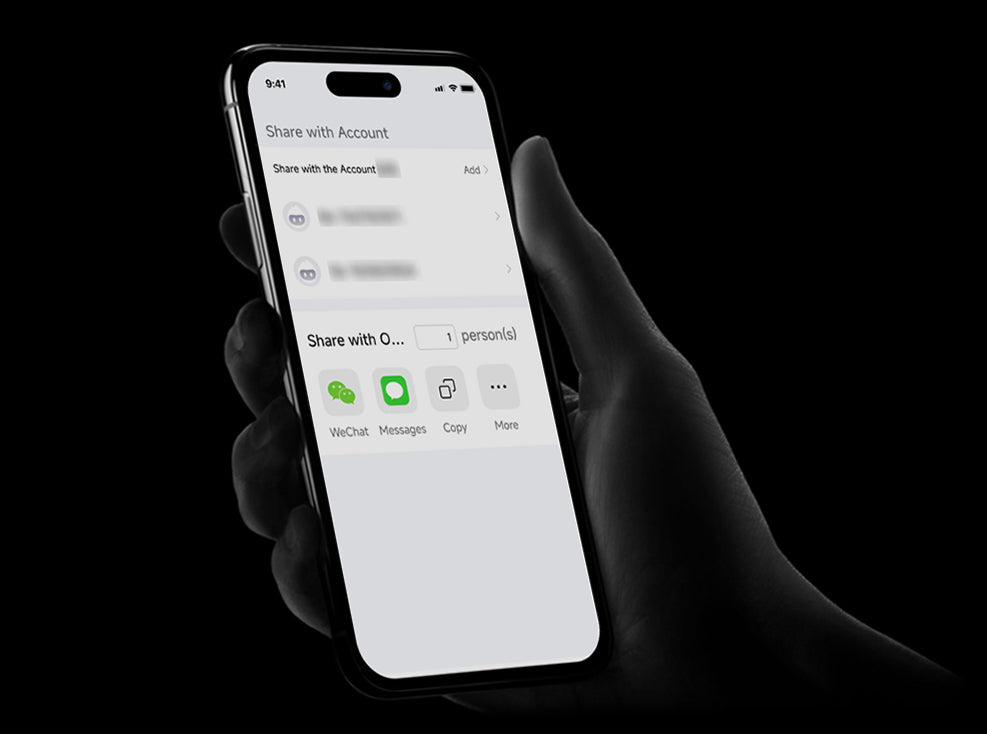
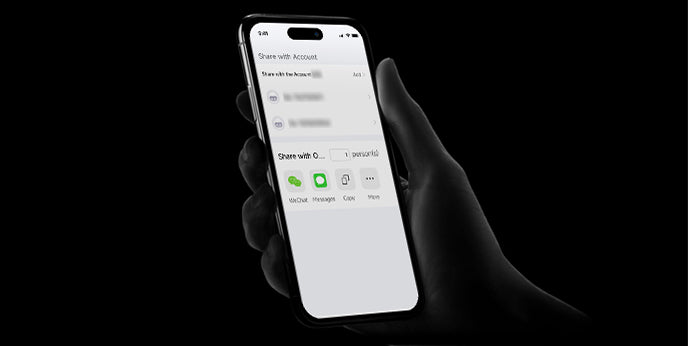
Share Permissions

Grant control access to others and manage permissions with ease.

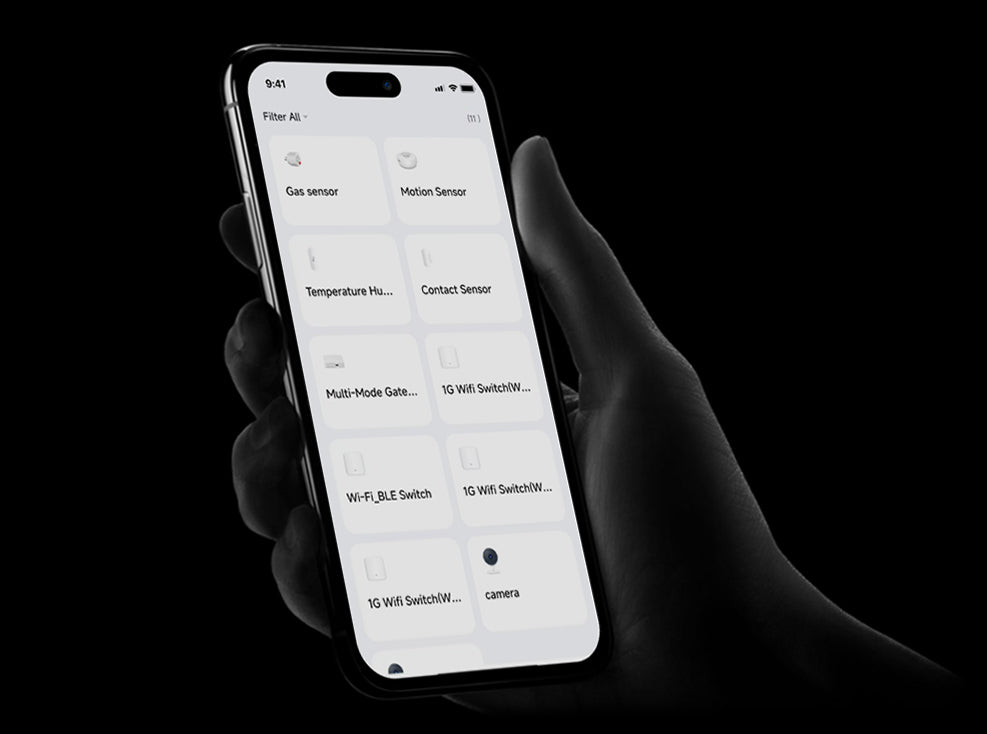
Device Management

Organize and control all your devices in one central app.
FAQs

I didn't find the product I wanted
We work hard to include as much information about our products in our product descriptions on the product page, You can combine the products you want through the DIY section, or contact our customer service staff.
What should I do if I can’t configure the switch module?
(a)Please check whether device is powered on.
(b) Make sure the Zigbee Gateway is available.
(c)Whether it’s in good internet conditions.
(d)Make sure the password entered in App is correct.
(e)Make sure the wiring is correct.
What happens if the WIFI goes off?
You can still control the device connected the switch module with your traditional switch and once WIFI is active again the device connected to module will connect automatically to your WIFI network.
What should I do if I change the WIFI network or change the password?
You have to re-connect our Zigbee switch module to the new Wi-Fi network accordingly as per the App User
How do I reset the device?
1. Power on/off device for 5 times until the indicator light flash.
2. Switch on/off the traditional switch for 5 times until the indicator light flash.
3. Press the reset key for about 10 seconds until the indicator light flash.