How to Build a Smart Home with BSEED Zigbee Devices
For an installer, a BSEED Zigbee smart home is won or lost before the first device is paired. The customer sees switches, scenes, sockets, and curtain control. The project team has to see topology, room naming, hub position, device density, and handover risk.
This is one of the two TO B articles in this batch, so I will speak to dealers and installers directly: do not sell Zigbee as a slogan. Sell it as a planned system.
The Project Starts With A Network Sketch
Take the floor plan and mark the zones: entrance, living area, kitchen, bedrooms, hallway, utility space, balcony, terrace, and outdoor control points. Then mark the powered Zigbee devices. BSEED Zigbee light switches, smart sockets, roller shutter switches, curtain switches, and control panels should not be placed randomly. They are part of the network structure.
Battery sensors are useful, but they should not carry the project. Powered devices are the backbone.
In apartments with thick walls or villas with several floors, the hub or gateway position becomes a real engineering decision. A hub hidden in a metal cabinet may keep the technical corner tidy and make the network weak at the same time.
Project Layer Table
|
Project Layer |
What To Decide Early |
Why It Matters |
|
Hub or gateway |
Position, power, network access |
Weak placement creates delayed response |
|
Lighting |
Room names, gang layout, neutral availability |
Most user complaints start at wall switches |
|
Sockets |
Load guidance and scene role |
Prevents unsafe or unclear use |
|
Curtains and shutters |
Motor wiring, travel limits, control expectation |
Wrong motor match causes returns |
|
Heating |
Thermostat type, sensor, load, schedule need |
Comfort issues are hard to explain after handover |
|
Voice assistant |
Alexa, Google Home, Home Assistant, app logic |
Scene names must match how users speak |
|
Handover |
Scene list and recovery notes |
Reduces support calls after installation |
This table belongs in the quotation stage, not only in the technical file.
Pair Devices By Room, Not By Convenience
A common installer shortcut is to pair all devices on a table, then install them around the home. It feels efficient. It also makes troubleshooting harder.
Pair and test room by room. The bedroom should have clear device names before the living room begins. The living room should pass scene tests before the hallway is added. This pace looks slower on day one and faster when the customer starts using the home.
Good naming matters. "Living Room Main Light" is useful. "ZB-SW-04" is not. The customer should be able to call and describe a device without opening an engineering log.
I would also separate the engineer's name from the homeowner's name. The internal record can still show circuit number, switch type, and installation date. The app should show something the family understands. That split keeps support professional without making the customer's phone look like a warehouse list.
Build Fewer Scenes Than You Want To Sell
Most customers do not need twenty scenes. They need a few that work every day:
l Home
l Away
l Night
l Movie
l Morning
l Cleaning
Each scene should be tested from the wall switch, the app, the control panel, and voice assistant if promised. If the project includes Home Assistant, test the local automation path as well.
Do not connect every device to every scene. If a movie scene changes lighting, curtains, sockets, and heating all at once, troubleshooting becomes slow. Keep the first scene layer clean.
Where BSEED Zigbee Devices Fit Best
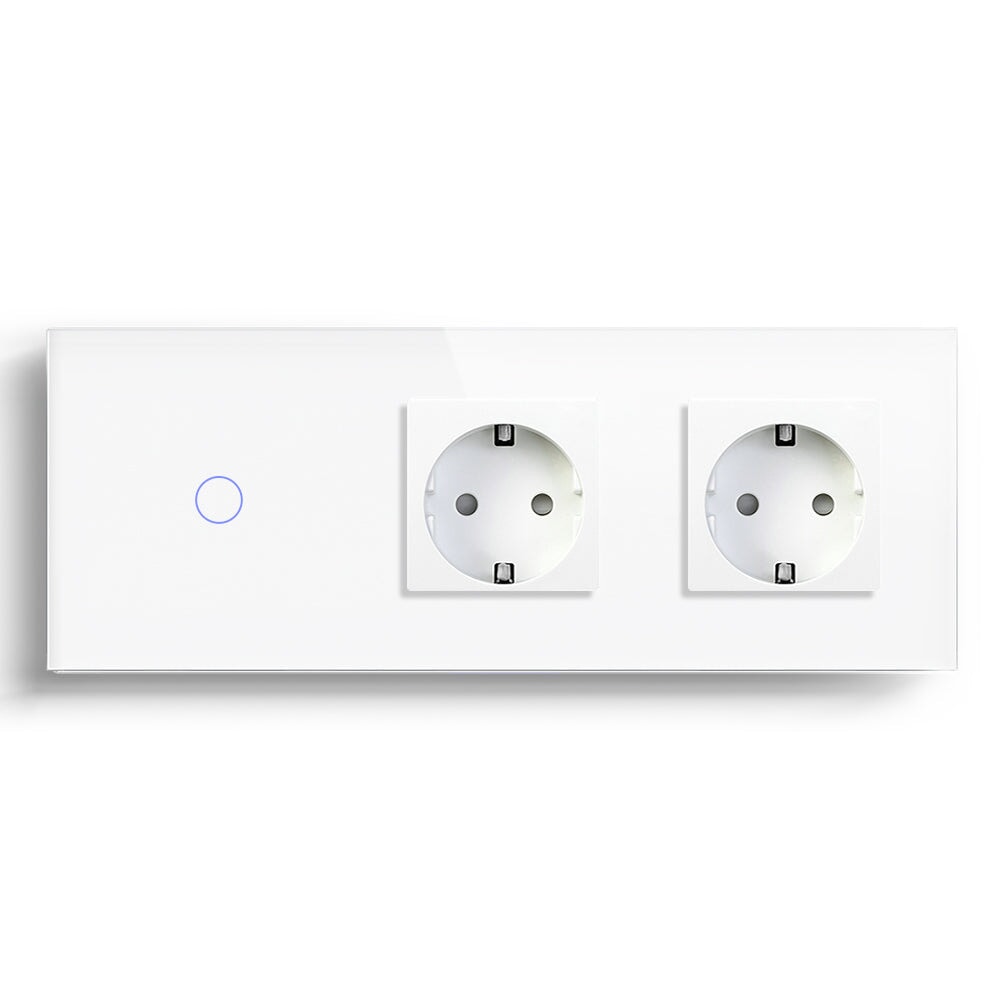
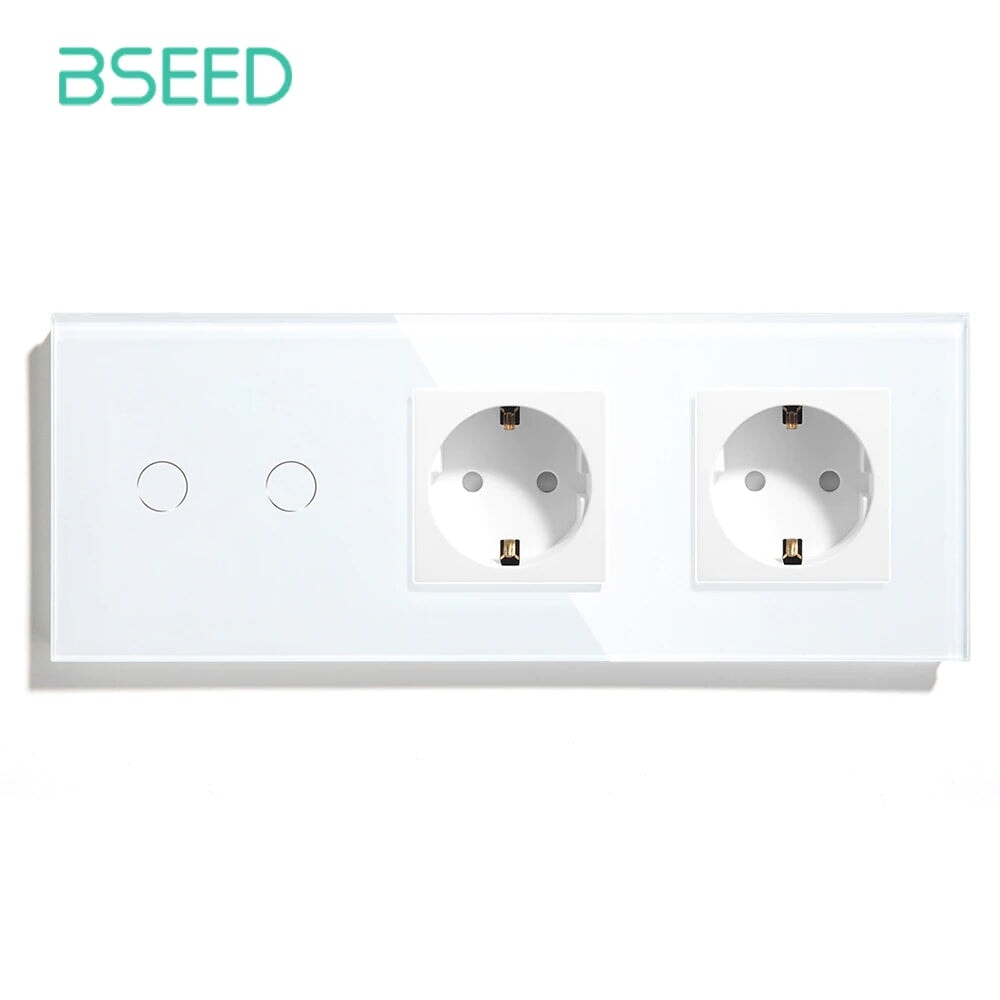
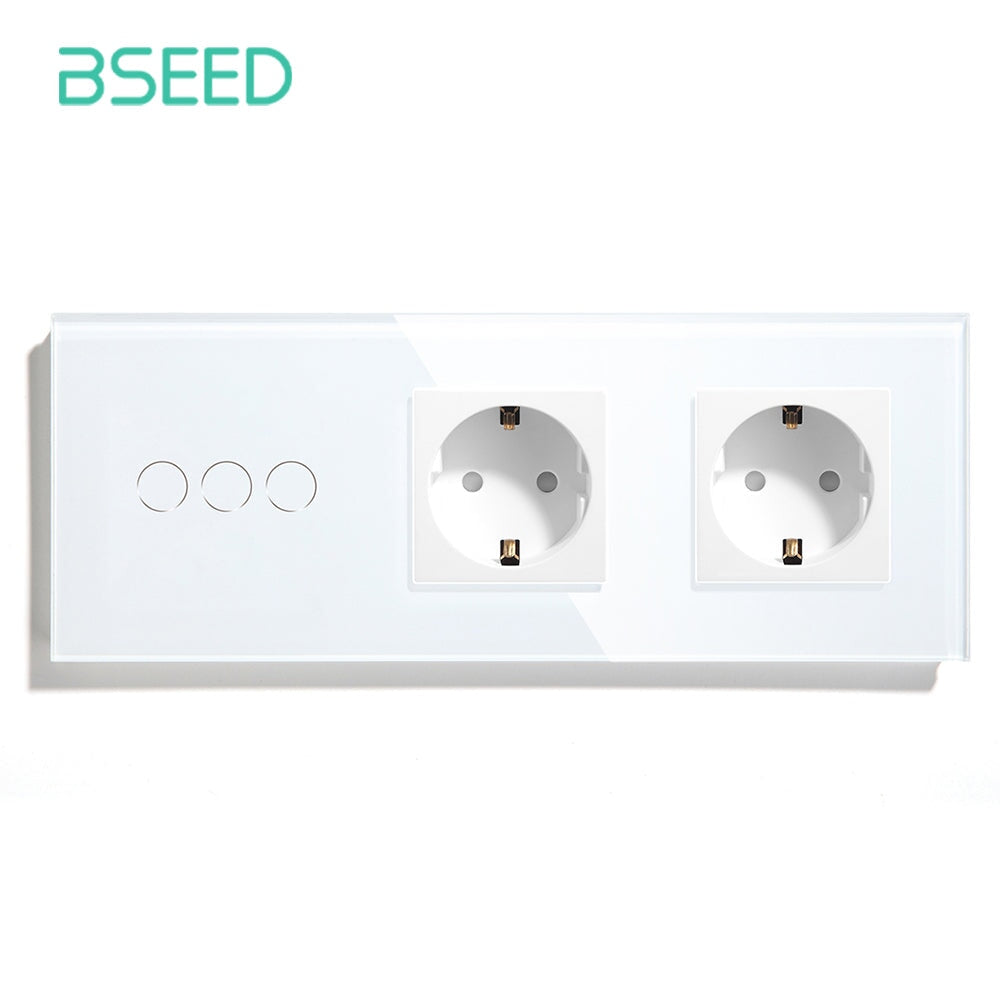
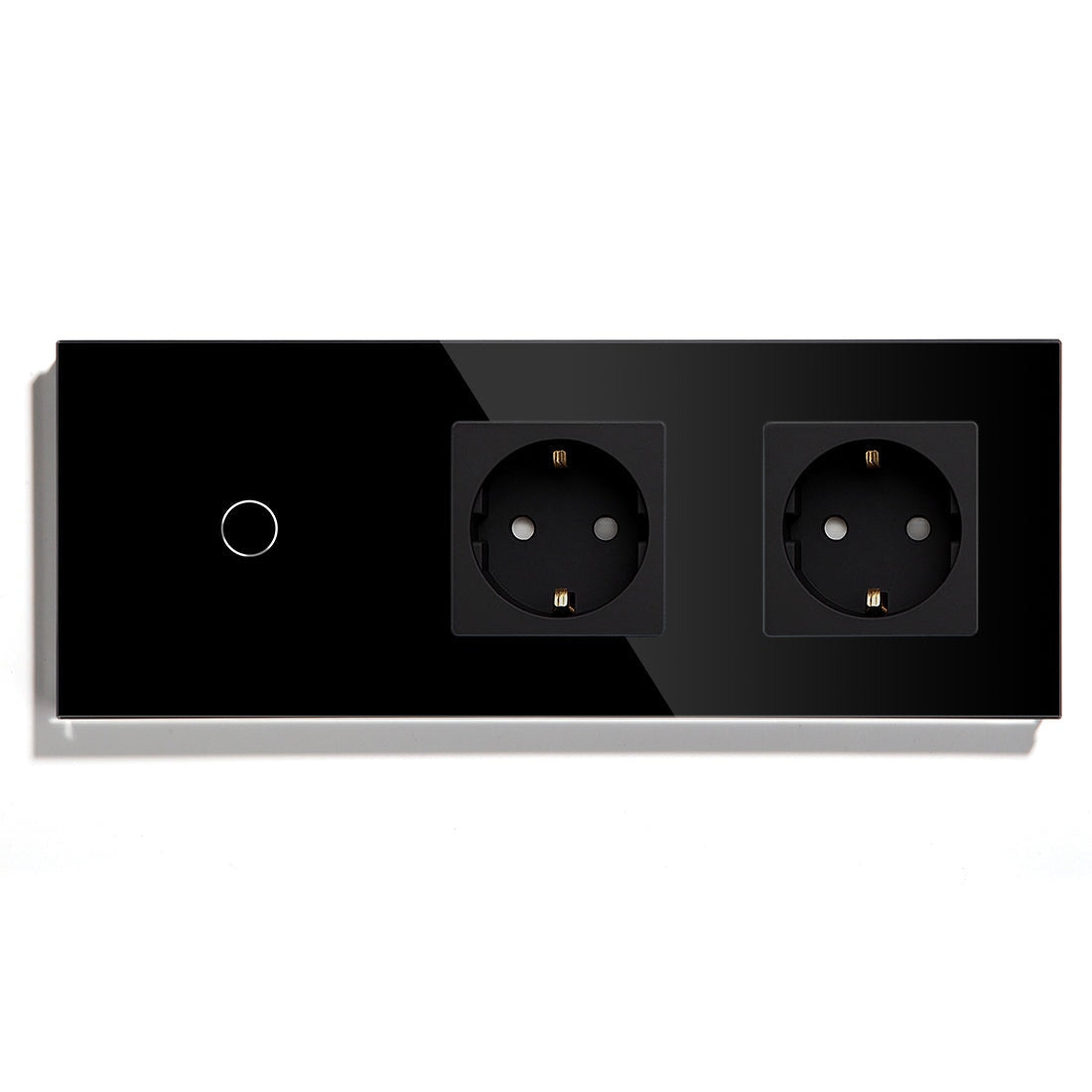
BSEED Zigbee devices are a good fit for multi-room homes, villas, larger apartments, rental units with repeatable room packages, and projects where lighting, sockets, curtain control, roller shutters, and thermostats need to work together.
For a customer who wants one smart switch in one bedroom, WiFi may be easier. For a customer planning a full smart home, Zigbee can give the installer more structure and a better future expansion path.
A Realistic First Package
For a dealer package, I would not start by offering every BSEED Zigbee device in the catalog. A first package might include main room lighting, selected smart sockets, one curtain or roller shutter zone, and a control panel only if the home has enough rooms to justify it. Thermostats should be added after heating type and sensor requirements are confirmed.
This creates a package the sales team can explain clearly. It also gives the installer fewer variables during the first handover.
For villas or larger apartments, add zones gradually: entrance and living area first, bedrooms second, outdoor or shutter control third, heating after system confirmation. That sequence is easier to manage than a single large installation where every device type appears on the same day.
Handover Is Part Of The Product
Leave the customer with a simple handover sheet. It should show gateway location, app account responsibility, device names, scene names, what to do after router replacement, and who to call for system changes.
For dealers, this is not extra service. It protects the order. Many after-sales problems come from missing handover information, not from defective hardware.
Stock And Package Planning
Separate standard Zigbee switch stock from no-neutral Zigbee switch stock. Keep clear SKU notes for gang count, color, load type, and gateway requirement. If the sales team cannot explain the difference, the warehouse will eventually ship the wrong product.
BSEED can support a Zigbee smart home with switches, sockets, curtain controls, roller shutter switches, thermostats, and control panels. The project works best when the dealer sells a system map, not a pile of boxes.
After handover, check the project again after 7-14 days if the client is important or the building is complex. The customer will have used scenes by then, and small naming or timing problems will be easier to catch before they become complaints.