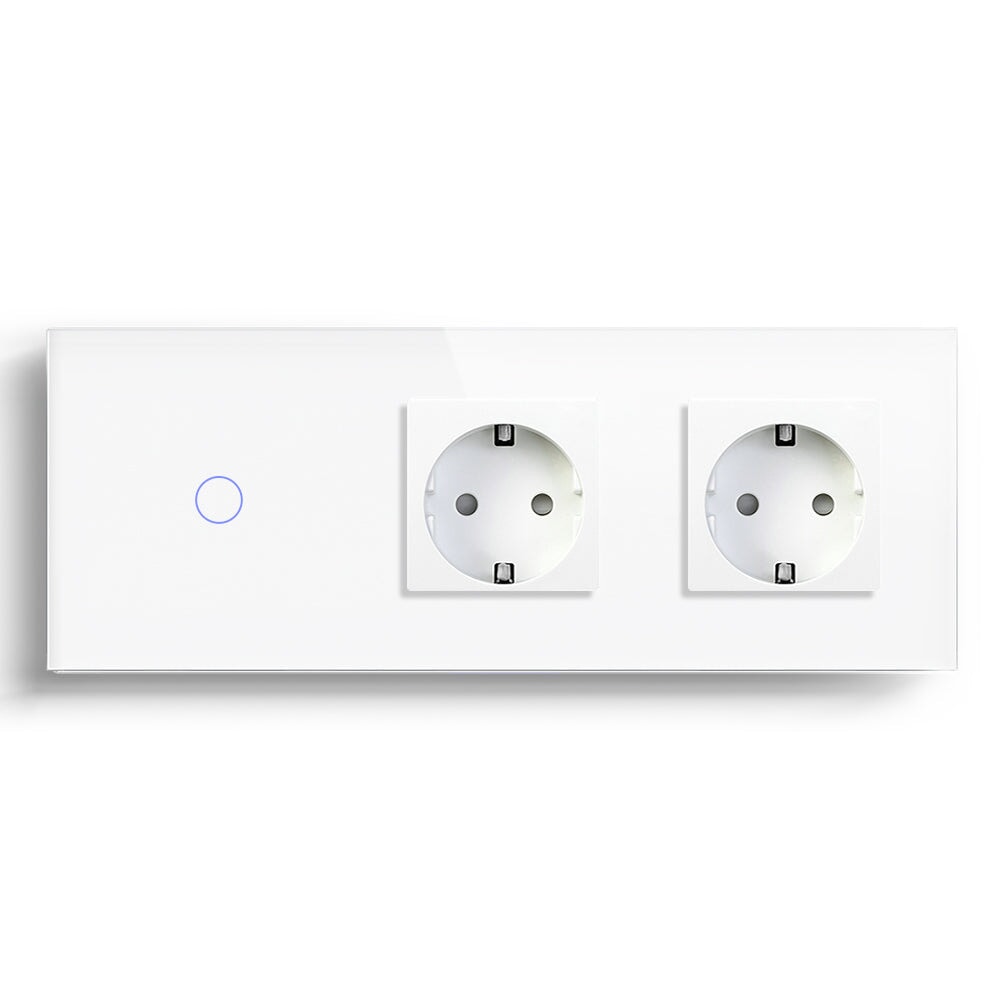
Smart Socket with Energy Monitoring Feature Explained
Energy monitoring sounds like a dashboard feature, but at home it usually starts with one suspicious plug. A heater that runs longer than expected. A lamp that stays on all evening. A work desk full of chargers. A TV corner that never seems fully off. A BSEED smart socket with energy monitoring can help homeowners turn those guesses into something easier to read.
The point is not to promise dramatic savings. Real savings depend on the device, user habit, electricity cost, and how often the load runs. The value is visibility. Once a homeowner sees which plug is active, when it is active, and how the usage pattern changes, better decisions become possible.
Start With One Device, Not The Whole Home
The best first use is a single device that the homeowner already wonders about. A floor lamp, desk setup, dehumidifier, fan, or entertainment area can be a good starting point if the load is within the socket's rating. Do not start with every socket in the home. That creates data noise before the user knows what to look for.
A BSEED smart socket can also add app control and schedules. That makes it useful for lamps and selected appliances that do not need to stay on all day. It is especially practical in apartments, where replacing wall wiring may be unnecessary for small plug-in routines.
A One-Week Reading Method
Use the socket for 7 days before making a judgment. One day can mislead you. A weekend pattern may look different from a workday pattern. The goal is to see a normal cycle.
1. Plug in one suitable device.
2. Leave normal habits unchanged for the first two days.
3. Check when the load runs longest.
4. Add a schedule only if the device does not need constant power.
5. Review the difference after several more days.
This method is not fancy. It works because it respects how homes actually run. People forget devices, change routines, and use rooms differently on different days.
Where Energy Monitoring Helps
Smart sockets with energy monitoring are useful for lamps, home office setups, entertainment corners, seasonal fans, and certain standby devices. They can also help a homeowner understand whether a device is worth scheduling.
In a bedroom, a smart socket with USB-C nearby may support charging and lamp control, depending on the product arrangement. In a living room, a socket can be part of an evening scene with a smart light switch and curtain switch. In a small apartment, it can be the easiest smart home device to add because it avoids wall switch replacement.
Where It Should Not Be Used
A smart socket is not a universal controller. Do not use it for loads outside its rating, fixed appliances that require dedicated installation, life-safety equipment, or devices that should never lose power without warning. If the user is unsure, ask an electrician or choose a safer control method.
This is the sort of point experienced dealers repeat because it prevents returns. A smart socket can be very useful, but only inside its proper job.
Energy Monitoring Buying Score
Give each candidate use case a score from 1 to 3.
|
Question |
1 Point |
3 Points |
|
Is the device often forgotten? |
Rarely |
Often |
|
Is the load within the socket rating? |
Unsure |
Clearly confirmed |
|
Would scheduling help? |
Not really |
Yes, daily or weekly |
|
Does the user want data? |
No |
Yes |
|
Is plug-in control acceptable? |
Awkward |
Natural |
If the total is low, do not force the socket into the project. If the total is high, a BSEED smart socket with energy monitoring is likely to feel useful quickly.
How It Works With Other BSEED Devices
BSEED's range includes smart switches, WiFi light switches, Zigbee light switches, Matter switch options, smart sockets, dimmer switches, smart thermostats, smart blind controls, roller shutter switches, and control panels. The socket is one part of that larger set. It can handle plug-in lamps while the wall switch handles ceiling lighting and the thermostat handles heating schedules.
That separation matters. A clean smart home does not make every device do every job. It gives each device the job it can do reliably.
Homeowner Questions
Will energy monitoring show exact electricity cost?
Some apps may provide estimates or usage data, but cost depends on the local tariff and settings. Treat the data as a practical guide, not a certified billing meter.
Can I use a smart socket for a heater?
Only if the product rating and local safety practice allow it. Heating loads deserve extra caution. Do not guess.
Is Zigbee or WiFi better for a smart socket?
WiFi is simple for a few devices. Zigbee can be better when the home already has a Zigbee mesh or Home Assistant setup.
The best energy-monitoring socket does not lecture the homeowner. It quietly shows where power is being used and lets the user decide which habit is worth changing.