BSEED Smart Switch Installation Guide for Beginners
If a beginner remembers only one thing, make it this: a smart switch is still an electrical device. The app setup is the easy part. The wall box, load, wiring, and switch type decide whether the installation is smooth.
This BSEED smart switch installation guide is written for homeowners who want to understand the process before calling an electrician or starting a simple permitted installation. It is not a replacement for local electrical practice. Power isolation and qualified wiring work matter.
Before You Touch The Wall
Take a photo of the existing switch and note what it controls. A ceiling light, dimmable LED circuit, curtain motor, roller shutter motor, or floor heating thermostat will not use the same product. BSEED has smart light switches, dimmer switches, curtain switches, roller shutter switches, smart thermostats, and smart sockets, so choose the product category first.
Then check the basics:
l Does the wall box have neutral?
l How deep is the wall box?
l Is the switch single-gang, two-gang, or more?
l Is it part of two-way or multi-way switching?
l What load does it control?
l Which app, hub, or voice assistant will be used?
Those six answers prevent most beginner mistakes.
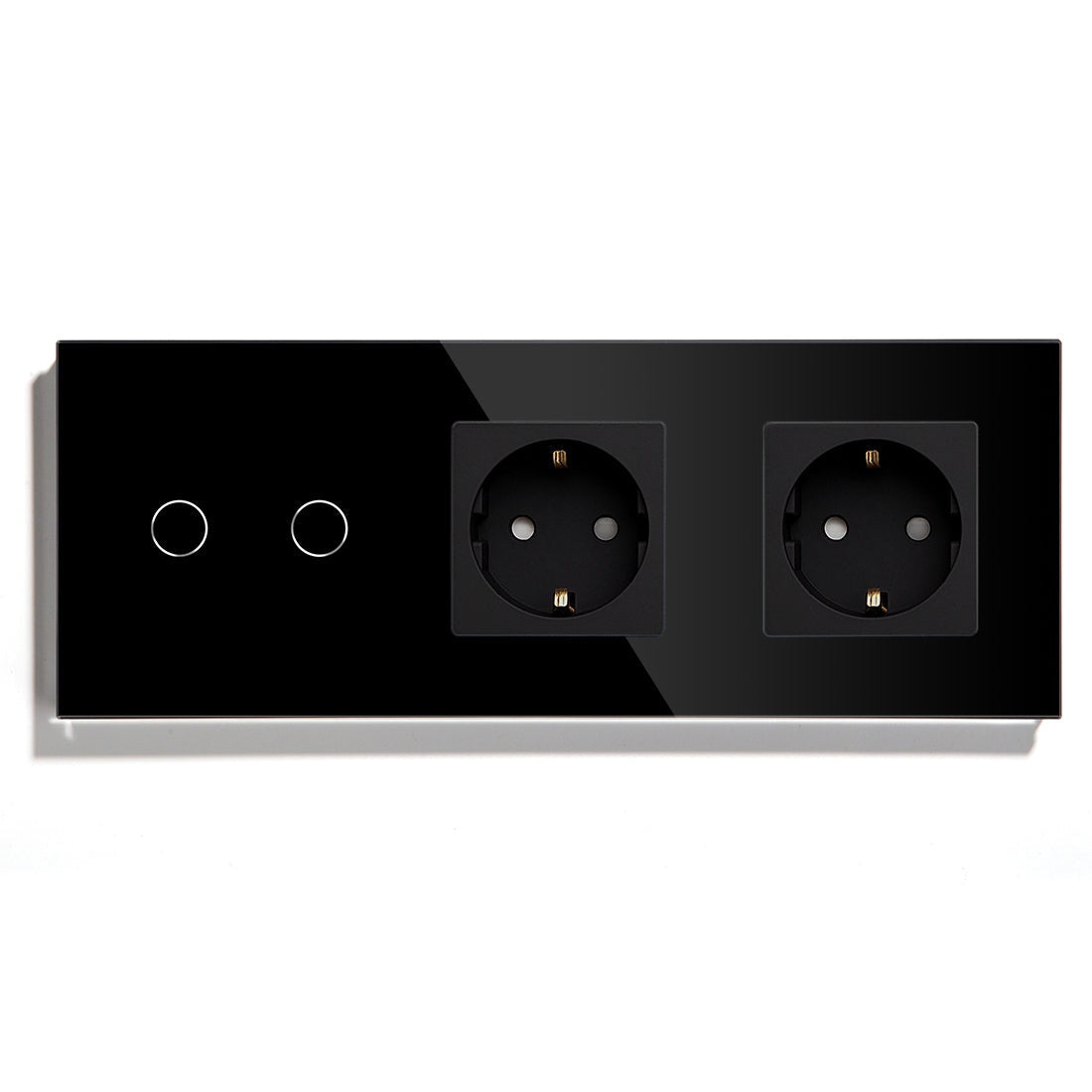
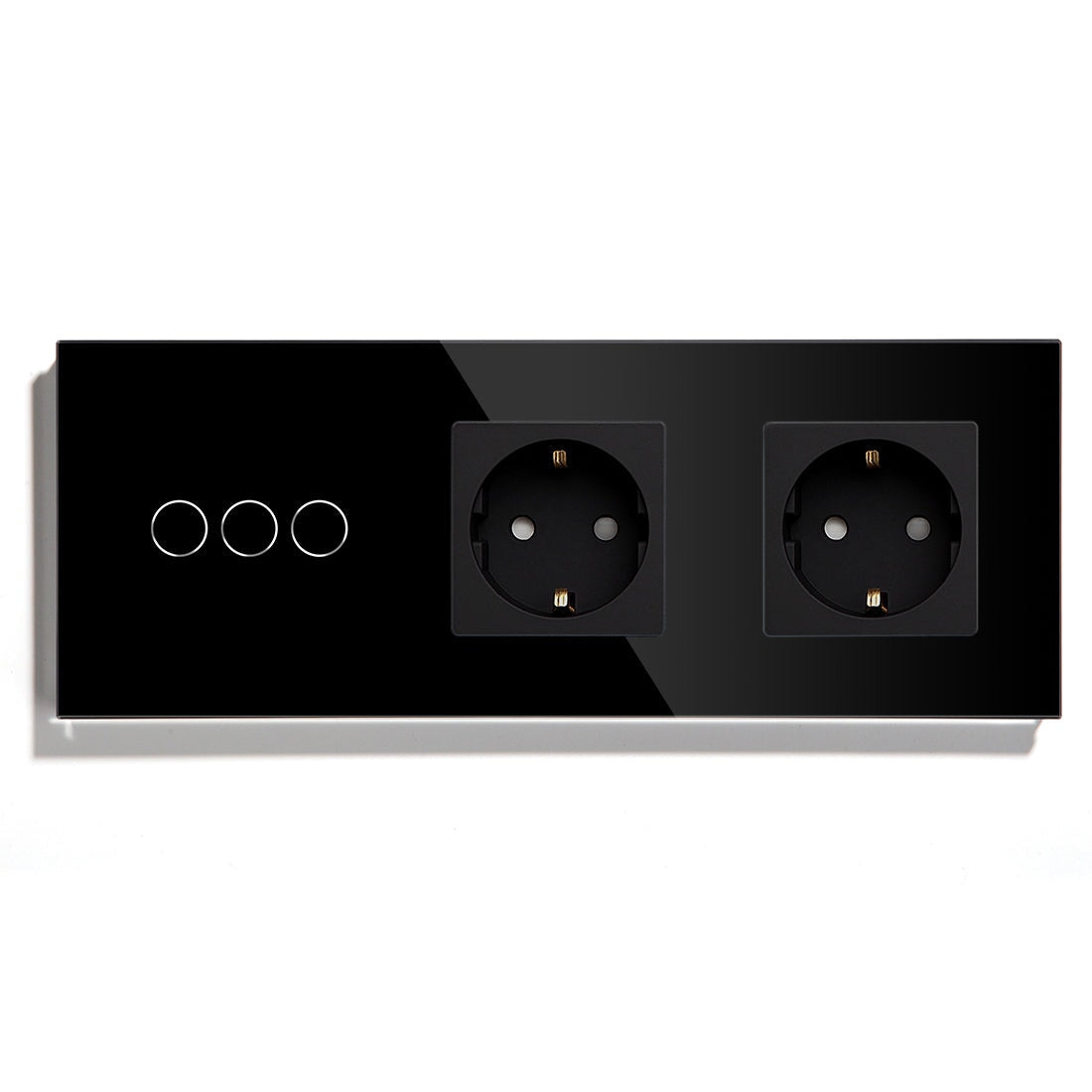
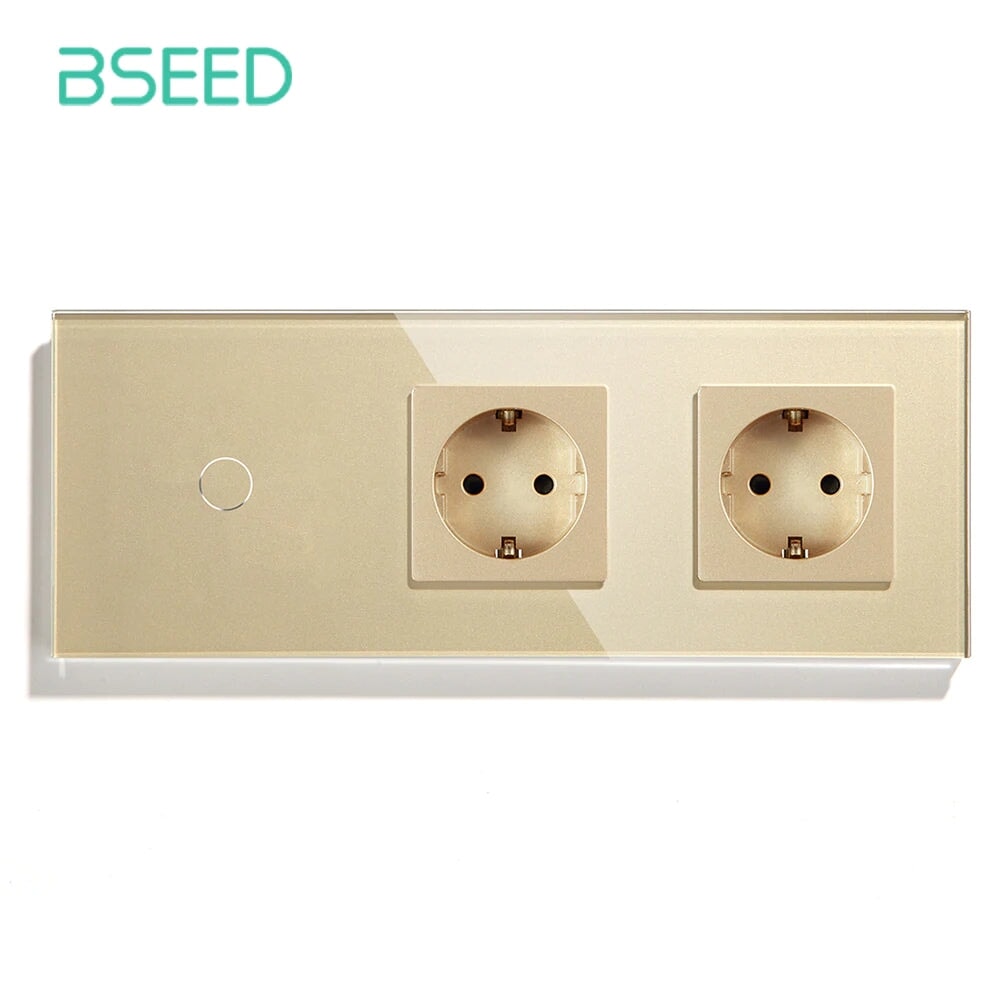
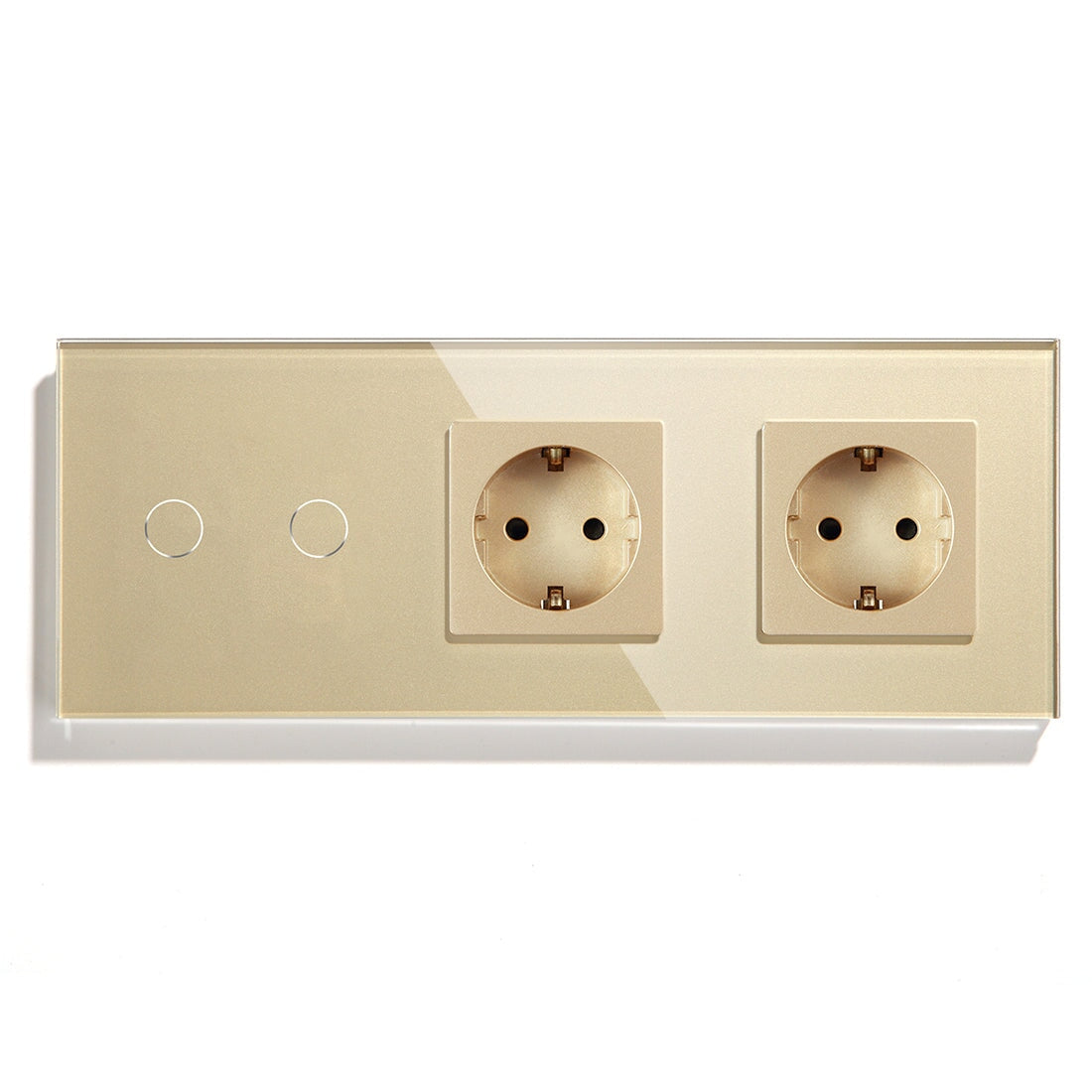
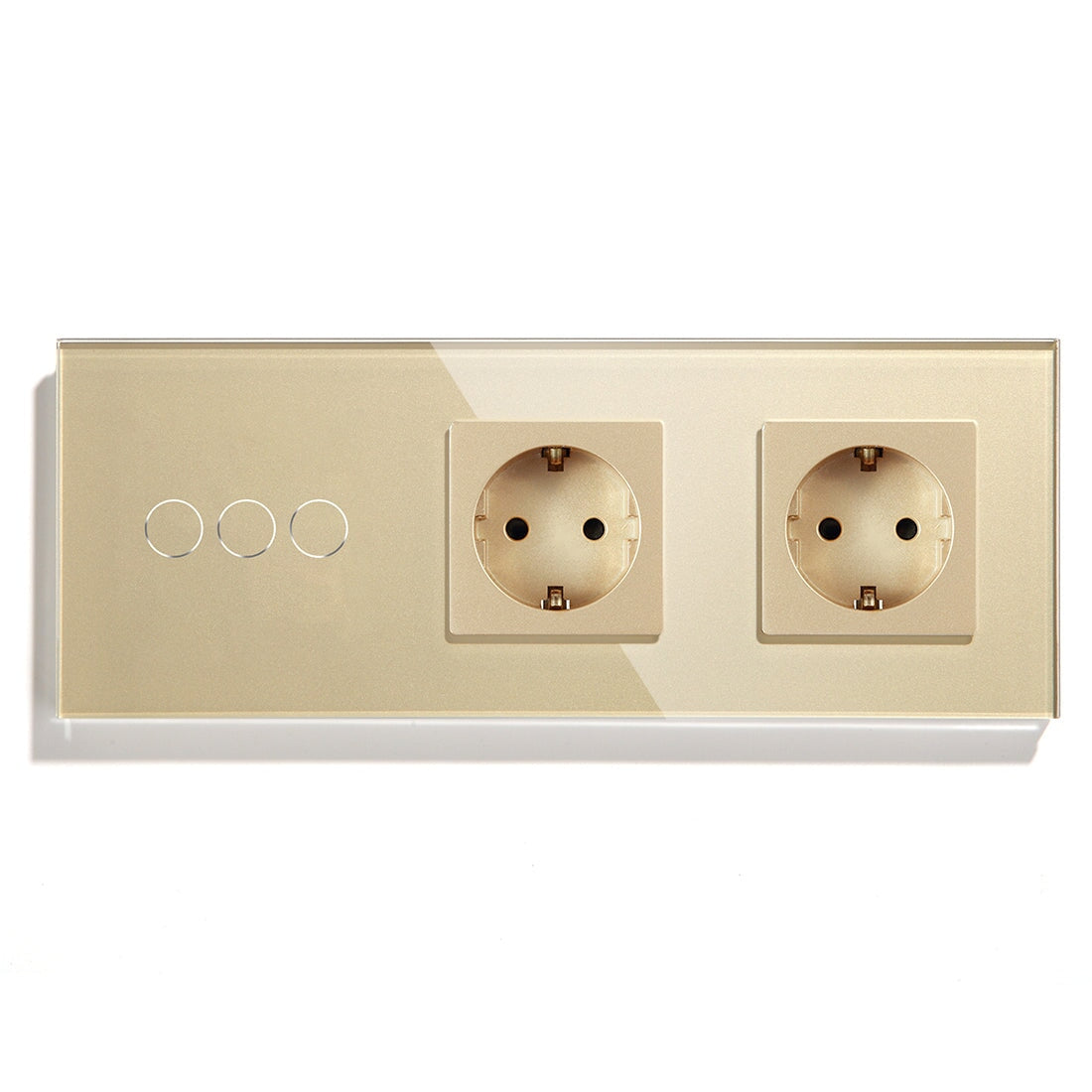
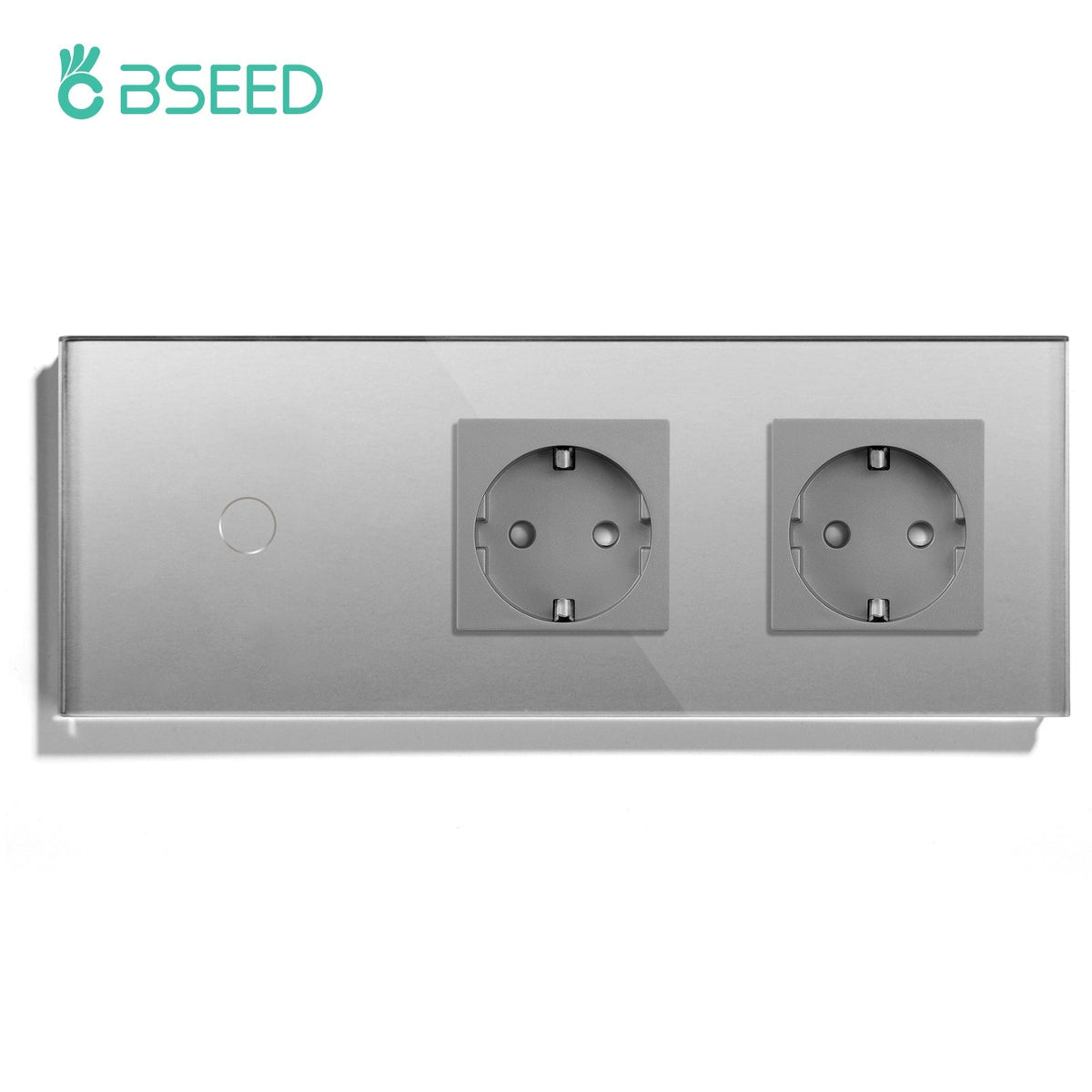
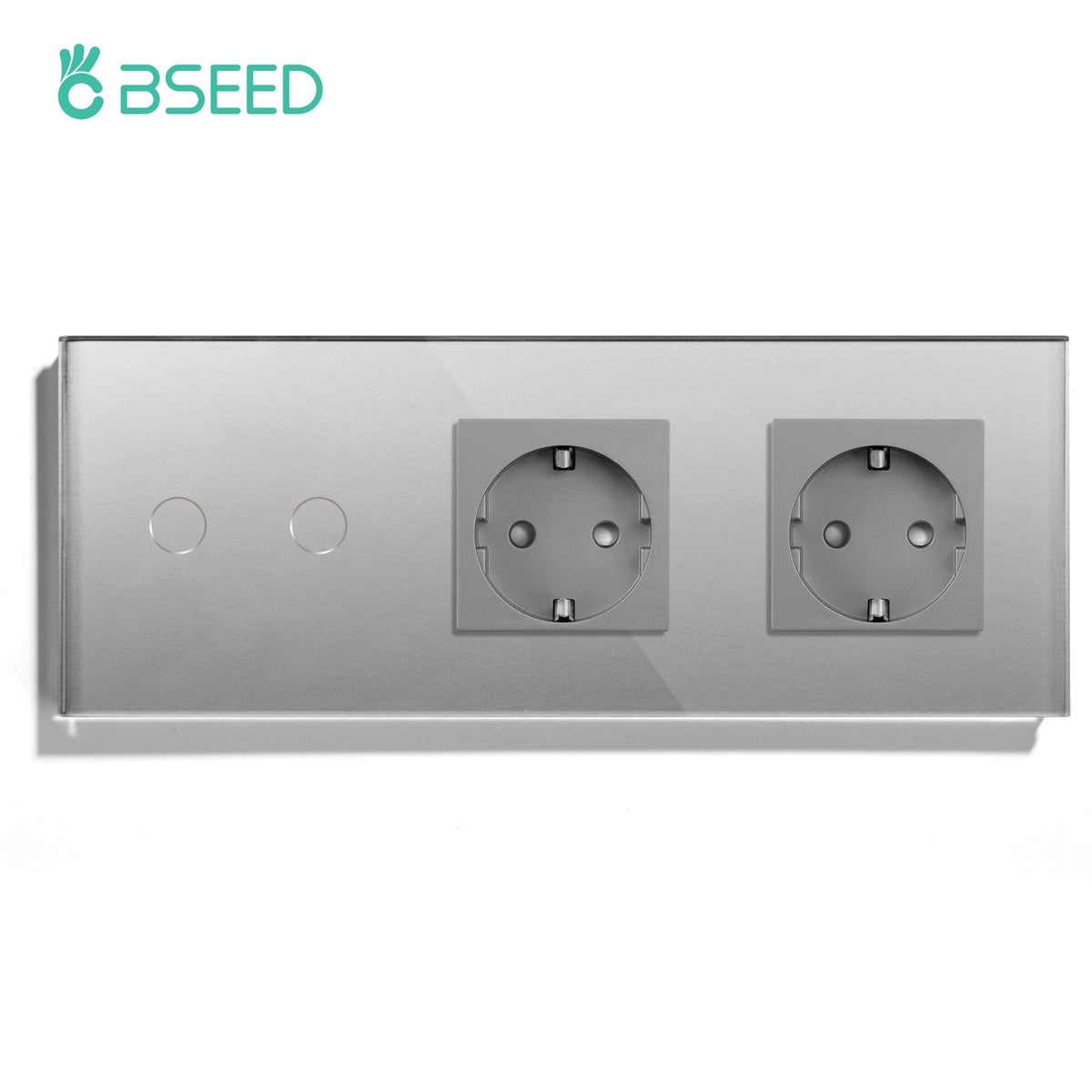
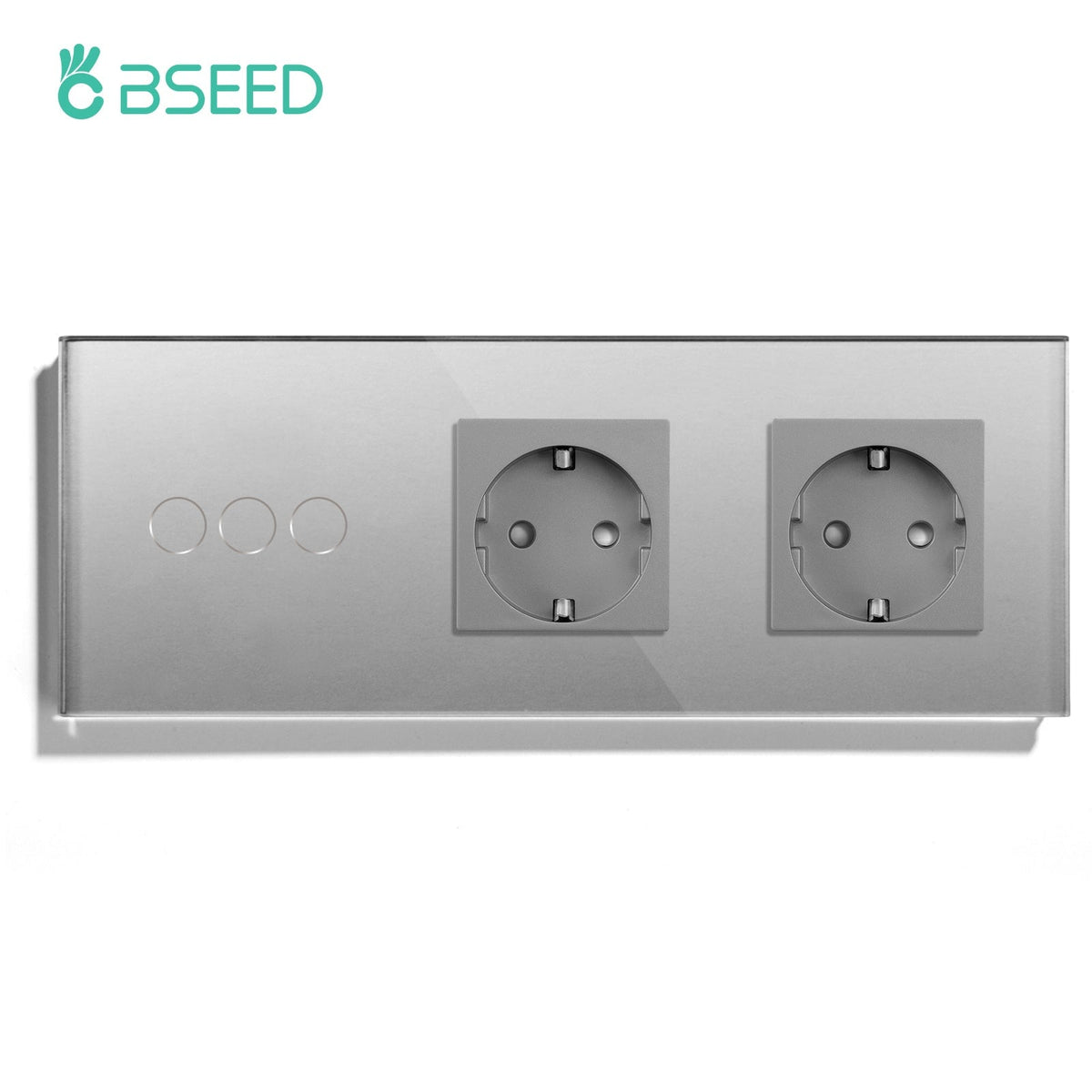
Buyers should also check whether the switch is for a European wall box, whether the panel finish matches nearby sockets, and whether a smart switch without neutral wire is needed. These are small questions, but they decide whether the product feels like a clean upgrade or a forced fit.
Installation Flow For A Simple Light Switch
1. Confirm the device model matches the circuit.
2. Isolate power according to local practice.
3. Remove the old wall plate and confirm wiring.
4. Connect the BSEED smart light switch according to the wiring diagram.
5. Mount the switch without forcing the back box.
6. Restore power and test manual wall control.
7. Pair the switch with the correct app, WiFi, Zigbee gateway, or Matter setup.
8. Rename the device in plain language.
Manual control comes before app control. If the switch does not work from the wall, do not try to fix it with the app.
Device Naming Is Not A Small Detail
Use names people can say out loud. "Kitchen ceiling light" works. "Switch 2" does not. This matters for Alexa, Google Home, and household scenes.
For homes with several BSEED smart switches, use a consistent naming style:
l Room first.
l Device type second.
l Purpose last if needed.
For example: "Bedroom main light," "Living room curtain," "Hallway night light," "Bathroom thermostat." It sounds simple because it should be.
Common Beginner Problems
Pairing failure usually comes from wrong network mode, distance from router or gateway, incorrect reset procedure, or using the wrong app path. Flickering lights usually point toward LED load or driver compatibility. A switch that does not fit the wall often means the back box was not measured.
If the home lacks neutral, a smart switch without neutral wire may be needed. Do not choose it casually. Confirm that the product version and lighting load match the installation requirement.
For dimming, test before buying multiple devices. A smart dimmer switch for LED lights needs the right lamp and driver behavior. Bad dimming gets blamed on the switch even when the real issue is the load.
Beginner-Friendly Setup Order
Start with one room. A bedroom, hallway, or living room is usually enough. Add schedules only after the switch works reliably. Add voice control after device names are clean. Add scenes last.
This order avoids a common beginner trap: creating five automations before the first switch has been used normally for a week.
After the first week, adjust the boring details. Maybe the hallway schedule is ten minutes too early. Maybe the living room name does not work well with Alexa. Maybe the family still uses the wall switch more than the app, which is completely fine. A good smart home learns from those habits.
A Simple First Room Example
In a bedroom, the first setup could be one BSEED smart light switch, one smart socket for a bedside lamp, and a basic night scene. No curtain control yet. No thermostat scene yet. Just lighting that works from the wall, the app, and voice control if the homeowner wants it.
Once that feels natural, add curtain control, dimming, or a Matter smart switch in another room. Beginners make better decisions after living with one reliable room.
When To Call An Installer
Call a qualified installer if the wiring is unclear, the wall has no neutral, the switch is part of multi-way control, the box is crowded, or the device controls a motor, heating system, or outdoor load.
Smart home work feels small from the front panel. Behind the wall, it can be less forgiving.
What BSEED Gives Beginners
BSEED gives beginners several paths: WiFi switches for simple upgrades, Zigbee switches for larger systems, Matter switches for platform flexibility, and matching smart sockets, thermostats, curtain controls, and glass panel switches. The best beginner setup is not the one with the most features. It is the one the family can use without thinking.
That is the real beginner standard. If someone can walk into the room, press the switch, and forget the technology exists, the installation is going in the right direction.