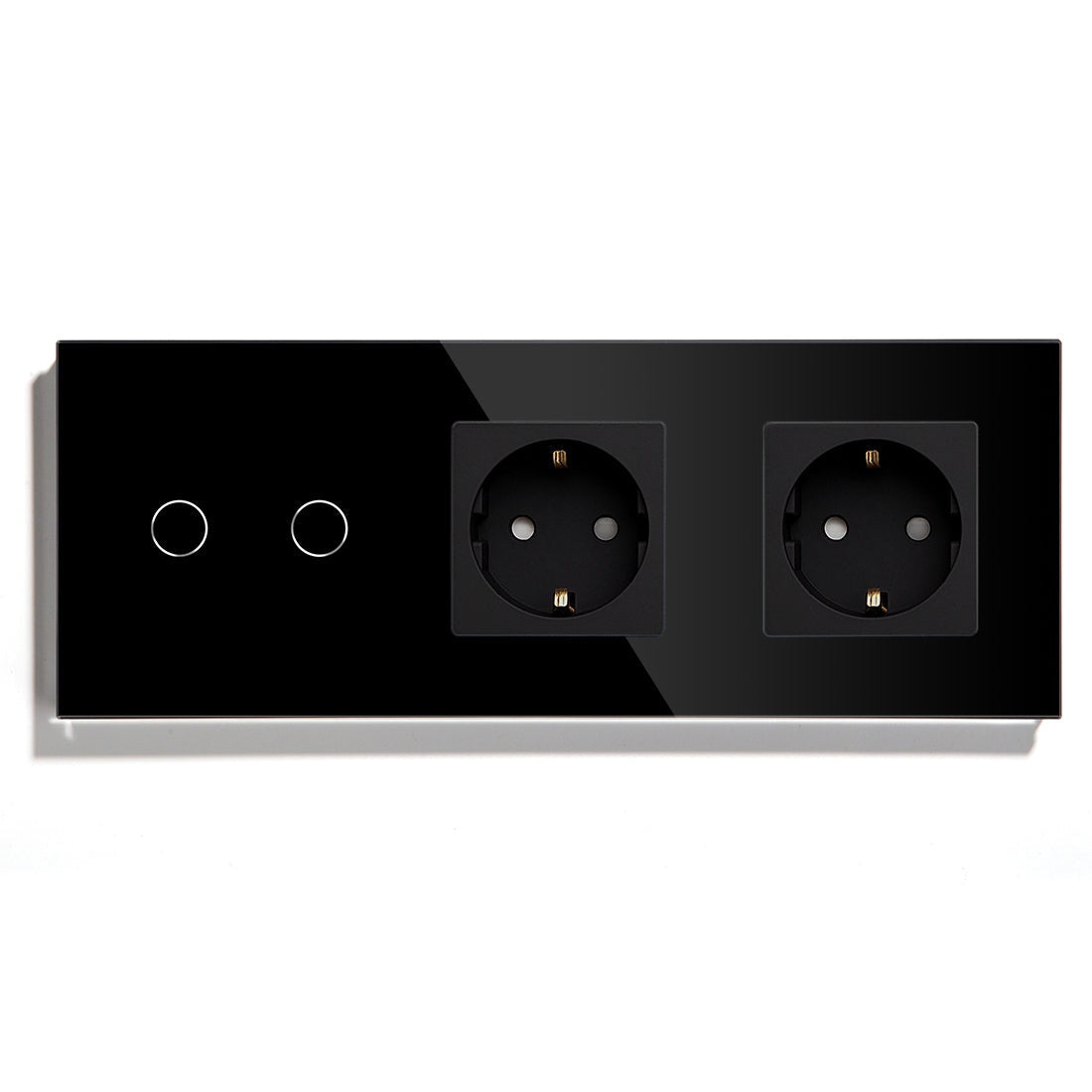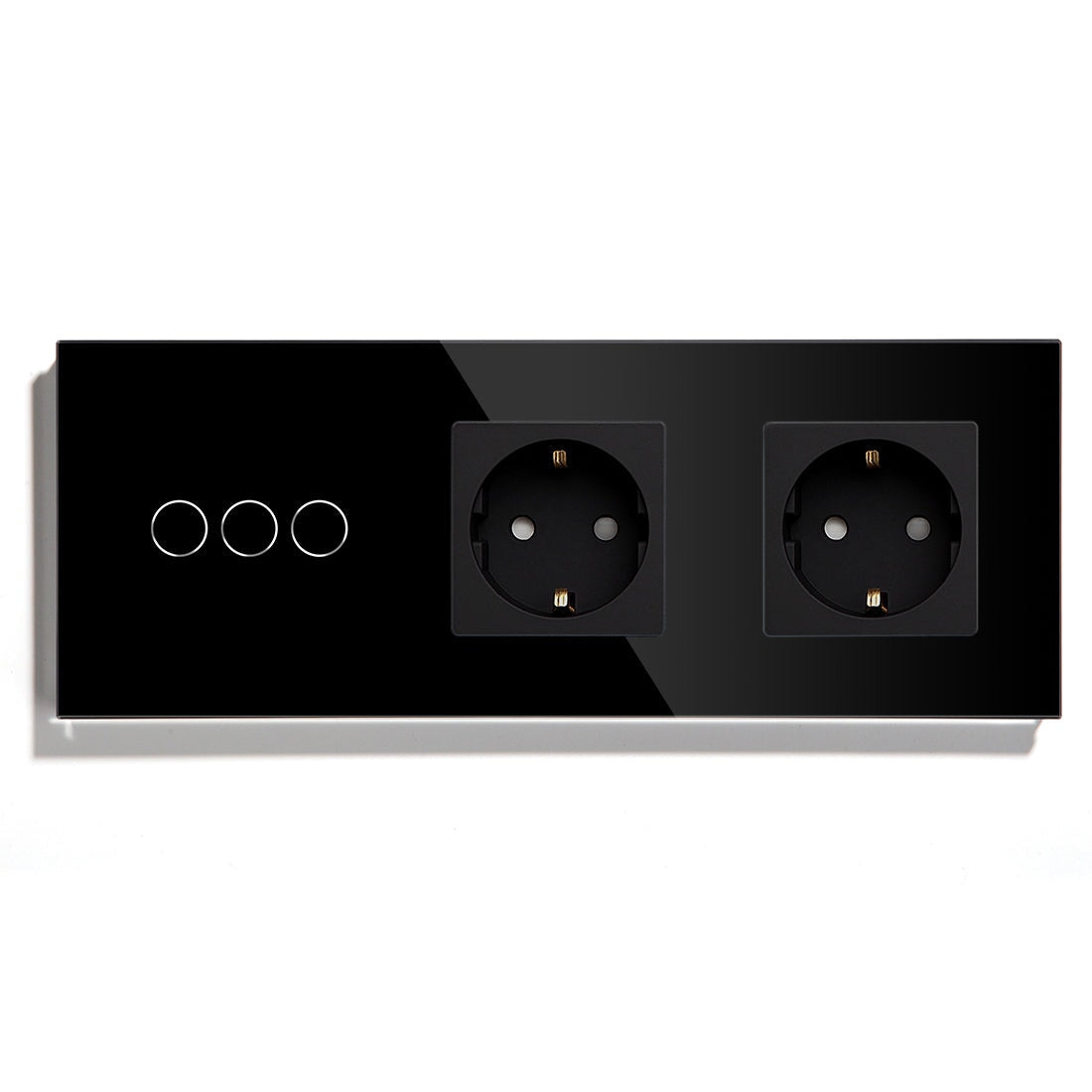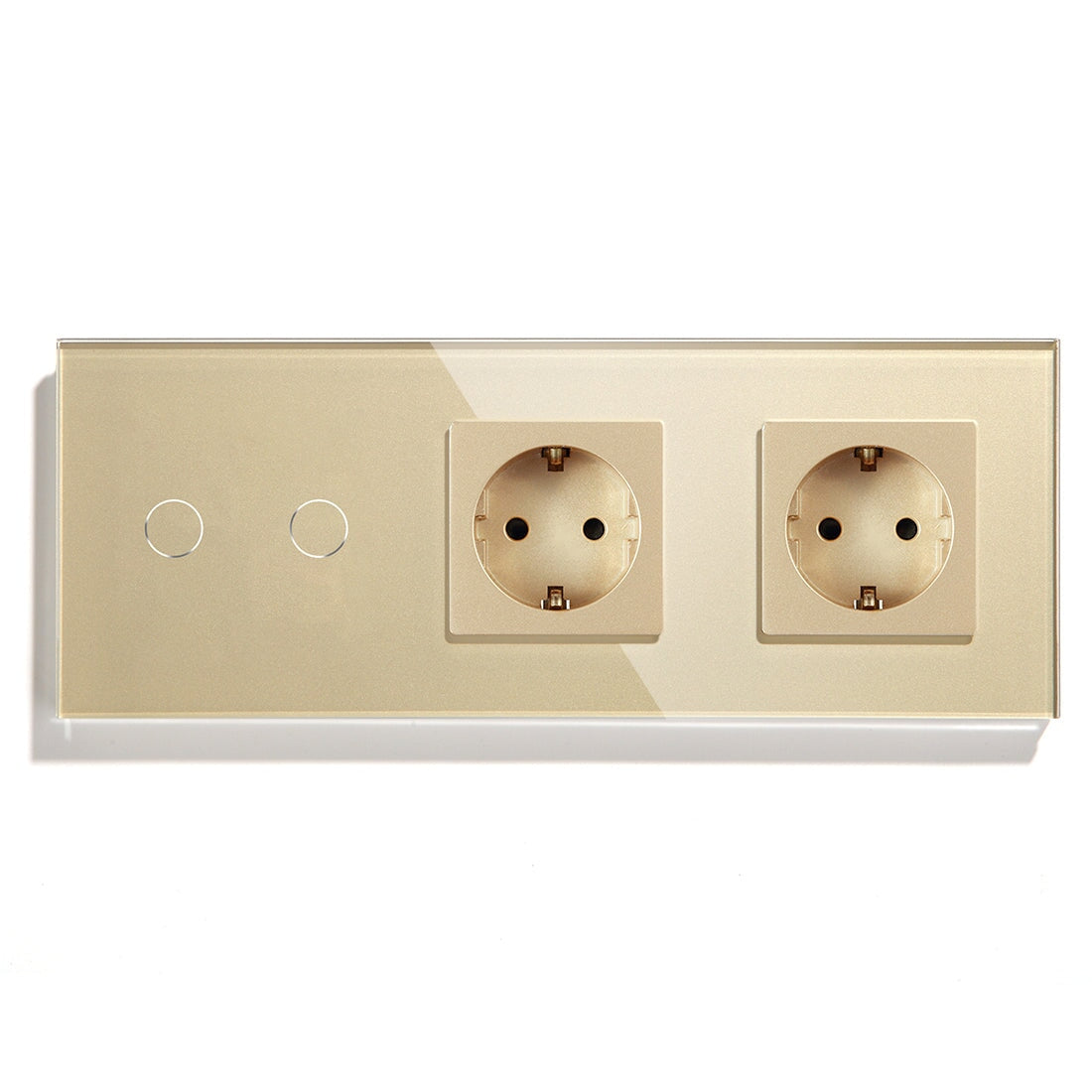
BSEED Smart Light Switch: Common Installation Mistakes to Avoid

Why Smart Light Switch Failures Changed by 2026
By 2026, most failures in smart light switches have little to do with hardware being at fault. Many unstable installations are due to mismatched electrical environment, stressed wireless network, or the wrong protocol chosen at first load-in.
This is what’s driving the European refurb wave, prioritizing BSEED smart home, BSEED Zigbee, BSEED Matter switch and BSEED WiFi switch product lines to refurbish apartments, villas, and hospitality projects. The switch is only part of the story: stability depends upon how that checkbox plays to drivers, routers, hubs, relay loads, how the automation platform handles communication with those devices, and that of years of continual use.
Mistake #1: Installing a Smart Switch without checking if I have a neutral wire
This smartphone widget obsession has, in part, birthed:
· smart switch without neutral wire
· wifi light switch without neutral wire
· zigbee light switch without neutral
because many Euro homes not built after 2015 simply contain no neutral conductor hidden away inside all those wall boxes.
Why this wouldn’t be revealed until the switch change
non-neutral smart switches leak micro-current through the lighting load to power the electronics within:
Common field issues:
· ghost glow LED when OFF
· relay clicks randomly
· instable dimming
· delayed start
· intermittent reboot
Unfairly blamed on the smart wall switch. In the real world the instabilities often find their root cause in incompatible LED drivers operating under low standby current conditions.
Experienced technicians typically verify:
· Minimum LED load: 5W+
· Driver type: Trailing-edge preferred
· Neutral availability: Confirm before adjustment and purchase
· Capacitor bypass: Required in many retrofit projects
Some of these older halogen compatible LED drivers behave more reliably with smart dimmer switch for LED lights than newer ultra-cheap decorative LED lamps.
Mistake #2: Overloading WiFi Networks with Too Many Devices
Still too many assume the WiFi smart switch is always the easiest option since no hub is needed.
This works nicely in small apartments using:
· wifi touch light switch
· smart curtain switch with wifi
· smart socket
· touch screen smart thermostat
Large deployments behave differently
In residential testing in Europe, multi-room consumer-grade home implementations have shown noticeable latency once 35–50 active WiFi devices connect through the same consumer router.
Typical indications during peak evening WiFi usage include:
· lights coming on too late
· automation timing out
· random offline devices
· voice assistants becoming slow or unresponsive
This is why experienced installers have increasingly moved core infrastructure for lighting and automation toward:
· zigbee light switch
· zigbee 3.0 smart light switch
· matter compatible smart light switch
· home assistant compatible switch
A properly deployed Zigbee mesh can still maintain stable light response across 120+ devices. Routing traffic between powered nodes distributes network load instead of relying entirely on a single wireless access point.
Mistake #3: Using Battery Sensors before Strengthening the Zigbee Mesh
By 2026 this remains one of the least understood smart home issues.
New users often purchase dozens of wireless sensors before strengthening the Zigbee routing layer.
The result usually becomes:
· weak signal coverage
· unstable automations
· delayed trigger execution
· sensor dropout
Battery sensors do not extend the Zigbee mesh. Powered devices do.
Professional installers often create the backbone first using:
· smart socket with energy monitoring
· powered zigbee switch
· zigbee roller shutter switch
· Zigbee relay modules
Only after stable mesh routing exists do they expand into motion sensors and environmental monitoring.
That sequencing detail has major impact on long-term network stability.
Mistake #4: Believing Matter Fixes Stability Problems Automatically
With the rise of the Matter standard, interoperability rules across the smart home market changed significantly.
Common categories now include:
· matter light switch
· matter smart switch for smart home
· smart home devices compatible with Matter
· smart switch compatible with Alexa
· smart switch compatible with Google Home
· smart switch compatible with Home Assistant
Matter improves ecosystem compatibility between:
· Apple Home
· Google Home
· Alexa
· Home Assistant
But many first-time buyers misunderstand what Matter actually improves.
Matter improves interoperability. It does not solve weak WiFi coverage, overloaded routers, or unstable electrical grounding.
If a Matter-over-WiFi switch operates on poor wireless infrastructure, response problems remain.
This is why many advanced installations combine:
· Matter smart switch
· Zigbee backbone mesh
· local automation server
· dedicated IoT VLAN
· smart home control panel with Zigbee
—or simply reduce dependence on cloud-based WiFi devices.
Mistake #5: Ignoring Wall Box Depth and Heat Dissipation
Modern glass panel smart switch and touch glass smart switch products contain:
· relay modules
· capacitive touch sensors
· wireless chipsets
· power regulation boards
Many older European wall boxes were never designed for this hardware density.
Shallow boxes frequently cause:
· crushed terminals
· overheating
· unstable relay behavior
· installation stress on wiring
Installers often prefer wall box depths above 50 mm for:
· dimmer switch
· smart thermostat
· roller shutter switch
· smart wall switch for European homes
This becomes increasingly important when combining multi-gang switches with USB-C charging outlets and smart socket systems with energy monitoring.
Mistake #6: Forgetting Floor Heating Compatibility
The rapid growth of smart thermostat for floor heating systems uncovered another hidden compatibility problem.
Many homeowners only verify app compatibility while ignoring electrical control logic.
Before selecting a touch screen smart thermostat, experienced installers usually verify:
· dry contact or 230V output
· NTC sensor resistance range
· boiler communication protocol
· heat pump compatibility
· valve actuator voltage
· Matter or Zigbee integration support
A thermostat may pair successfully while still controlling the heating system incorrectly.
That distinction becomes critical in hydronic floor heating projects where poor modulation logic increases long-term energy consumption.
What Experienced Installers Usually Prioritize First
Before selecting a smart home switch system, experienced integrators usually verify:
1. Neutral wire availability
2. Router quality
3. Total device quantity
4. Local automation support
5. LED driver compatibility
6. Zigbee mesh density
7. Wall box depth
8. Matter or Home Assistant integration compatibility
Smarter Homes in 2026
By 2026, the most reliable smart homes are not the most automated homes. They are the homes built around stable electrical topology, local execution capability, and properly planned communication architecture from the very beginning.