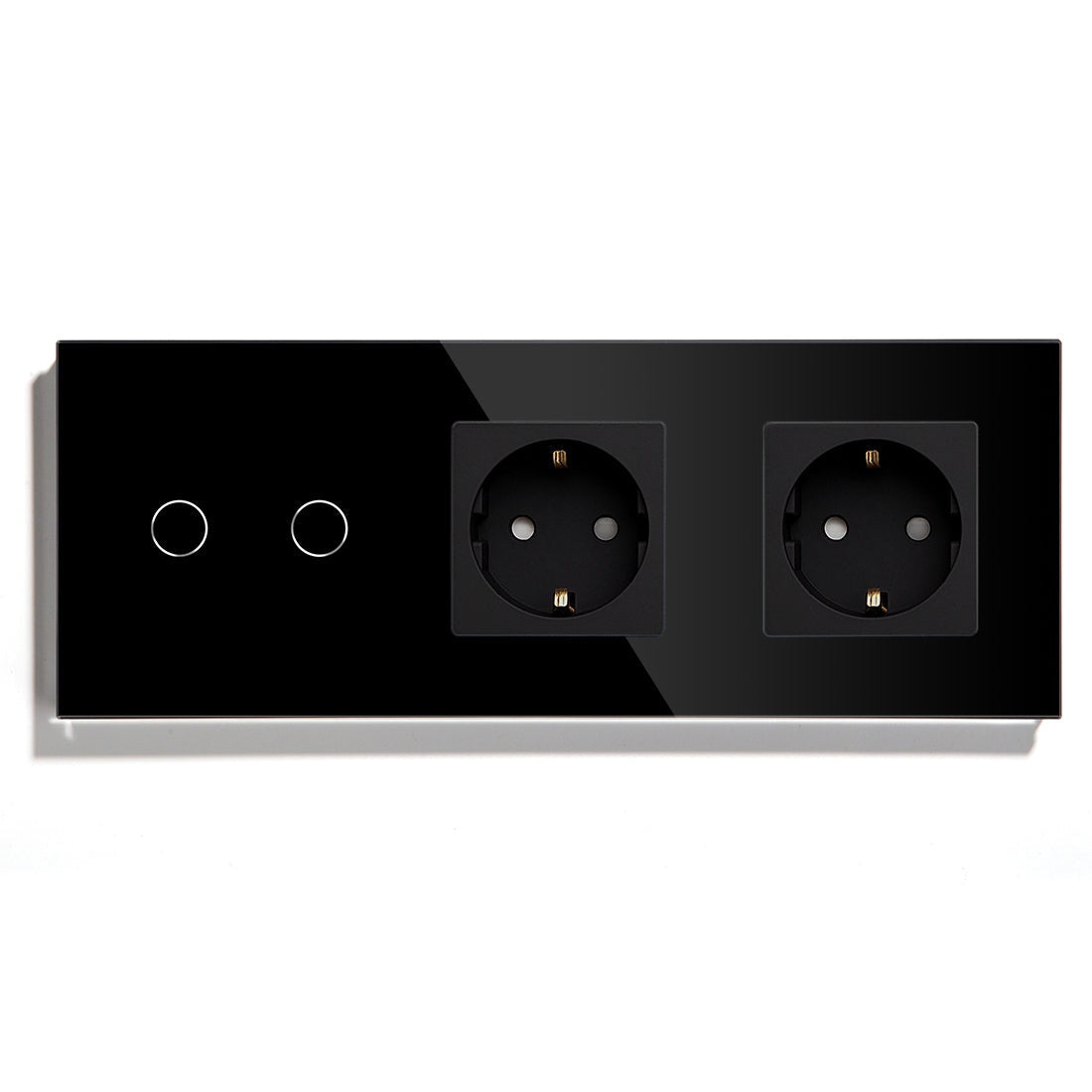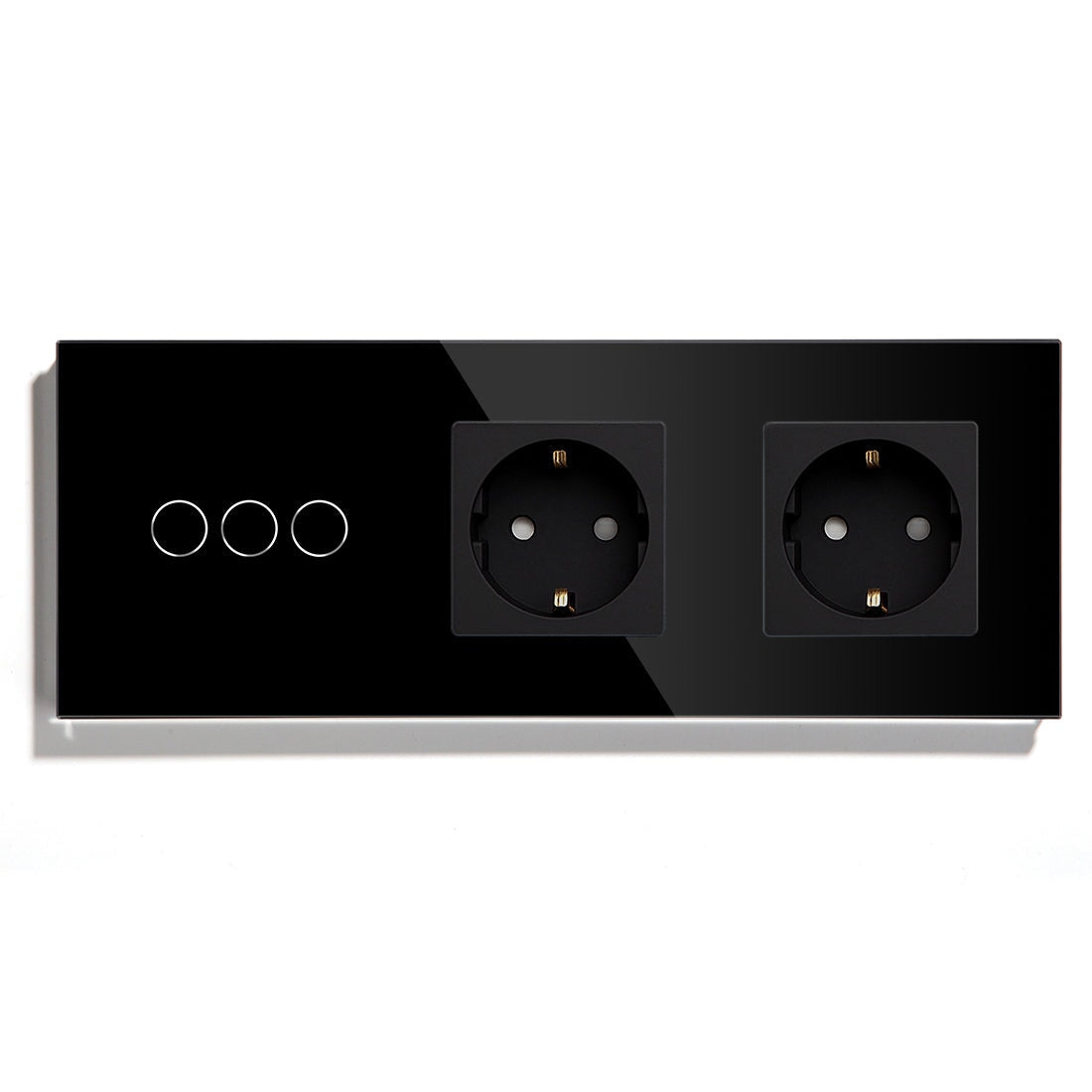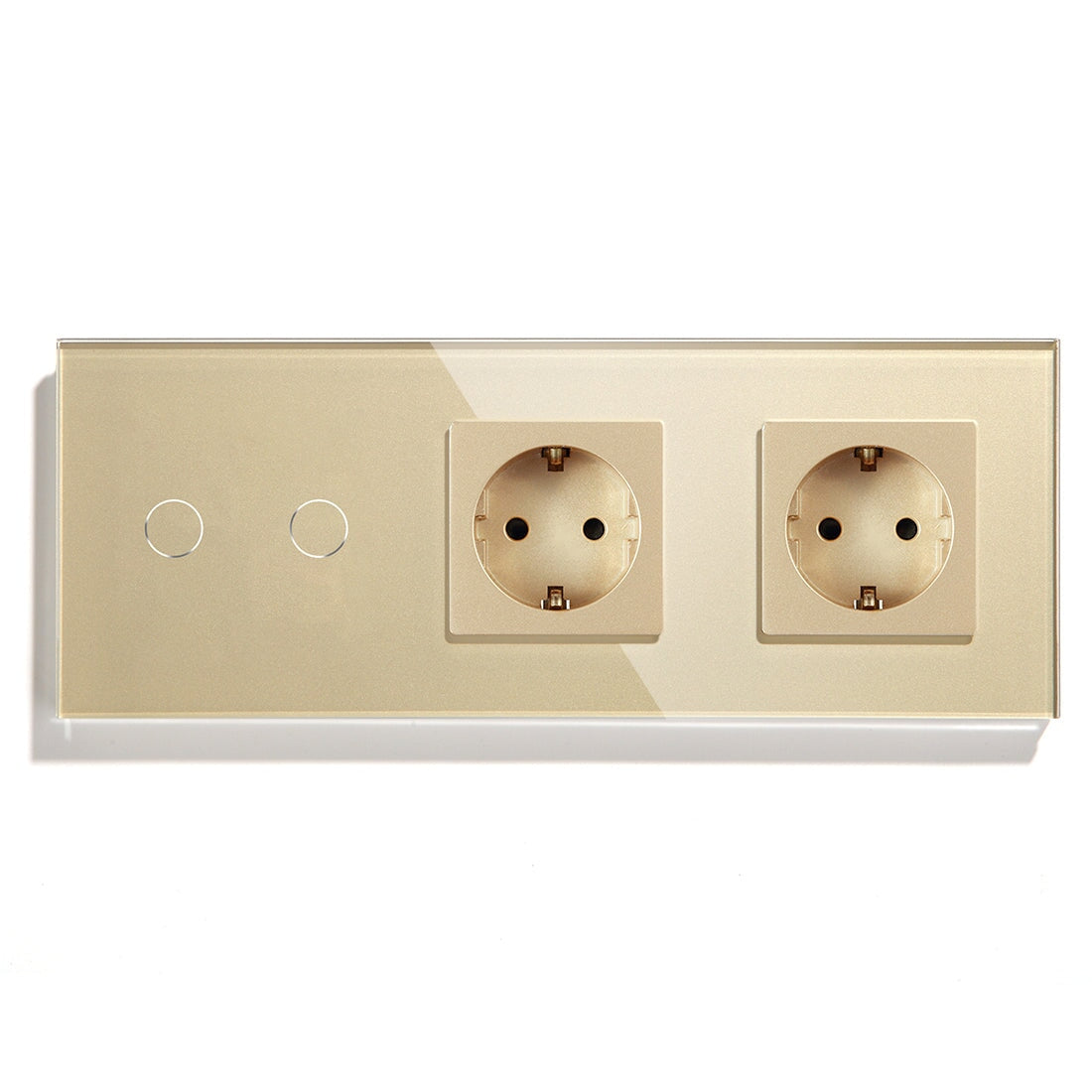
BSEED Home Assistant Compatible Switch Setup Guide

Why Home Assistant Compatible Switches Became the Go-To for Complex Smart Homes in 2026
In 2026 the most notable difference between an entry-level smart home and a properly designed smart home is not the number of devices.
It is whether the system keeps functioning when the internet goes down, or a cloud server has an outage, or the manufacturer shifts its software platform.
That reality is driving demand for:
· Home Assistant Compatible Switch
· Home Assistant Switch
· Zigbee Smart Switch for Home Assistant
· Smart Switch Compatible with Home Assistant
· Matter Smart Switch for Smart Home
· Smart Home Devices Compatible with Matter
Across Europe professional installers are increasingly recommending local-control architectures centered around Home Assistant, as these reduce reliance on external cloud services while enabling deeper automation.
Manufacturers like BSEED have extended their ecosystem to support this trend with products like:
· BSEED Smart Switch
· BSEED Zigbee
· BSEED Matter Switch
· BSEED WiFi Switch
· BSEED Smart Home Control Solutions
· Smart Thermostat
· Smart Socket
· Roller Shutter Switch
The end result is a smart home architecture rich enough to support both local automation and tomorrow’s interoperability standards like Matter.
What Most Homeowners Get Wrong About Home Assistant Switches
Homeowners tend to think the switch itself is significantly related to the reliability of a smart home, when really the communication architecture is much more important than which brand of switch it is.
The typical way a complete beginner’s looks like this:
Smart Switch → Cloud Server → Mobile App
And now power up for the usual pro install:
Smart Switch → Local Network → Home Assistant → Automation Engine
What happens to the magic when the internet goes down?
In the first deployment
· Automation stops
· Status updates from physical devices take longer than usual
· Voice assistants lag a bit responding
In such a local Home Assistant In this deployment:
· Automation stays in the zone
· All of the devices have marked up status
· The local automated dinner guests know when you want to drop the dessert tray on them.
Field deployments across Europe show Zigbee home automation systems are “typically at least 200 milliseconds faster” than the lag introduced by commands bouncing to and from the cloud to your devices.
· Unless you enjoy sitting with a stop watch over head lighting command clouds can take upwards of half a second to respond.
· For lighting control, that lag time is driving us nuts.
What Switch Protocol Should You Choose for Home Assistant?
The protocol chosen for install time on-site selection of is more critical to your advantage six months out than what switch you use.
Zigbee Switch
Most pro Home Assistant installs still select:
· Zigbee Switch
· Zigbee 3.0 Switch
· Zigbee Light Switch
· Zigbee 3.0 Smart Light Switch
· Zigbee Roller Shutter Switch
Strengths include:
· Self-healing mesh networking
· Minimal network congestion
· Excellent scalability
· With local communication
· Operation up to dozens of devices
If your home empties at any time into a desert island of scotch, Zigbee is winning now in the size of deployment.
Homes with more than 30 smart devices often are finding that Zigbee units offer a significantly better experience versus WiFi-based devices.
Matter Smart Switch
Matter Adoption is evolve throughout 2026.
Popular SKUs of Matter “smart switches” products include:
· Matter Smart Switch
· Matter Light Switch
· Matter Compatible Smart Light Switch
· Matter Smart Switch for Smart Home
With a bonus…
Makes:
· Interoperability between Home Assistant, Apple Home, Google Home, Amazon Alexa, Samsung SmartThings a breeze!
A lot of homeowners mistakenly think Matter makes your network faster!
It doesn’t matter.
Matter is supposed to provide a common, standardized communication between ecosystems, but the quality of the network you connect to depends heavily on the transport layer you’re building on.
Thread, Ethernet, WiFi, Zigbee bridges?
Some of these technologies are faster and more stable than others.
We often overlook this when picking products.
WiFi light switch
You’ll see some WiFi devices persist simply because installation is easy.
Common products in this domain include:
· WiFi light switch
· WiFi touch light switch
· Smart curtain switch with WiFi
For smaller apartments where you might only have 10-15 smart devices, WiFi does just fine, but in reality we make those numbers bigger as we put more devices in.
Pretty soon, it’s the router running out of capacity, not the hardware switch you bought that’s the bottleneck.
It’s for that reason that many large installs eventually find themselves migrating to a Zigbee-based architecture.
Step-by-step guide to setting up your switch that works with Home Assistant
Step One: How much automation do you want in your home?
Before you even think of shopping for hardware, take a moment to think how many devices you’d realistically expect to have in three years’ time.
Homeowners often start with:
· Six smart switches
· Two smart sockets
· One thermostat
and reckon they’re done with their project.
A year later, it’s:
· Motion sensors
· Door sensors
· Smart curtains
· Energy monitor
· Control for the floorhocking heating
In terms of picking a protocol you want to use, being mindful of where this is going impacts your project from the outset.
Step Two: Neutral or None At All
With the wiring crisscrossing your home in Europe, there are a few considerations.
For instance:
· Smart switch without neutral
· Smart switch without neutral wire
· WiFi light switch without neutral wire
· Zigbee light switch without neutral?
These “no neutral” styles are often the easiest retro solution for someone to drop into their home if they want to take on the whole undertaking in one swing, although it doesn’t always work-streetcat97 streaming online?
Another downside is it only works with a specific subset of:
· Ultra low-power LED drivers
· Certain kinds of decorative filament laid into lamps
· Poor quality dimmable LEd fixtures
Smart installers ask to test the load on the switch before they put it into service instead of just citing the specs.
Step 3: Connect Devices to Home Assistant
Zigbee devices:
1. Install a Zigbee coordinator.
2. Pair the Zigbee switch.
3. Assign names to the devices.
4. Configure rooms and areas.
5. Build out the automation rules.
Matter devices:
1. Enable Matter Integration on Home Assistant.
2. Add the Matter controller.
3. Pair the Matter switch.
4. Synchronize properties of the device's entities to allow usage.
5. Enable automations.
Wi-Fi devices:
1. Connect the devices to the home’s local network.
2. Configure the manufacturer’s integration with Home Assistant.
3. Check that the devices support local control.
4. Disable cloud dependencies if not needed.
Step 4: Creating Functional Automations
The biggest appeal of Home Assistant is when everything works now and especially when it learns how to work together.
Here is an example of a common automation scenario in European residential automation systems:
Evening Occupancy Scenario
1. Someone arrives home after sunset and enters the property.
2. A motion sensor identifies the person and signals a Smart Light Switch to turn on a ceiling light in the hall or entrance.
3. External shutters are now closed by a roller shutter switch.
4. The Smart Thermostat (or smart heating system) checks for the desired temperature and responds as needed.
5. The Smart Socket records energy usage from other devices.
From an automation standpoint, the person was involved in one event.
Home Assistant triggered multiple subsystems simultaneously without prompting from the resident.
Smart Lighting Setup Recommendations
Lighting is the single most heavily used category of devices in our smart homes.
We demand many categories of smart people.
· Smart Light Switch
· Smart Wall Switch
· Touch Glass Smart Switch
· Glass Panel Smart Switch
· Dimmer Switch
· Smart Dimmer Switch For LED Lights
When Are Dimmers Appropriate?
Dimmers work best when:
· Dimmable Led drivers are in place.
· A stable power quality is available.
· Load matching has been checked and assured.
They do NOT work best with:
· Non-dimmable Leds.
· Mixing and matching circuits with multiple lights.
· Very low wattage loads.
Most of the problems people have with dimmers is the blame can be carried to the door of poorly qualified lighting (equipment) rather than to the dimmer control itself.
Integrating Thermostats, Sockets and Rollershutters
A modern Home Assistant installation rarely stops at lighting.
Smart Thermostat Integration
Among the popular applications of combining a control system with thermostats are:
· Smart Thermostat
· Touch Screen Smart Thermostat
· Smart Thermostat for Floor Heating
Another common applicartion of floor heating systems benefit hugely from occupancy-based scheduling, since the heat mass and thermal lag allow predictive behaviour.
Smart Socket Integration
Common targets for home introduction are:
· Smart Socket
· Smart Socket with Energy Monitoring
· Wall Socket with USB C
· Waterproof Outdoor Wall Socket
More and more, the data harvesting from energy monitoring devices is being used to drive automations instead of just showing us how much have we consumed.
A couple of interesting examples would include:
· Appliance failure detection
· Standby power reduction
· Smart Load balancing
Rolle Shutter Integration
Limited funsions positively incorporate:
· Roller Shutter Switch
· Zigbee Roller Shutter Switch
· Smart Curtain Switch with WiFi
Being able to control your blinds produces a tend to be larger energy saving than lighting autonomy since it is controlling actual heating of the house.
BSEED Device Selection Framework For Home Assistant Projects
Small Apartment
Recommended
· BSEED WiFi Switch
· Smart Socket
· Touch Screen Smart Thermostat
· BSEED WiFi Switch and Smart Socket
Best For
· Less than 15 devices
· Quick installation
· Lower infastructure requirements
Medium Home
Recommended
· BSEED Zigbee Switch
· Zigbee 3.0 Smart Light Switch
· Smart Socket with Energy Monitoring
· Zigbee Roller Shutter Switch
Best For
· 15-50 devices
· Stable automation
· Lower network congestion
Large Smart Home
Recommended
· BSEED Matter Switch
· BSEED Zigbee Devices
· Smart Home Control Panel with ZigbeeHome Assistant Integration
Best For
· 50 devices
· Multi-room automation
· Long-term organised
· Multi-platform compatibility
Smart Home Architecture Trends In 2026 and Beyond
The move is away from cloud-first.
The professional installations also putting the priority on:
· Local automation processing
· Matter interoperability
· Zigbee mesh networking
· Energy-aware automation
· Device independence
· Multi-platform compatibility
Home Assistant sits at the heart of this movement, allowing the homeowner(s) to tie Matter devices, Zigbee devices, WiFi devices, thermostats, sockets, roller shutters and lighting into one localised controlled environment.
As the smart home installations get bigger and more complicated, I believe the most successful installations will not be the ones on the newest “protocol.”
Rather, the architecture that has the fewest failure points, and sufficient flexibility to allow new “protocols” to be added when they become available.